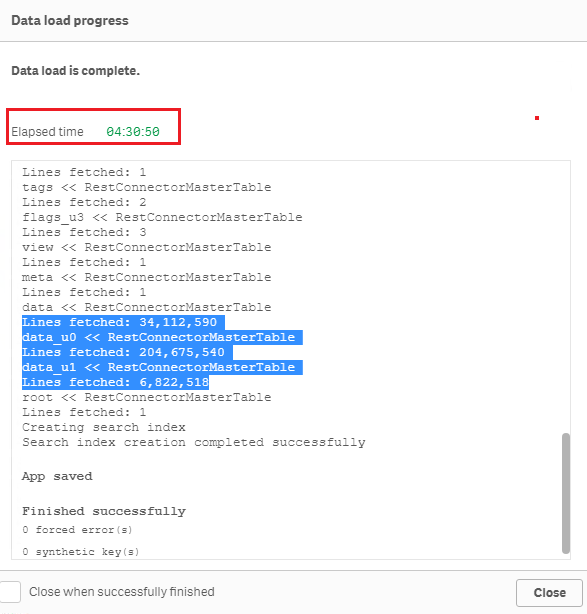
When connection establishment is done, Qlik REST connector does not have any time limit for the actual data load. For example, below is a test of loading the sample dataset "Crimes - 2001 to present" (245 million rows, ~5GB on disk) from https://catalog.data.gov/dataset?res_format=JSON. Reload finished successfully with default REST connector configuration:
Therefore, errors like QVX_UNEXPECTED_END_OF_DATA: Timeout when waiting for HTTP response from server and QVX_UNEXPECTED_END_OF_DATA: Failed to receive complete HTTP response from server are most likely triggered by the API source or an element in the network (such as proxy or firewall) rather than Qlik REST connector.
To resolve the issue, please review the API source and network connectivity to see if such timeout is in place.
I have the same problem. Timeout is set to 300 but around 30 seconds I get the timeout. If I do the same request with postman then after like 100 seconds I get an answer from the server.
As postman uses the same network, has to past the same firewall, there doesn't seem to be any restriction on server side or in the network, because in that case the request via Postman should also fail. The problem really seems to reside in Qlikview or Qlik Sense...