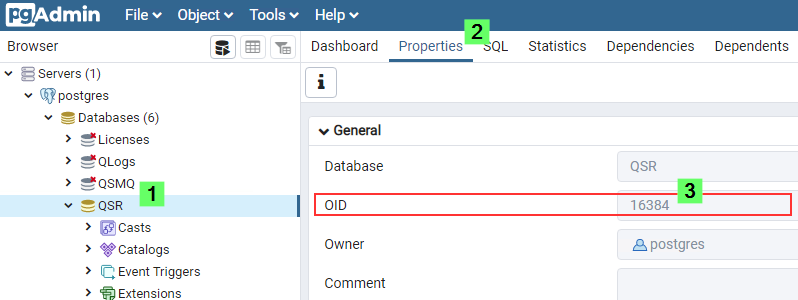
Attached is an App named PostgreSQL Monitoring.qvf. Import the App from the Qlik Sense Management Console and publish it to an available stream. View the app from the hub to display from top to bottom what database is consuming most disk space.
! This app is a tool that is not supported nor maintained by Qlik Support (it is not a deliverable product)
SELECT pg_database.datname, pg_size_pretty(pg_database_size(pg_database.datname)) AS size FROM pg_database;
The result should look like this:
datname size
postgres 7055kb
QSR 70 MB
To verify which Table is the biggest, run the below query. Change the Limit line if you want to see more than 10 tables.
SELECT
relname AS "relation",
pg_size_pretty (
pg_total_relation_size (C .oid)
) AS "total_size"
FROM
pg_class C
LEFT JOIN pg_namespace N ON (N.oid = C .relnamespace)
WHERE
nspname NOT IN (
'pg_catalog',
'information_schema'
)
AND C .relkind <> 'i'
AND nspname !~ '^pg_toast'
ORDER BY
pg_total_relation_size (C .oid) DESC
Limit 10;
The result should look like this:
relation total size
_deletedentitylog 200 MB
__MigrationHistory 100MB