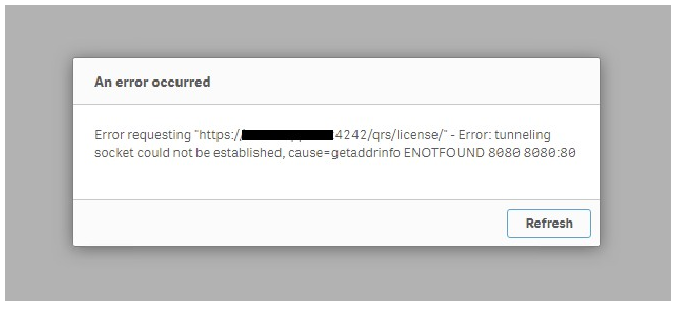
When opening the Qlik Sense hub, the following error is displayed:
Error requesting "https://_:4242/qrs/license/" - Error: tunneling socket could not be established, cause=getaddrinfo ENOTFOUND 80808080:80
However, the Qlik Sense logs are relatively clean during this time.
Only log files in C:\ProgramData\Qlik\Sense\Log\HubService shows the same message repeatedly:
6 20180409T133219.753+1000 ServerName 0.15.8 Global INFO Requesting GET https://ServerName:4242/qrs/license/, referrer /license/ 7 20180409T133222.053+1000 ServerName 0.15.8 Global ERROR [ Error requesting GET https://ServerName:4242/qrs/license/ ] - Error: tunneling socket could not be established, cause=getaddrinfo ENOTFOUND 8080 8080:80
Cause:
Proxy Service is accessing Repository Service via URL https://ServerName:4242.
This connection respects the Proxy Settings in Environment Variables. Any limitations caused by the environment proxy settings will prevent service communication.
Inspect "Environment Variable" section in the result files.
Find out whether following variables exist:
HTTPS_PROXY
HTTP_PROXY
If they do, contact Windows Administrator and remove them. Restart the server.
Important: There might be settings automatically add these variables back to the server after a restart or certain time period. Should that happen please contact Windows Administrator to resolve.
Access the System Properties in Control Panel > All Control Panel Items > System
Advanced system settings
Under “Advanced” tab > Environment Variables
Under system variables tab delete: “HTTPS Proxy” & “HTTP Proxy”





.png "Former Employee")