Attention/Important Note: Backup any files before modification. Qlik will require you to be able to reset to default settings if any issues occur, even if not directly related to the modification done.
Qliktech Support will not provide assistance with customization of the AccessPoint or questions related to CSS or HTML in general.
In case of issues with a customised AccessPoint, you will need to either:
Option 1: Approach Qlik Professional Services Qlik has Professional Services available that can help you with customizations in your environment, you can reach out to them by speaking to your Account Owner or contacting them as described in the article How and When to Contact the Consulting Team? Option 2: Reproduce the issue with a clean version of the files If you decide not to approach Professional Services, please replicate the issue in an unaltered version of Accesspoint (as installed, free of any customizations). Customizations of Accesspoint are not supported by Qlik's Product Support, so it must be shown that the issue exists in isolation from the customisations.
Resolution
Locate the folder named "Web" found in QlikView installation path (default C:\Program Files\QlikView\Web)
The potential files to customize are:
custom.css
global.css
index.htm
If required, login.htm may be customized as well
All images, such as logo etc., can be found in the subfolder images
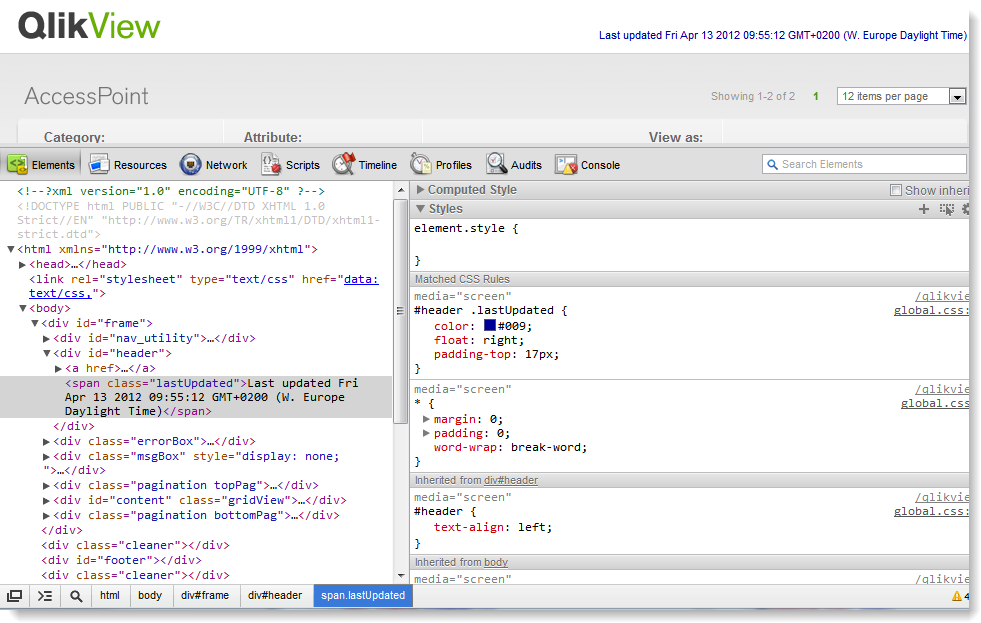
To simplify customization of the CSS files, logos etc., use a web browser and the built-in developer tools to locate the appropriate CSS classes or images. Most web browsers support altering the CSS on-the-fly, giving instant feedback on the changes:
If running Google Chrome or Microsoft Edge:
Go to Tools - Developer Tools or press CTRL+SHIFT+J
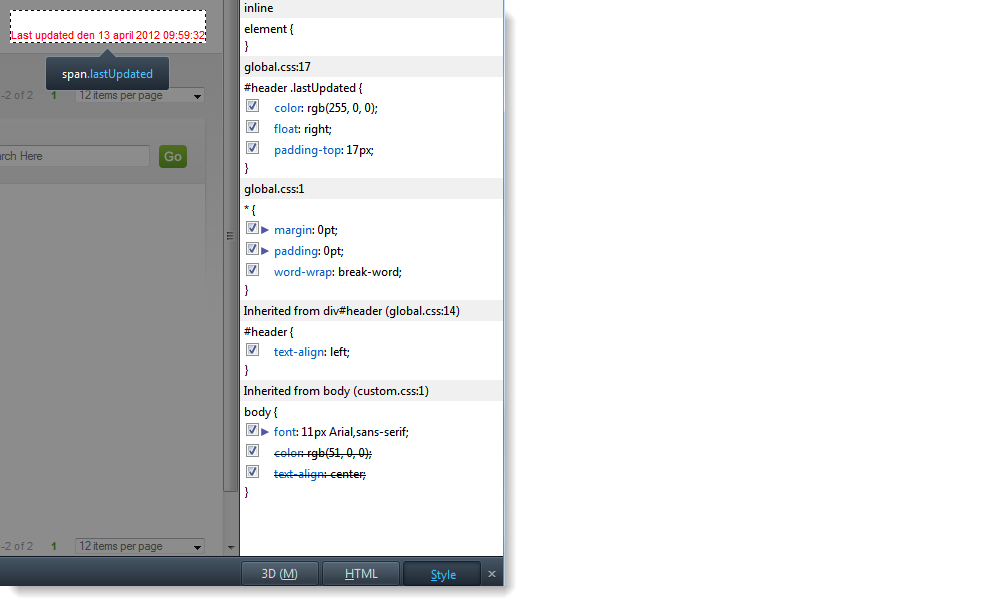
Press the magnifying icon at the bottom and click on any object on the page to locate the CSS class. Again the Last Updated text has been changed in this example
If running Mozilla Firefox
Go to Web Developer - Inspect or press CTRL+SHIFT+I
Select any object on the page to locate the CSS class
Click Style at bottom right in the browser to locate the CSS class