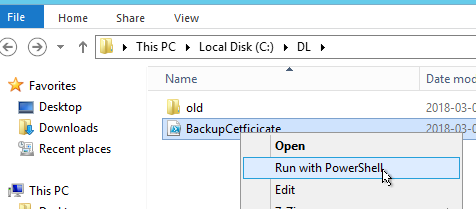
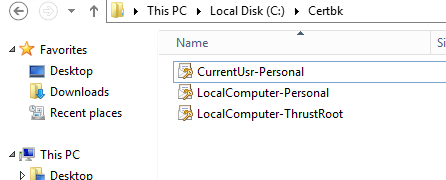
This article describes how to back up certificates on Windows machines by using Power Shell.
The article can be applied when:
You want to backup Qlik Sense certificates on Windows in case certificates corrupted
You want to back up 3rd party certificate which used for https
You are asked by Qlik Support to provide the certificate but don't know how to collect it
The script in this article backs up:
All of the exportable certificates stored under Current User Personal Certificate Store
All of the exportable certificates stored under Local Computer Personal Certificate Store
All of the exportable certificates stored under Local Computer Trusted Root Certificate Store
Note:
The script will not export non-exportable certificates(Windows Limitation)
The password of the Private key of backed-up Certificates is 'Password123!'. If you want to change the Password you can modify line 7 in BackupCertificate.ps1


.png "Former Employee")