Unlock a world of possibilities! Login now and discover the exclusive benefits awaiting you.

- Qlik Community
- :
- All Forums
- :
- QlikView App Dev
- :
- Re: sheet background
- Subscribe to RSS Feed
- Mark Topic as New
- Mark Topic as Read
- Float this Topic for Current User
- Bookmark
- Subscribe
- Mute
- Printer Friendly Page

- Mark as New
- Bookmark
- Subscribe
- Mute
- Subscribe to RSS Feed
- Permalink
- Report Inappropriate Content
sheet background
Hello everyone I use image for my sheet background, but in a buttom of the page In spite of changing a sheet color to white show the gray color, like bellow print screen:
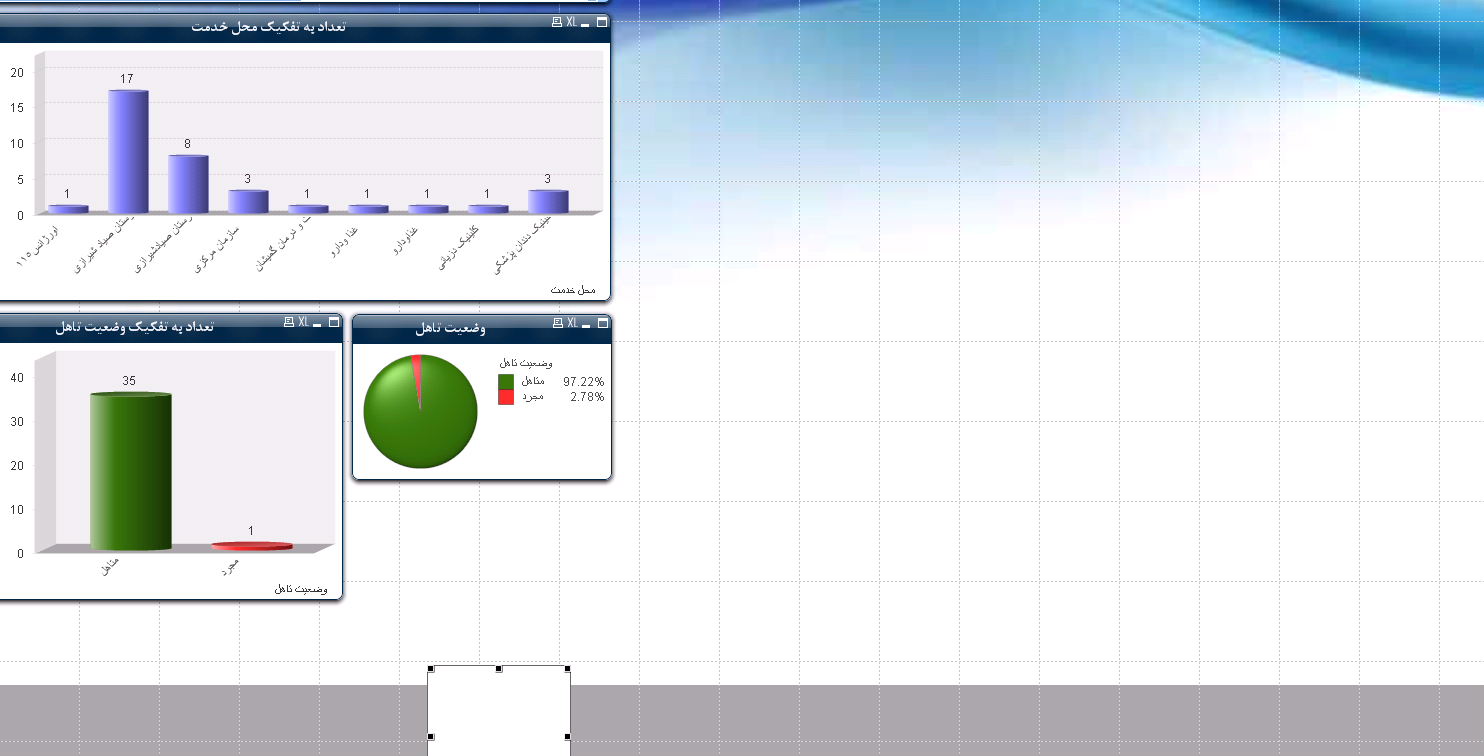
Is anybody know what I should do to show the white color
- Tags:
- new_to_qlikview
- « Previous Replies
-
- 1
- 2
- Next Replies »

 Gysbert_Wassena
- Mark as New
- Bookmark
- Subscribe
- Mute
- Subscribe to RSS Feed
- Permalink
- Report Inappropriate Content
You're using Fill with aspect. Because of that the image resizes to the visible part of the sheet. If you put another object below that so that a scroll bar appears you can use that scroll bar to make another part of the sheet visible. In this case the background image does not resize and you see a grey bar. If you resize the window so that the scroll bar is no longer necessary then the background image is resized too and the grey bar will be gone.
talk is cheap, supply exceeds demand
- Mark as New
- Bookmark
- Subscribe
- Mute
- Subscribe to RSS Feed
- Permalink
- Report Inappropriate Content
Hello Gysbert
what do you mean by re size the window? How can i do that?

 HirisH_V7
- Mark as New
- Bookmark
- Subscribe
- Mute
- Subscribe to RSS Feed
- Permalink
- Report Inappropriate Content
Hi ,
Two ways,
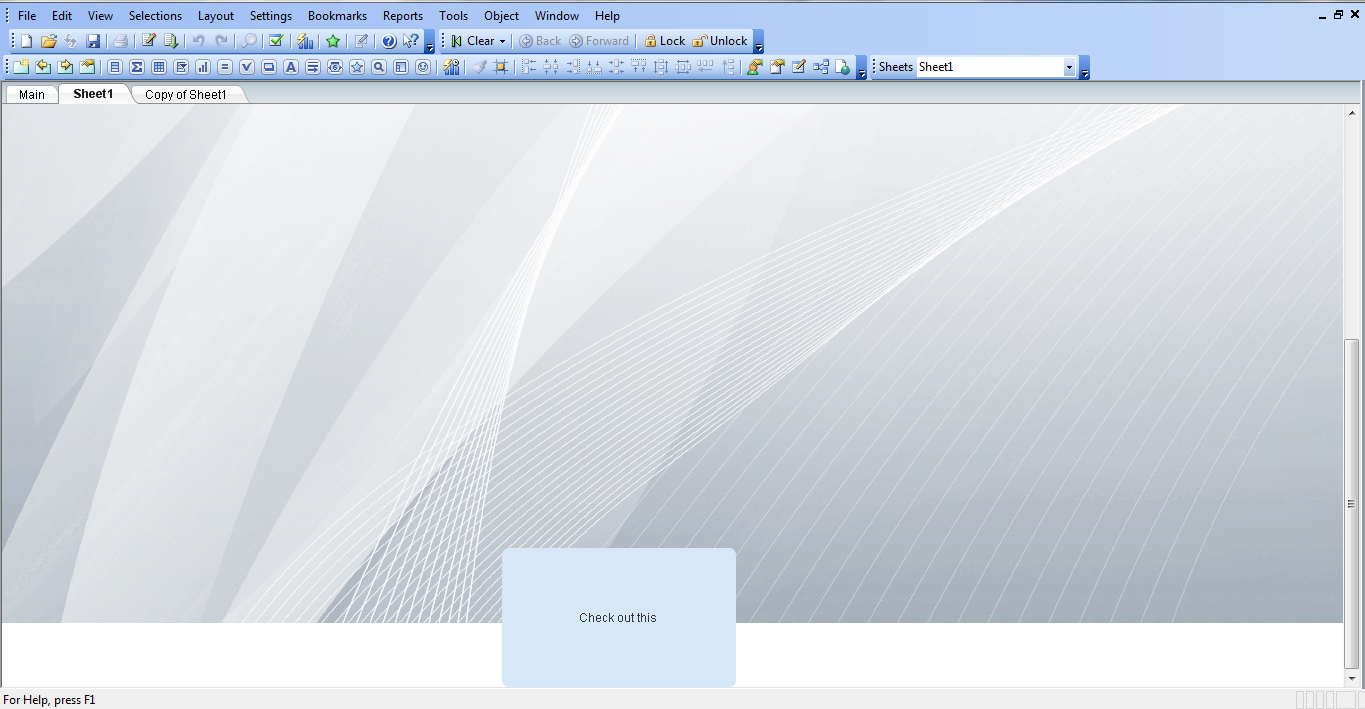
1. Settings -> Document Properties -> General -> Default Sheet Back Ground ,
Here you can change color or image .This will be default Back Ground for all new sheets generated for that particular Application.
2.Right click on the sheet->Properties -> General -> Back Ground ,
This will applied only for the Particular Sheet itself.
Check out this ,
Hope this Helps,
PFA,
Regards,
HirisH
HirisH_V7
- Mark as New
- Bookmark
- Subscribe
- Mute
- Subscribe to RSS Feed
- Permalink
- Report Inappropriate Content
Hi,
One way use high resolution image as background means you can keep image formatting as no stretch such that You can see white at background.
Hope this helps,
Hirish
Gysbert_Wassena- Mark as New
- Bookmark
- Subscribe
- Mute
- Subscribe to RSS Feed
- Permalink
- Report Inappropriate Content
Perhaps this tutorial helps: Windows 8 Tutorial Resizing a Desktop Window Microsoft Training Lesson 1.11 - YouTube
talk is cheap, supply exceeds demand
- « Previous Replies
-
- 1
- 2
- Next Replies »