Unlock a world of possibilities! Login now and discover the exclusive benefits awaiting you.

- Qlik Community
- :
- All Forums
- :
- QlikView
- :
- Add 30, 60 & 90 day date filters based on Date fei...
- Subscribe to RSS Feed
- Mark Topic as New
- Mark Topic as Read
- Float this Topic for Current User
- Bookmark
- Subscribe
- Mute
- Printer Friendly Page

 amit_saini
- Mark as New
- Bookmark
- Subscribe
- Mute
- Subscribe to RSS Feed
- Permalink
- Report Inappropriate Content
Add 30, 60 & 90 day date filters based on Date feild
Hi Folks ,
Looking for something like below, from today() date last 30 , 60 and 90 days filter in list box.
0 to 30 ->30
0 to 60->60
0 to 90 ->90
Kindly help!
Thanks,
AS
- Tags:
- new_to_qlikview
- « Previous Replies
-
- 1
- 2
- Next Replies »
amit_saini
- Mark as New
- Bookmark
- Subscribe
- Mute
- Subscribe to RSS Feed
- Permalink
- Report Inappropriate Content
Hi Ashok,
I did something like below , some cosmetic changes with 3 different list box and calling individual expressions:
30 ---=if(DaysDifference >= 0 and DaysDifference <=30, '30')
60---=if(DaysDifference >= 0 and DaysDifference <=60, '60')
90---=if( DaysDifference <=90, '90')
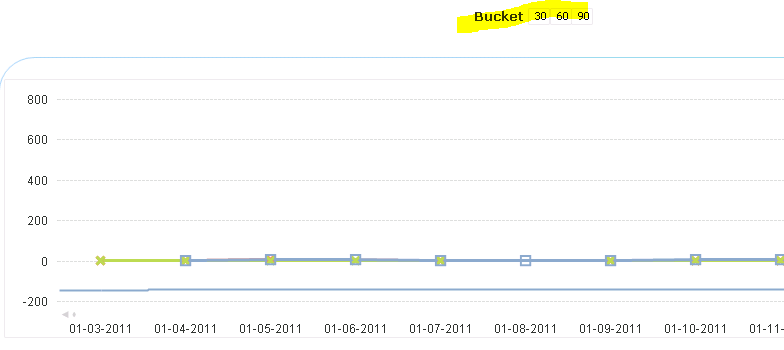
Thanks,
AS

- Mark as New
- Bookmark
- Subscribe
- Mute
- Subscribe to RSS Feed
- Permalink
- Report Inappropriate Content
Hi,
Thanks for your quick response.
But in my case i want to use as Dimension in my straight table.
like below
| Time Period | Loads | Cost |
| Last 7 days | 10 | 20 |
| Last 14 days | 20 | 40 |
| Last 30 days | 50 | 100 |
| Last 12 months | 100 | 200 |
If you any suggestions on same just let me know.
Thanks,
Ashok.
- Mark as New
- Bookmark
- Subscribe
- Mute
- Subscribe to RSS Feed
- Permalink
- Report Inappropriate Content
Hi Amit,
I got the solution for above query. please see below steps.
1.Create inline table and it's a don't have any connection with other tables(Like Data iland)
LOAD * inline [
Bucket
0-7
0-14
0-30
];
2. Then take Bucket as a dimension in chart.
3. Write the expressions like below.
=if(Bucket='0-7' , Sum({<Date={">=$(=Date(Today()-7))<=$(=Today())"}>}Load),
if(Bucket='0-14' , Sum({<Date={">=$(=Date(Today()-14))<=$(=Today())"}>}Load),
if(Bucket='0-30' , Sum({<Date={">=$(=Date(Today()-30))<=$(=Today())"}>}Load),
)))
This will work in your scenario also. For more clarification i am attaching application as well.
Thanks,
Ashok.

 rabbani_sk
- Mark as New
- Bookmark
- Subscribe
- Mute
- Subscribe to RSS Feed
- Permalink
- Report Inappropriate Content
Use the below code in the Load script,
If ( Date(Today()) - Date(Date_Field) ) <= 30, '30days',
If ( Date(Today()) - Date(Date_Field) ) <= 60, '60days',
If ( Date(Today()) - Date(Date_Field) ) <= 90, '90days' ) ) ) as Days_Filter
 HariniAnalyst
- Mark as New
- Bookmark
- Subscribe
- Mute
- Subscribe to RSS Feed
- Permalink
- Report Inappropriate Content
I didn’t receive the solution I expected. Instead of using today’s date, I used the claim submission date. Based on the user’s selection in the claim submission date filter, the buckets should display the intervals of 0-30 days and 31-60 days from the selected date.
Thanks in advance
- « Previous Replies
-
- 1
- 2
- Next Replies »