Unlock a world of possibilities! Login now and discover the exclusive benefits awaiting you.

- Qlik Community
- :
- All Forums
- :
- QlikView
- :
- Color cell background
- Subscribe to RSS Feed
- Mark Topic as New
- Mark Topic as Read
- Float this Topic for Current User
- Bookmark
- Subscribe
- Mute
- Printer Friendly Page

 domm
domm
- Mark as New
- Bookmark
- Subscribe
- Mute
- Subscribe to RSS Feed
- Permalink
- Report Inappropriate Content
Color cell background
Hi guys,
I have a straight table an I want to color the background of a column in that way

I tried to used with Visual Cues, but it's not what I want, because the result is

There is any way to do it?
Thanks 🙂
Dom

 Colin-Albert
- Mark as New
- Bookmark
- Subscribe
- Mute
- Subscribe to RSS Feed
- Permalink
- Report Inappropriate Content
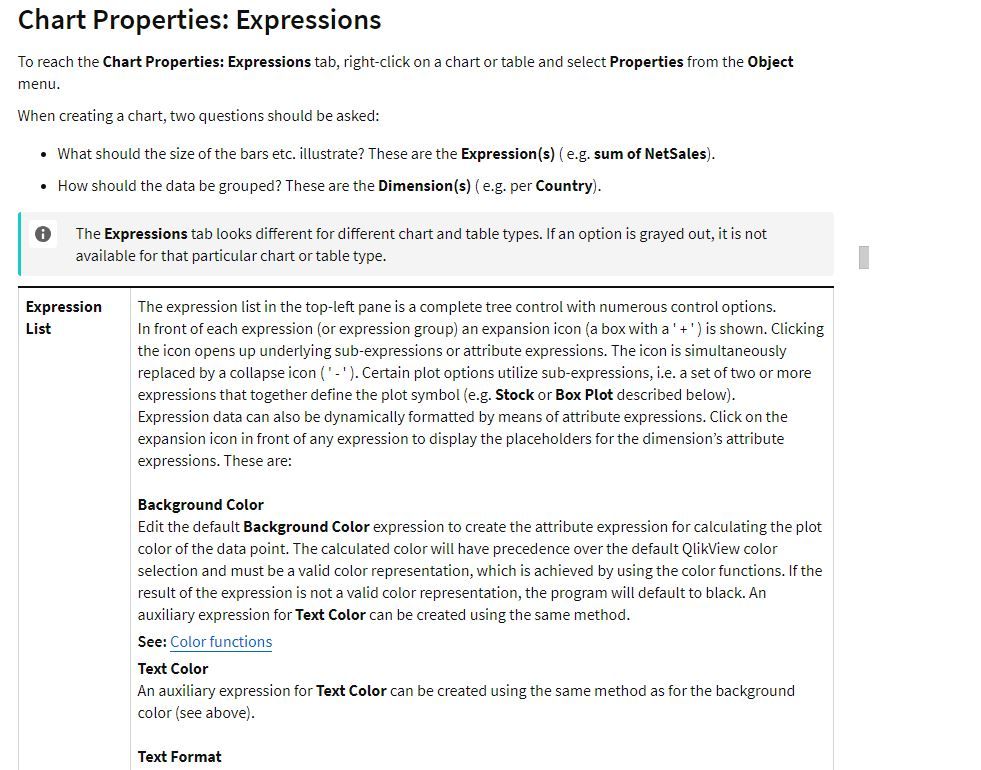
On the Chart Properties, Expressions screen, click the + next to the expression and you will see a list of further options for Background Color, Text Color, Text Format etc. You can add an expression to control each of these.

Have a look at Chart Properties - Expressions in the help file (it's a long page!)
https://help.qlik.com/en-US/qlikview/November2017/Subsystems/Client/Content/Straight_Table.htm

 Frank_Hartmann
- Mark as New
- Bookmark
- Subscribe
- Mute
- Subscribe to RSS Feed
- Permalink
- Report Inappropriate Content
under background color you can define the condition
domm
- Mark as New
- Bookmark
- Subscribe
- Mute
- Subscribe to RSS Feed
- Permalink
- Report Inappropriate Content
ColorMix2 is the function that I need.
Thanks 🙂
