Unlock a world of possibilities! Login now and discover the exclusive benefits awaiting you.

Announcements
Share your agentic AI experience, learn from others, and earn a new badge: Put Agentic AI to Work
- Qlik Community
- :
- All Forums
- :
- QlikView
- :
- Design grid
Options
- Subscribe to RSS Feed
- Mark Topic as New
- Mark Topic as Read
- Float this Topic for Current User
- Bookmark
- Subscribe
- Mute
- Printer Friendly Page
Turn on suggestions
Auto-suggest helps you quickly narrow down your search results by suggesting possible matches as you type.
Showing results for

Not applicable
2014-07-04
07:08 AM
- Mark as New
- Bookmark
- Subscribe
- Mute
- Subscribe to RSS Feed
- Permalink
- Report Inappropriate Content
Design grid
is it possible to increase the the number of lines on the design grid?
The frequency of the lines isn't enough to make this really helpful
2,321 Views
1 Solution
Accepted Solutions
Not applicable
2014-07-04
07:23 AM
Author
- Mark as New
- Bookmark
- Subscribe
- Mute
- Subscribe to RSS Feed
- Permalink
- Report Inappropriate Content
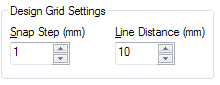
In User Preferences, tab Design you can set the distance between the gridlines.
Default is 20
2,019 Views
2 Replies

 Marcio_Campestr
Specialist
2014-07-04
07:14 AM
- Mark as New
- Bookmark
- Subscribe
- Mute
- Subscribe to RSS Feed
- Permalink
- Report Inappropriate Content
Hi Alex
You can use this image to help you.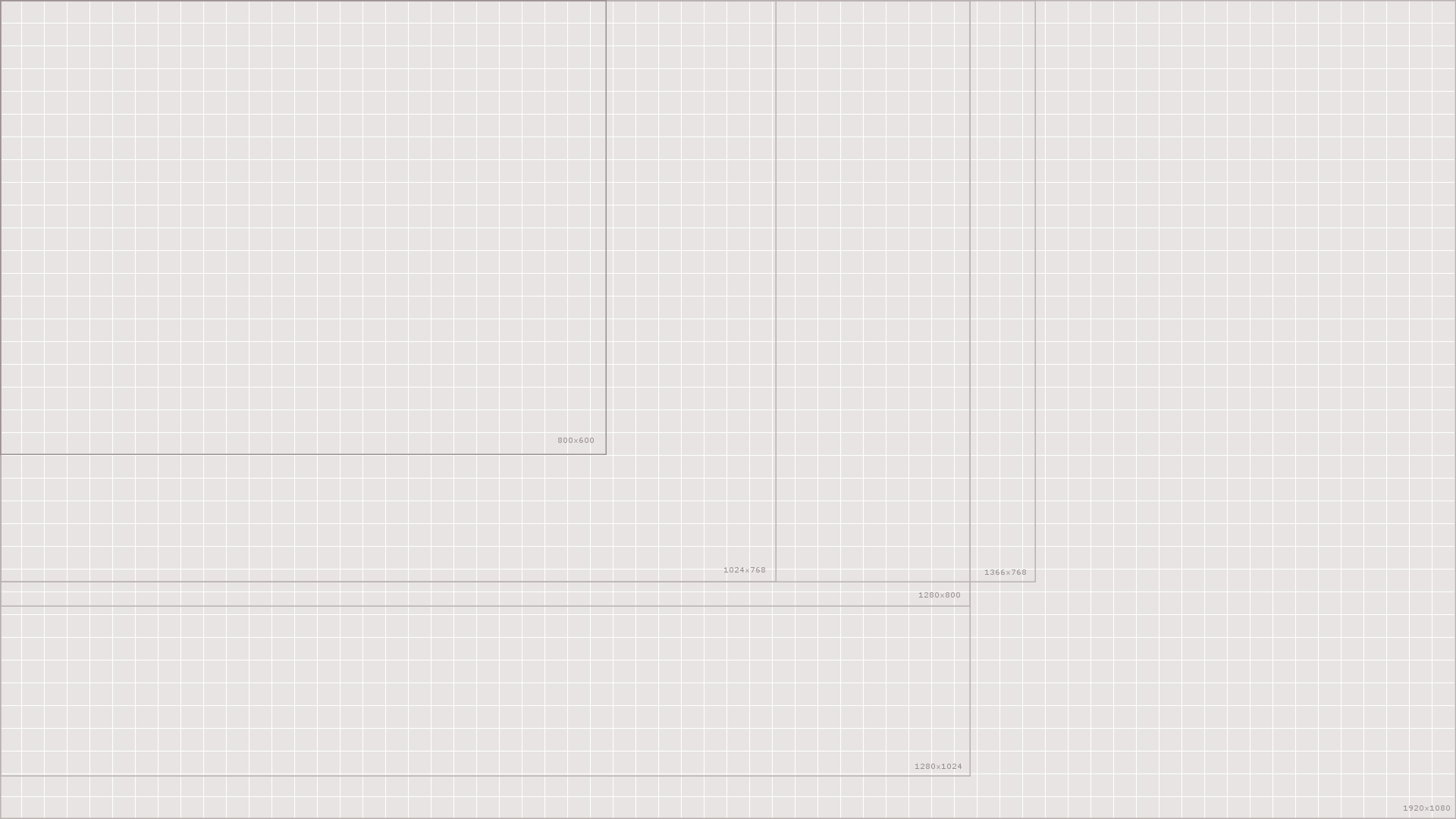
Márcio Rodrigo Campestrini
2,019 Views
Not applicable
2014-07-04
07:23 AM
Author
- Mark as New
- Bookmark
- Subscribe
- Mute
- Subscribe to RSS Feed
- Permalink
- Report Inappropriate Content
In User Preferences, tab Design you can set the distance between the gridlines.
Default is 20
2,020 Views