Unlock a world of possibilities! Login now and discover the exclusive benefits awaiting you.

- Qlik Community
- :
- All Forums
- :
- QlikView
- :
- Merge Text / Variables to a Single Row
- Subscribe to RSS Feed
- Mark Topic as New
- Mark Topic as Read
- Float this Topic for Current User
- Bookmark
- Subscribe
- Mute
- Printer Friendly Page

- Mark as New
- Bookmark
- Subscribe
- Mute
- Subscribe to RSS Feed
- Permalink
- Report Inappropriate Content
Merge Text / Variables to a Single Row
I have a unique identifier that pulls in text / variables from a number of documents. Right now, in the table I created, the text / variables that are associated with one unique identifier are appearing on multiple rows. I want the text / variable associated with a unique identifier to appear on one row. How can a merge these or keep this from happening?

 swuehl
- Mark as New
- Bookmark
- Subscribe
- Mute
- Subscribe to RSS Feed
- Permalink
- Report Inappropriate Content
Not really sure how your setting looks like, so a small sample application or some more details about your data model and your chart dimension / expressions would be helpful.
You can try using your unique identifier as dimension in a table chart and then use something like
=concat(TextField, ' ')
as expression.
- Mark as New
- Bookmark
- Subscribe
- Mute
- Subscribe to RSS Feed
- Permalink
- Report Inappropriate Content
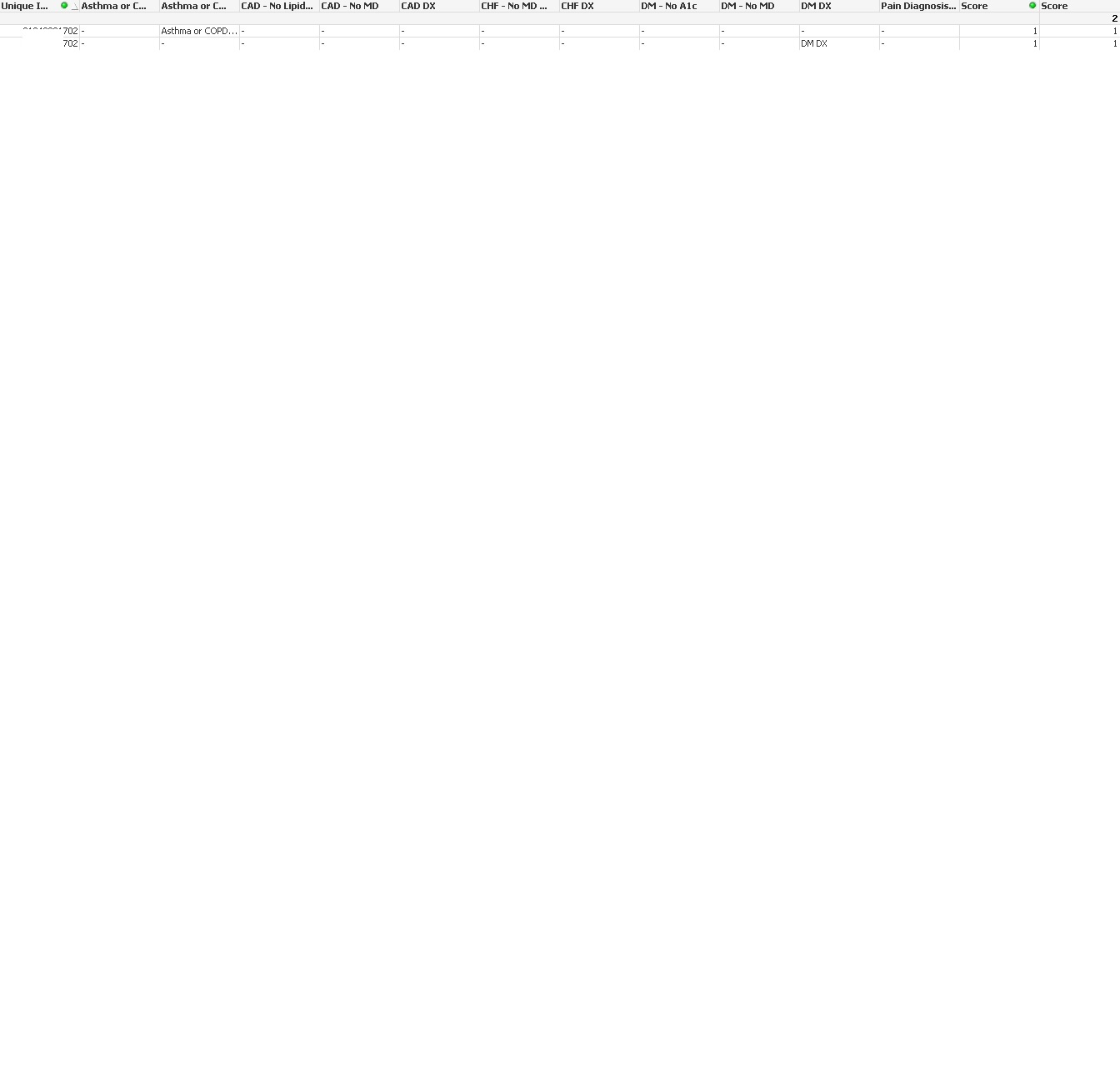
Here is a sample. As you can see the data is on two separate rows:
- Mark as New
- Bookmark
- Subscribe
- Mute
- Subscribe to RSS Feed
- Permalink
- Report Inappropriate Content
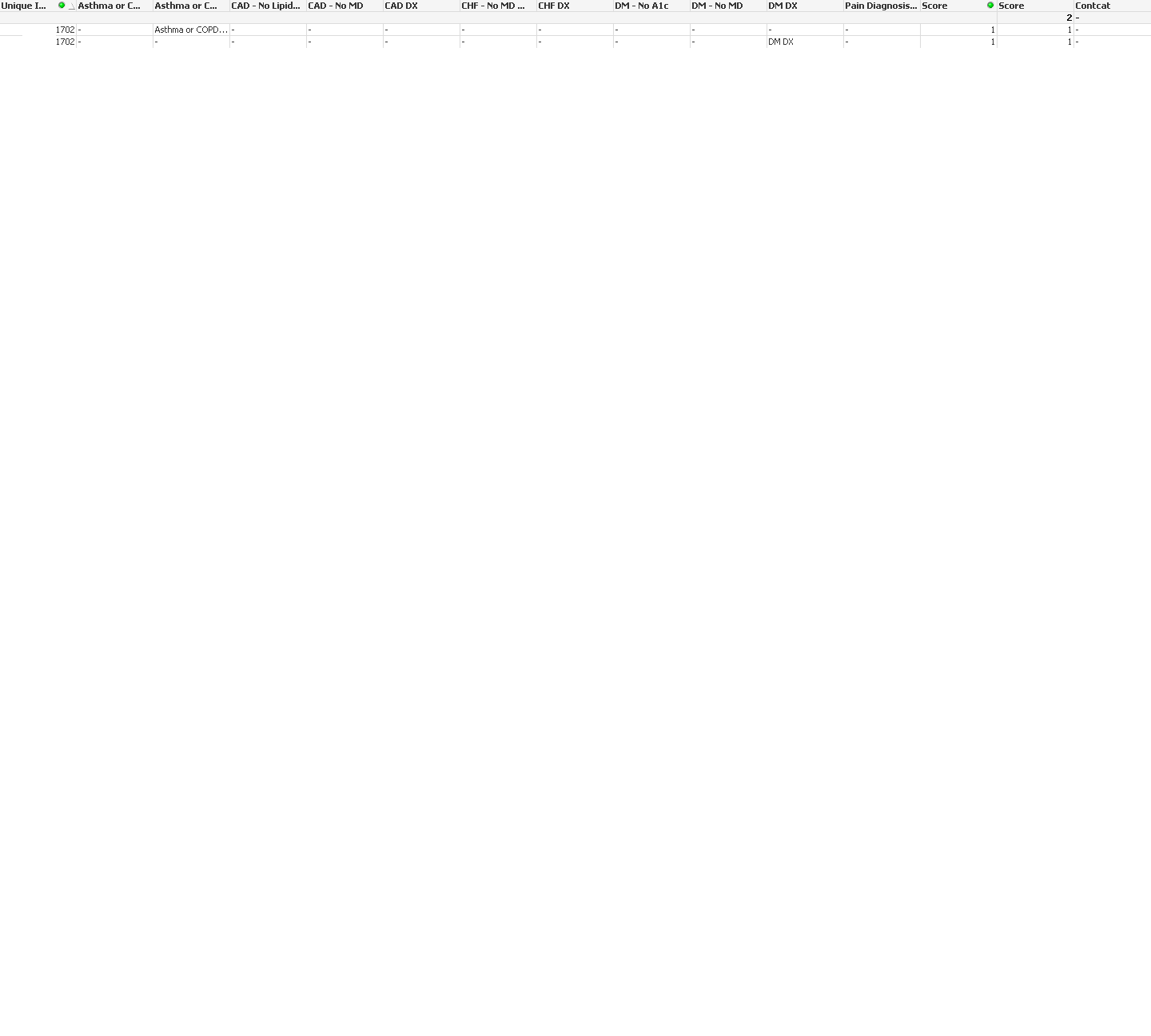
I have multiple lines. What you suggested didn't seem to do it. I do have a sum statement in the expressions. this is needed to get data into the table. Here is a picture of the table:
- Mark as New
- Bookmark
- Subscribe
- Mute
- Subscribe to RSS Feed
- Permalink
- Report Inappropriate Content
can u upload the qvw?
Suraj