Unlock a world of possibilities! Login now and discover the exclusive benefits awaiting you.

- Qlik Community
- :
- All Forums
- :
- QlikView
- :
- Yet another Google Maps question
- Subscribe to RSS Feed
- Mark Topic as New
- Mark Topic as Read
- Float this Topic for Current User
- Bookmark
- Subscribe
- Mute
- Printer Friendly Page

 danielact
- Mark as New
- Bookmark
- Subscribe
- Mute
- Subscribe to RSS Feed
- Permalink
- Report Inappropriate Content
Yet another Google Maps question
I was able to create a map using the instructions in the paper from QLikView (http://global.qlik.com/uploadedfiles/Whitepapers/whitepaper_how_qliktech_uses_qlikview_google_maps.p...)
My only issue is that not everything shows up. The map is not centered properly - part of Asia shows up on the left and part on the right. I have some data all over the world, and the stuff in Japan which won't show up - the calculated longitude for it is over 400, and the map only goes from about -80 to 320 (it's a 400x400 object). How can I adjust the map and/or the coordinates so that everything is shown?
I'm sure there's a simple answer which changes the formulas involved, but sadly, I'm not very good with that.

- Mark as New
- Bookmark
- Subscribe
- Mute
- Subscribe to RSS Feed
- Permalink
- Report Inappropriate Content
Hi Daniel,
GIS/Maps Analytics in QlikView is a very interesting topic indeed.
However, there are many technical limitations in using Google Maps (GMaps) to display QlikView KPI indicators. First of all, the drill-down, pan and selection capabilities are quite limited. Moreover, you cannot display several indicators at the same time and on the same map (background + foreground indicators), you are also limited to draw bubbles and therefore you cannot display pie/bar charts nor "real" heat maps. Finally, you cannot display QlikView KPIs on specific Sales/Business Areas with GMaps such as the Bricks in the Pharmaceutical sector (Brick = aggregation of zipcodes).
On top of that, there are also a few "commercial" aspects to be considered since many QlikView customers & channel partners use GMaps API "FREE" Key inside their QlikView server or rich client without complying with GMaps license terms...Indeed, for "professional internal use" (intranet, extranet or internet with username/password authentication to QlikView application), you must buy GMaps API "Premier" which costs about 10,000 $ USD per year or 8,500 euros per year + possible extra fees depending upon the total number of daily hits.
A few alternatives exist such as Open Street Map (totally FREE) or other WMS/TMS services. I suggest you to have a look at our new mapping extension for QlikView 11 SR1 namely "GeoQlik v11.6":
http://www.geoqlik.com/en/geoqlik-for-qlikview/geoqlik-v11.html
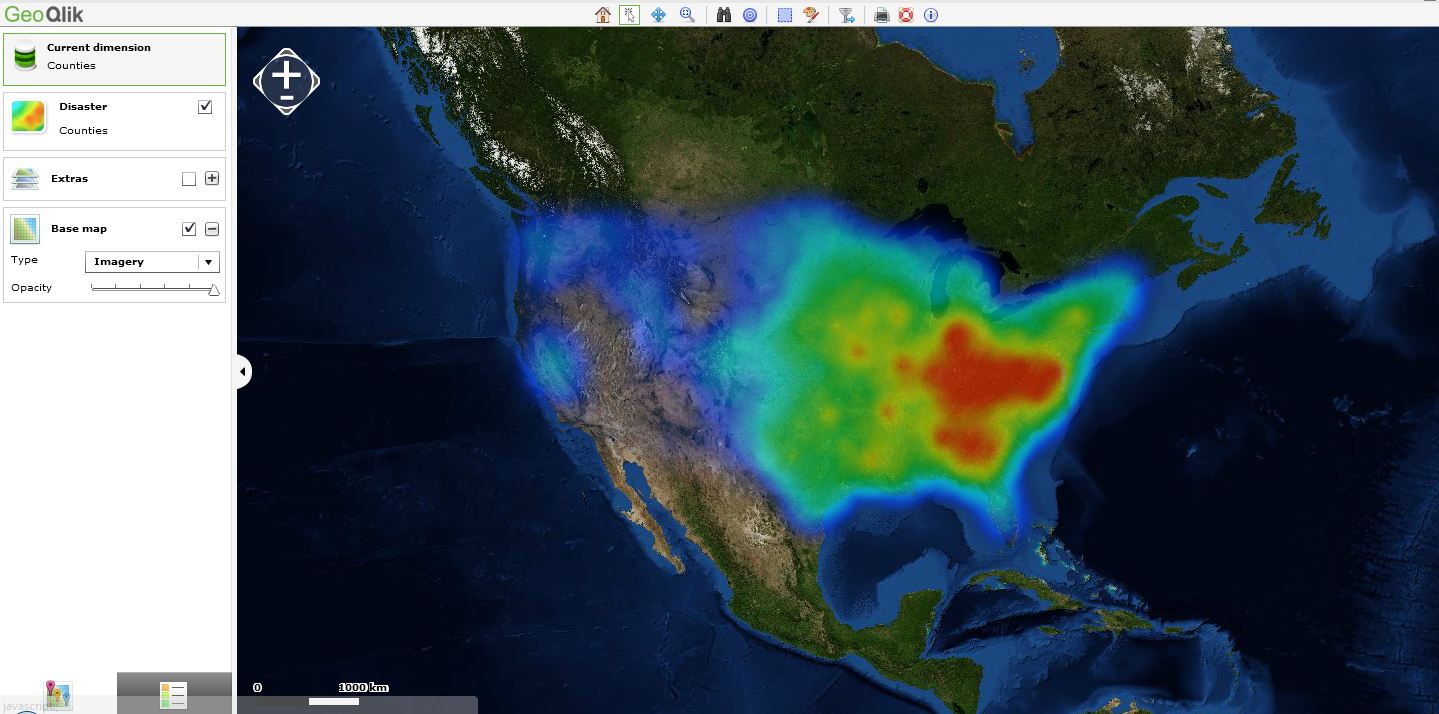
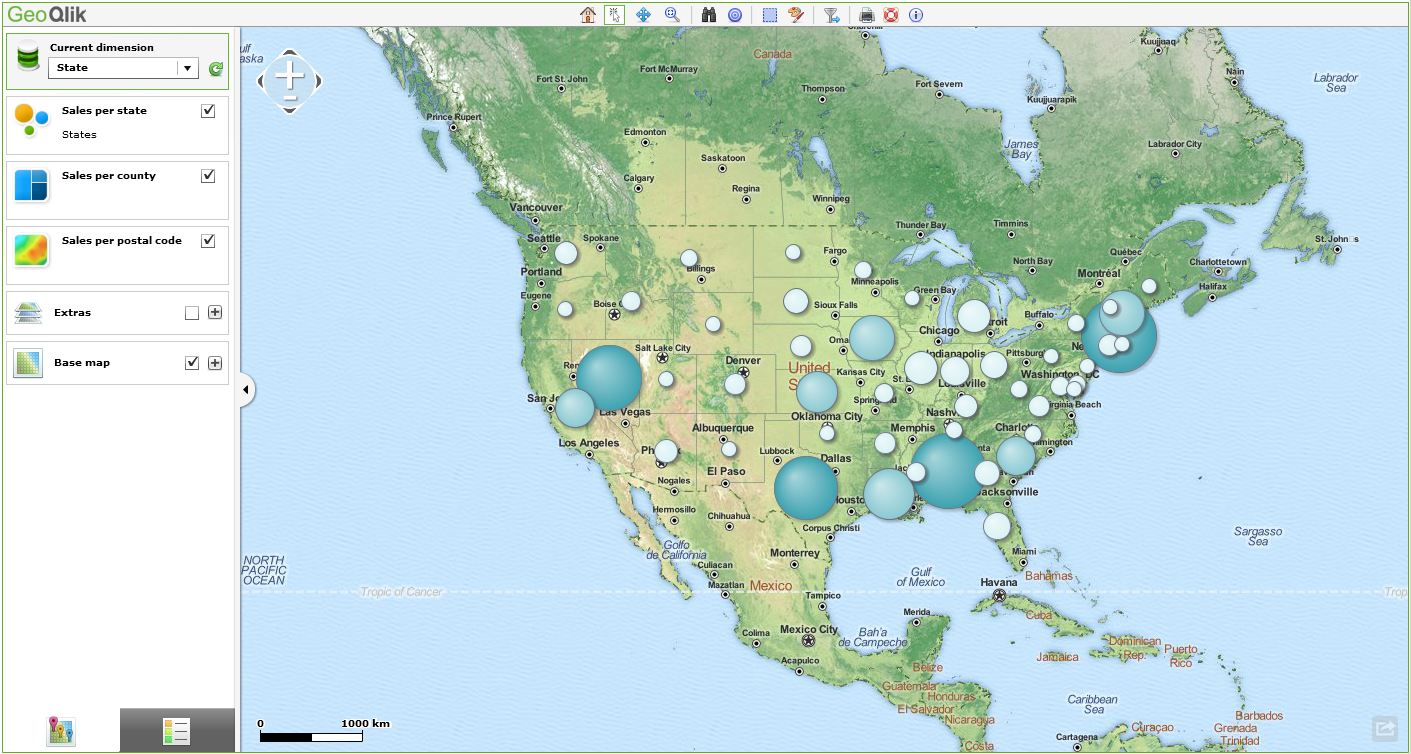
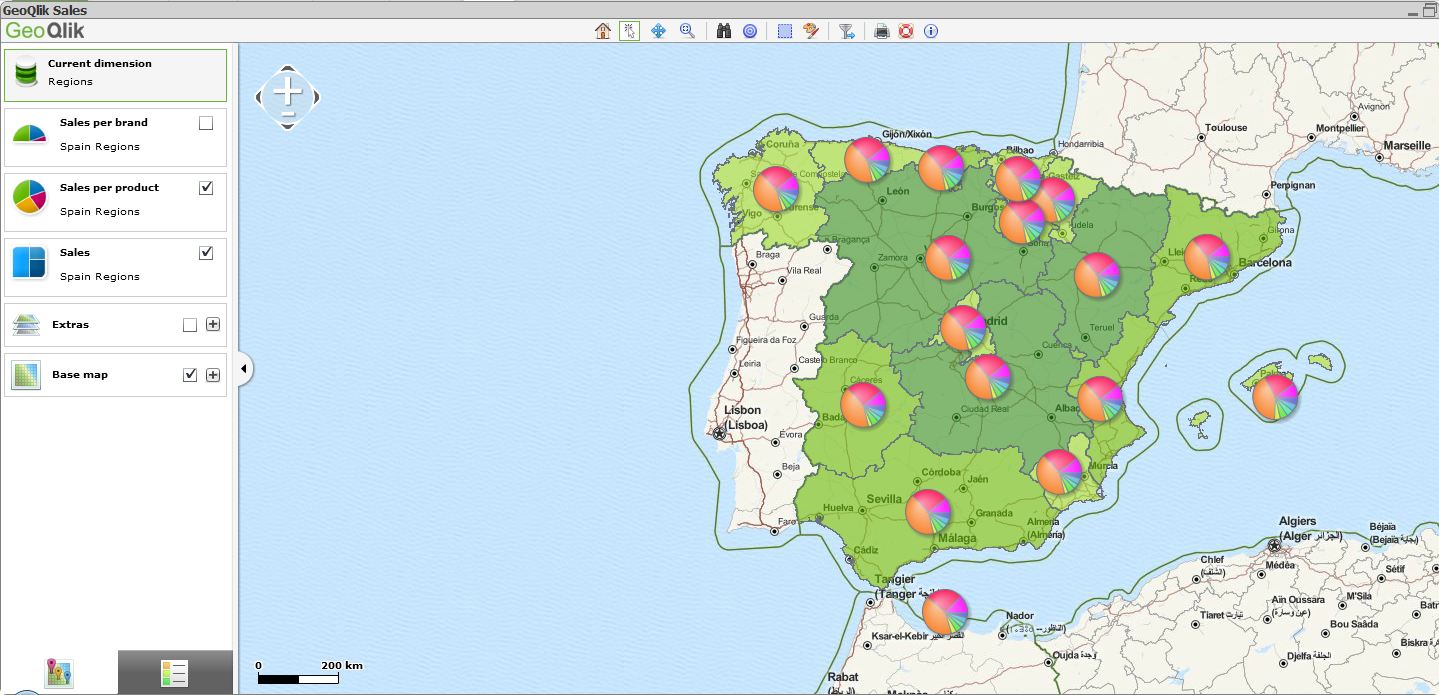
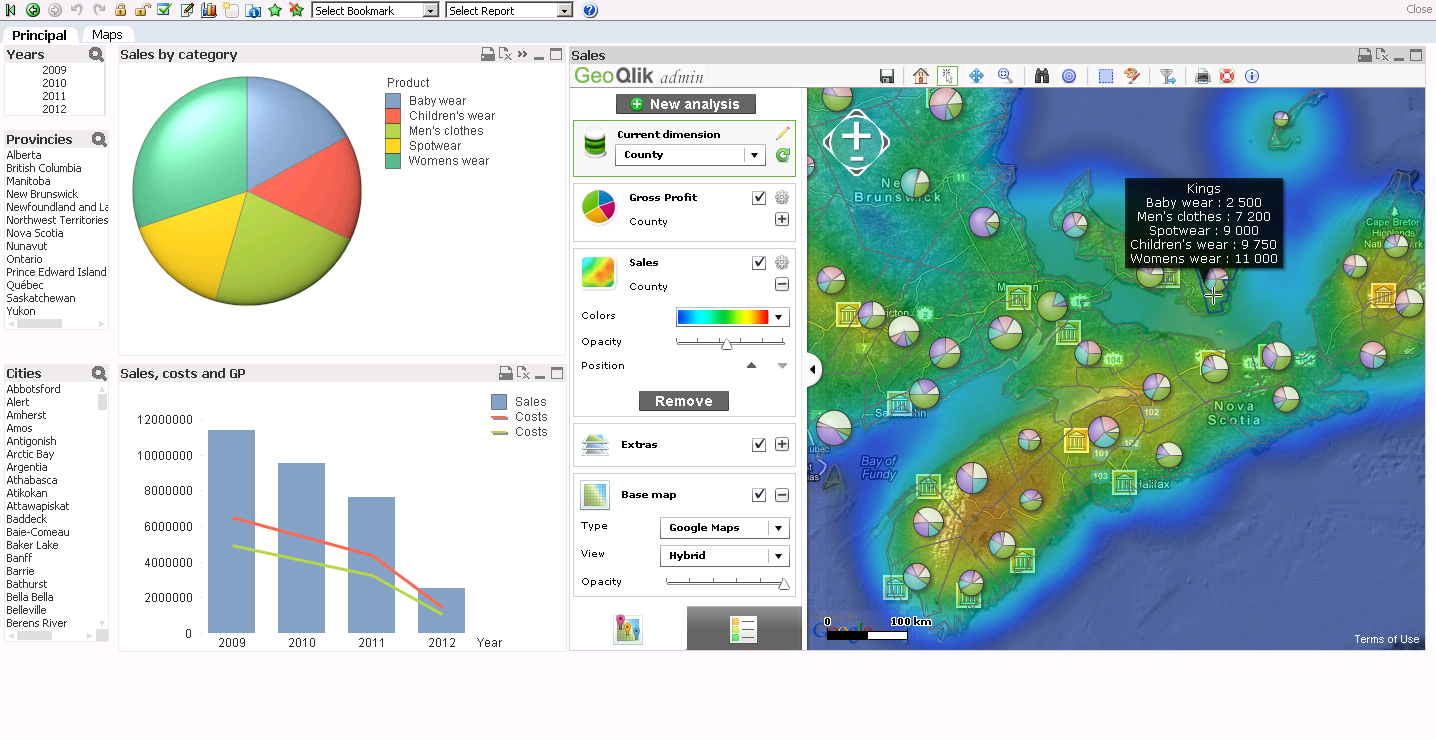
Please find hereafter a few screenshots of GeoQlik V11.6 using WMS/TMS services to display QlikView KPIs:
Thanks and best regards,
David
@ Business Geografic