Unlock a world of possibilities! Login now and discover the exclusive benefits awaiting you.

- Qlik Community
- :
- All Forums
- :
- GeoAnalytics
- :
- Unable to connect Google Maps to Qlikview
- Subscribe to RSS Feed
- Mark Topic as New
- Mark Topic as Read
- Float this Topic for Current User
- Bookmark
- Subscribe
- Mute
- Printer Friendly Page

 Bert-Rand
- Mark as New
- Bookmark
- Subscribe
- Mute
- Subscribe to RSS Feed
- Permalink
- Report Inappropriate Content
Unable to connect Google Maps to Qlikview
Hi,
I want to visualize (for free) my set of datas (having Latitude and Longitude) on a map integrating street view. I noticed many post on this topic, but they are mostly dated 10 years ago and Google has changed many time policy meanwhile, so I tried to find recent activities and I found 2 options.
I tried without success these 2 options:
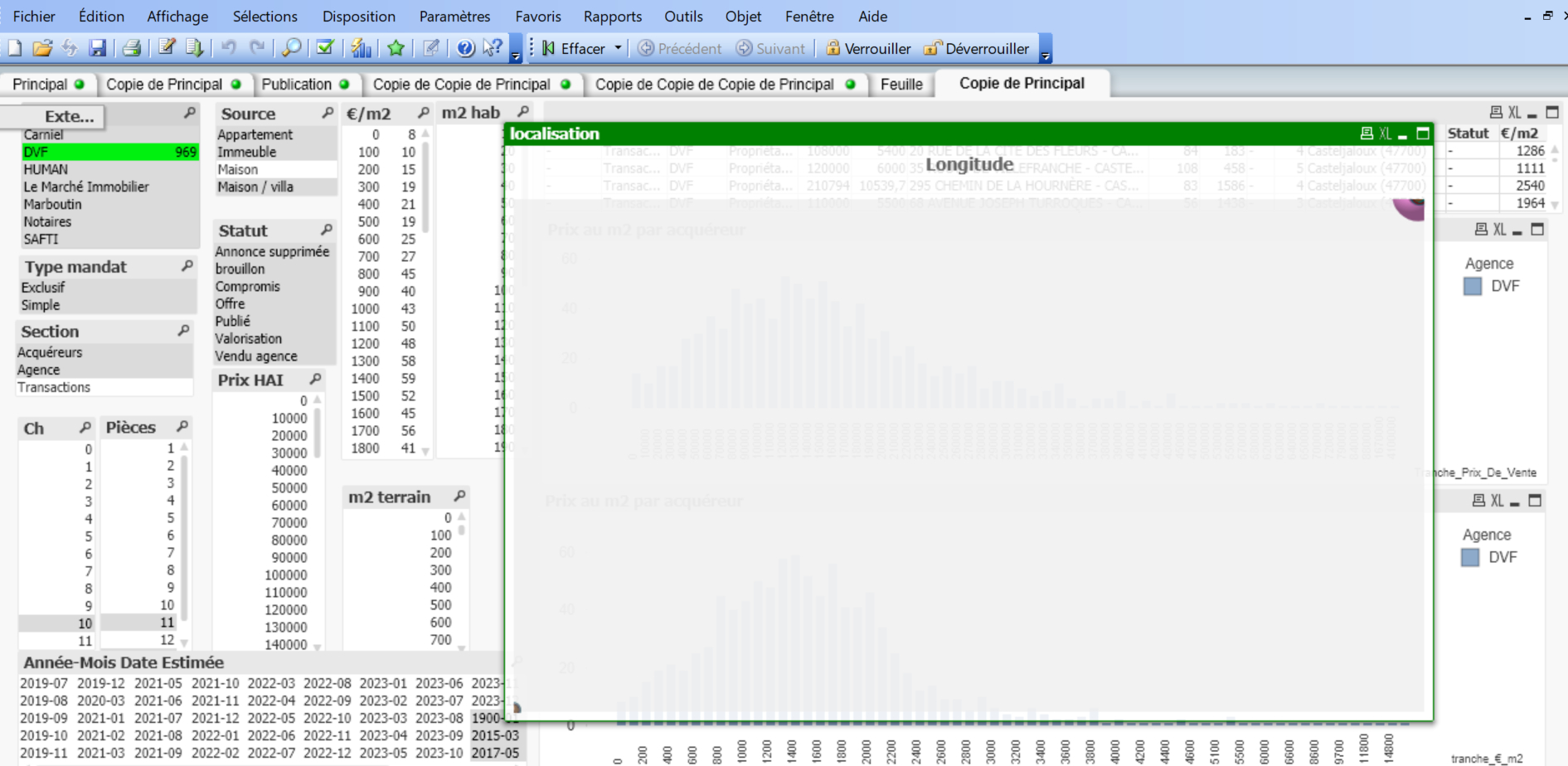
Option 1 - I followed this post dated 2019. I could follow the process step by step, including my Google API key, but my map remains empty 😞
Option 2 - I tried to install the Google maps extension following this process, but same story, my map remain empty.
https://www.youtube.com/watch?v=1THEBlwQao0
As the process to get a Google API key is not so simple, I wondered if my API key is not properly set up ?
Or maybe I'm completely wrong and there are new ways of showing datas on a map that I'm not aware.
I would highly appreciate the help of the community.
thanks

 mpc
mpc
- Mark as New
- Bookmark
- Subscribe
- Mute
- Subscribe to RSS Feed
- Permalink
- Report Inappropriate Content
Hi,
In your browser, can you share the console error ? Maybe it's due to a CORS policy ?
Best
Bert-Rand
- Mark as New
- Bookmark
- Subscribe
- Mute
- Subscribe to RSS Feed
- Permalink
- Report Inappropriate Content
Hi, thanks for your feedback, I'm not sure I understand "Console Error".
Here is my file, maybe it helps better
Thanks again
mpc
- Mark as New
- Bookmark
- Subscribe
- Mute
- Subscribe to RSS Feed
- Permalink
- Report Inappropriate Content
Hi, (ou bonjour ?)
I mean this (see bellow) You can access it by pressing F12