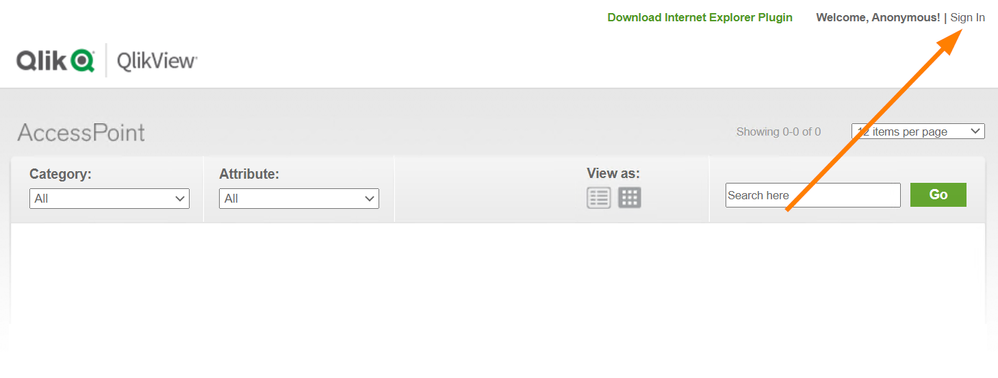
When an end-user opens the AccessPoint, no prompt is shown and the user is not logged in. The AccessPoint shows no documents, the user is identified as Anonymous.
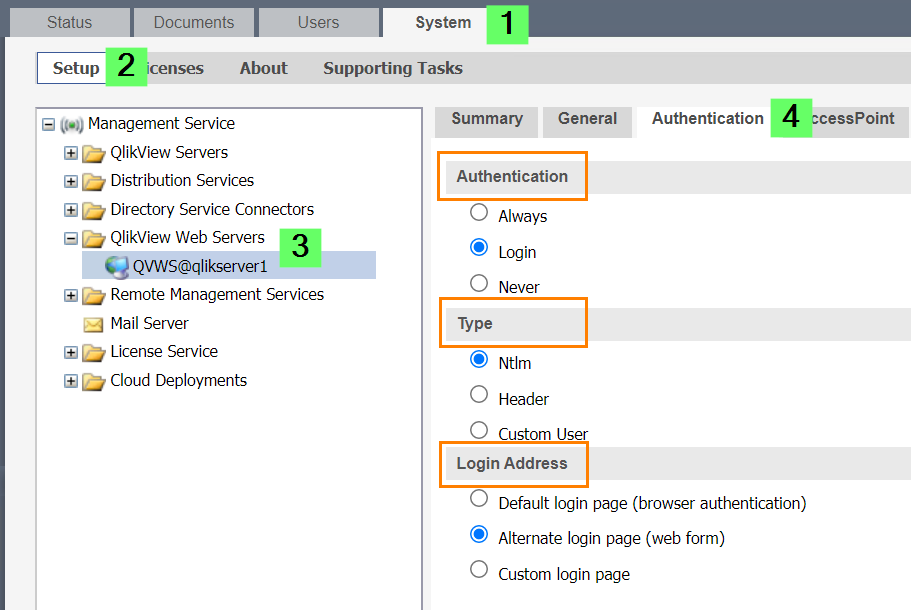
The AccessPoint may be set up to require Login and not to automatically authenticate or prompt. The user sees a Sign In option in the top right corner. Clicking this will bring up the login prompt.
The QlikView AccessPoint allows for a number of different login options.
Depending on the setup, users will log in differently. Information can be found on the QlikView Help site: Authentication.