Unlock a world of possibilities! Login now and discover the exclusive benefits awaiting you.

- Qlik Community
- :
- All Forums
- :
- Qlik NPrinting
- :
- Re: Data not displaying in Nprinting reports
- Subscribe to RSS Feed
- Mark Topic as New
- Mark Topic as Read
- Float this Topic for Current User
- Bookmark
- Subscribe
- Mute
- Printer Friendly Page

 manojkumar
- Mark as New
- Bookmark
- Subscribe
- Mute
- Subscribe to RSS Feed
- Permalink
- Report Inappropriate Content
Data not displaying in Nprinting reports
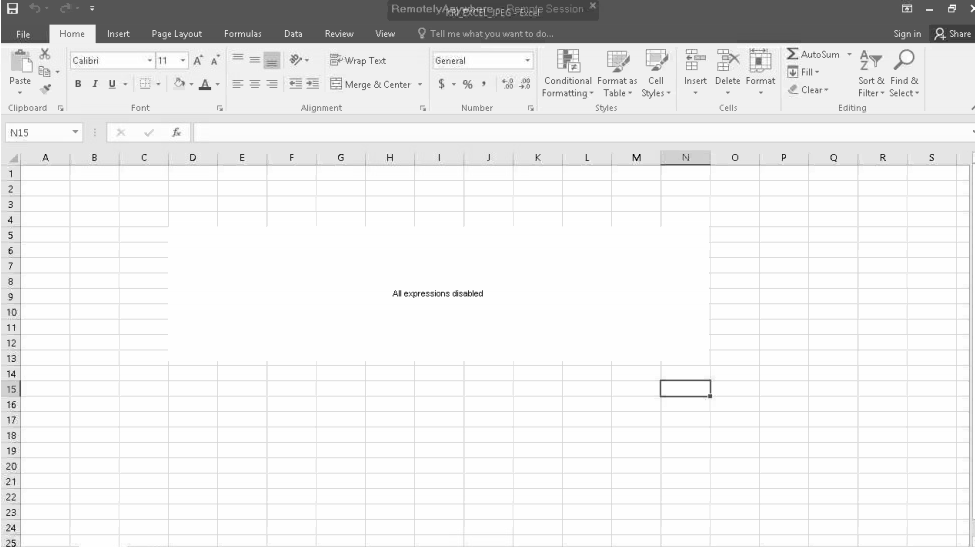
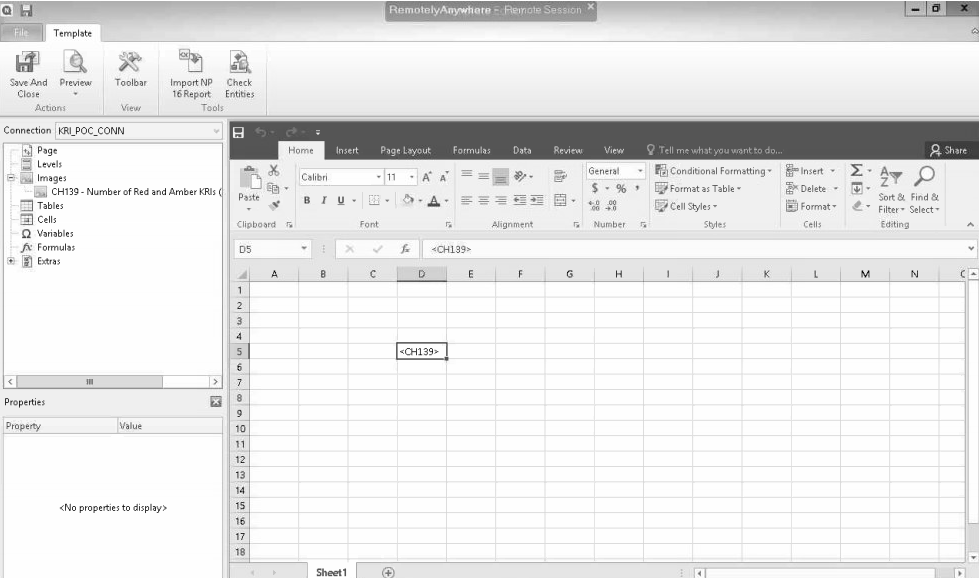
Chart data is not displaying in excel or html reports. Connection is created and reloaded and not filters applied. I am using Nprinting February 2020 and qliview desktop November2017 SR3. Please help me to resolve this issue.Below are the screenshots attached.
- « Previous Replies
-
- 1
- 2
- Next Replies »
manojkumar
- Mark as New
- Bookmark
- Subscribe
- Mute
- Subscribe to RSS Feed
- Permalink
- Report Inappropriate Content
Hi,
Does the leased license from qlikview server for local qliview desktop works?

 Lech_Miszkiewic
- Mark as New
- Bookmark
- Subscribe
- Mute
- Subscribe to RSS Feed
- Permalink
- Report Inappropriate Content
It does - details as always in help document:

 Ruggero_Piccoli
- Mark as New
- Bookmark
- Subscribe
- Mute
- Subscribe to RSS Feed
- Permalink
- Report Inappropriate Content
Hi,
No, you must use a Named CAL or a license code. Leased licenses could be moved by the server to another users so when Qlik NPrinting Engine opens the qv.exe process to generate the reports, QlikView will be in Personal Edition and this will not work.
So you can use a leased license, but sometimes it could not work.
Best Regards,
Ruggero
Best Regards,
Ruggero
---------------------------------------------
When applicable please mark the appropriate replies as CORRECT. This will help community members and Qlik Employees know which discussions have already been addressed and have a possible known solution. Please mark threads with a LIKE if the provided solution is helpful to the problem, but does not necessarily solve the indicated problem. You can mark multiple threads with LIKEs if you feel additional info is useful to others.
manojkumar
- Mark as New
- Bookmark
- Subscribe
- Mute
- Subscribe to RSS Feed
- Permalink
- Report Inappropriate Content
Hi,
Thanks for the info.Till now Iam using leased license . Now I am connecting directly to qlikview server through qvp protocol.Issue Iam facing is with incompatibility of qlikview server and qlikview desktop. I attached the screenshot below.
Can you please suggest which version of qlik desktop is compatible for qlikserver version 12.0.20400.0 ?
Currently Iam using qlikview desktop version 12.10.0.0
 Ruggero_Piccoli
- Mark as New
- Bookmark
- Subscribe
- Mute
- Subscribe to RSS Feed
- Permalink
- Report Inappropriate Content
Hi,
Also when you use a server (qvp) connection Qlik NPrinting Engine will open the local QlikView Desktop installation so it must have an active license. If in that moment the leased license will not be available the reports generation will fail.
The QlikView Desktop installed in all the computers where you are running Qlik NPrinting Engines must be at the same version of the QlikView server where the QVWs are. So I think you only need to upgrade the local QlikView Desktop installation.
Best Regards,
ruggero
Best Regards,
Ruggero
---------------------------------------------
When applicable please mark the appropriate replies as CORRECT. This will help community members and Qlik Employees know which discussions have already been addressed and have a possible known solution. Please mark threads with a LIKE if the provided solution is helpful to the problem, but does not necessarily solve the indicated problem. You can mark multiple threads with LIKEs if you feel additional info is useful to others.
Lech_Miszkiewic- Mark as New
- Bookmark
- Subscribe
- Mute
- Subscribe to RSS Feed
- Permalink
- Report Inappropriate Content
I guess we stop here. First you need to make sure your environment is supported. Looking at the whole conversation it feels like it has never been verified and tested and it is not that your report is not working. I think nothing is properly working there or is not stable.
Your environmnet is: QlikView server is v12.0 SR5 12.0.20400.0 your QlikView desktop is v12.1 Initial release 12.10.0.0 which is also not supported.
NPrinting supports only versions listed in documentation:
My piece of advice is:
- Go through documentation
- Create supported environment (this will require you to upgrade server and desktops)
- Check all other requirements for Server, Engine, Designer, OS, User accounts etc - it is all in help so there is no point to write it again here
- Once you have all setup we can come back to your issue - what do you say?
btw - there is no shortcuts here. I learned my lesson hard way and saying that "it actually works" with other templates or other connection type is not an excuse. If it is not supported - it is not supported - full stop.
cheers and good luck.

- « Previous Replies
-
- 1
- 2
- Next Replies »