Unlock a world of possibilities! Login now and discover the exclusive benefits awaiting you.

- Qlik Community
- :
- All Forums
- :
- QlikView App Dev
- :
- Re: Fill In The Blank
- Subscribe to RSS Feed
- Mark Topic as New
- Mark Topic as Read
- Float this Topic for Current User
- Bookmark
- Subscribe
- Mute
- Printer Friendly Page

 pandreozzi
- Mark as New
- Bookmark
- Subscribe
- Mute
- Subscribe to RSS Feed
- Permalink
- Report Inappropriate Content
Fill In The Blank
I am trying to create an expression within a dimension that populates a cell in a chart.
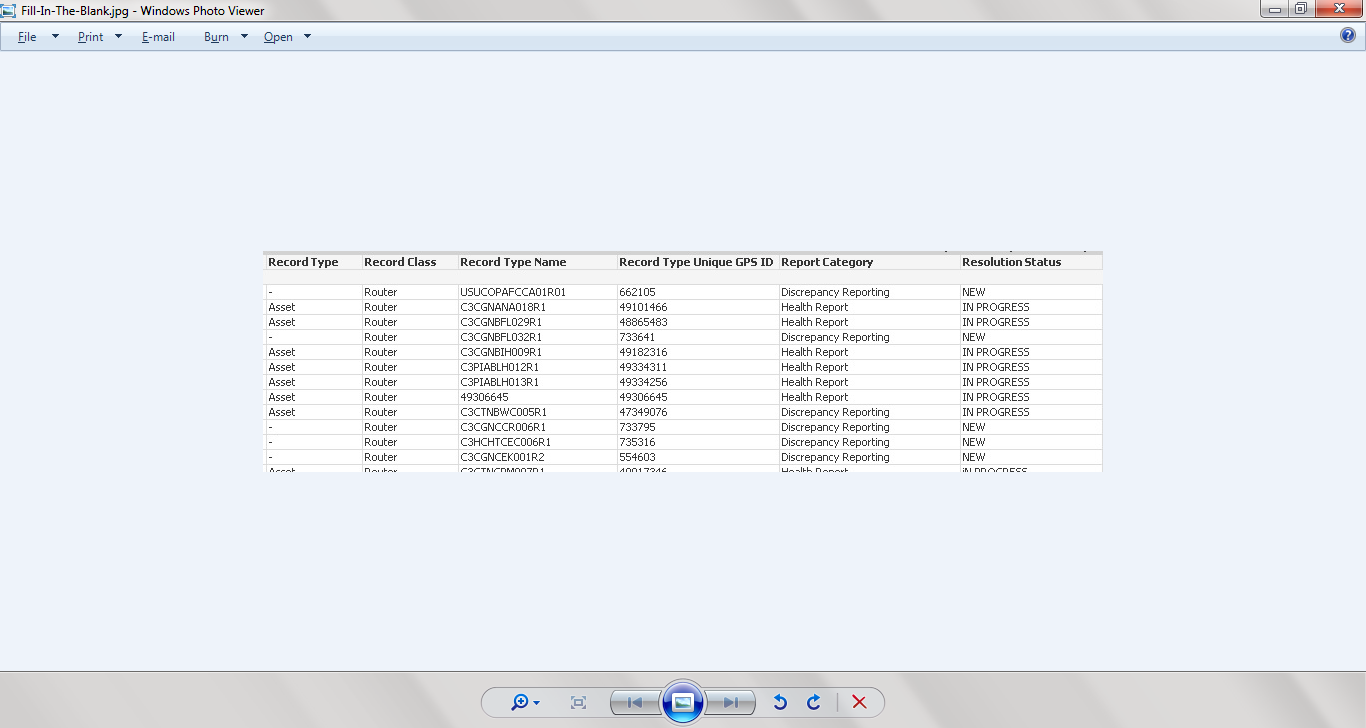
The expression should look at the "Resolution Status" and the "Record Class"
The "Record Type" field should have values there where values are not on the spreadsheet that is used as a source and need to be populated with either the name "Asset" or "Site"
I have tried different expressions that seem to be ok in syntax but do not fill in the empty fields in the Record Type column.
What I am trying to do is this:
If([Resoluttion Status] = 'NEW" and [Record Class]='Router,1,0 [Record Type]='Asset')
This maybe wrong above but I a trying to fill in the - with Asset or Site
Any help is appreciated.
Thanks !!!

- « Previous Replies
-
- 1
- 2
- Next Replies »
pandreozzi
- Mark as New
- Bookmark
- Subscribe
- Mute
- Subscribe to RSS Feed
- Permalink
- Report Inappropriate Content
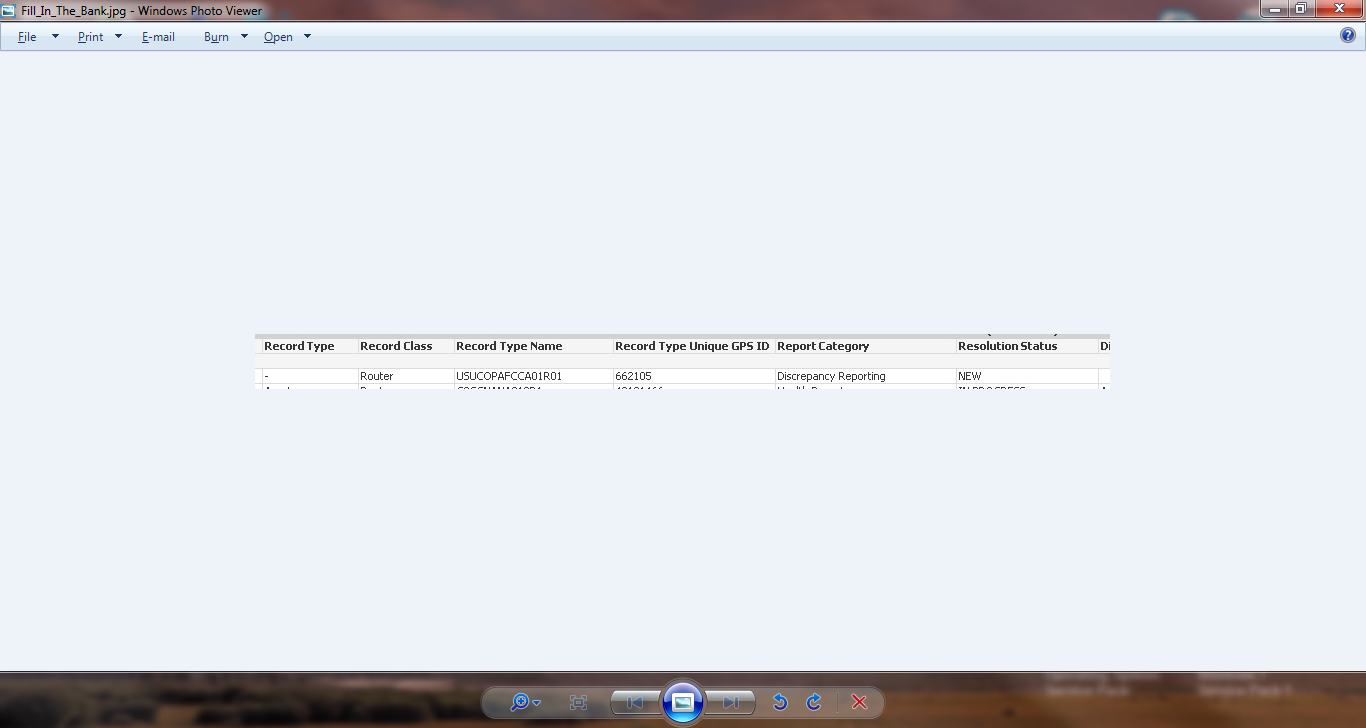
Prashant, your example above works but changes the text 'Asset' to the text 'Router' where true. What I am trying to do is to replace the hyphen with the word Asset. I am pasting my example.
Currently [Record Type] has a value of -
=if([Resolution Status]='NEW' and [Record Class]='Router','[Record Type],'Asset')

 PrashantSangle
- Mark as New
- Bookmark
- Subscribe
- Mute
- Subscribe to RSS Feed
- Permalink
- Report Inappropriate Content
There is syntax error always check bracket , single quote
Try below
=if([Resolution Status]='NEW' and [Record Class]='Router',[Record Type],'Asset')
Please appreciate our Qlik community members by giving Kudos for sharing their time for your query. If your query is answered, please mark the topic as resolved 🙂
pandreozzi
- Mark as New
- Bookmark
- Subscribe
- Mute
- Subscribe to RSS Feed
- Permalink
- Report Inappropriate Content
I did realize that syntax error and corrected it however the results are still the same. I am looking into using the "If Match" in my expression also. I will keep posting results and your assistance is much appreciated.

- « Previous Replies
-
- 1
- 2
- Next Replies »