Unlock a world of possibilities! Login now and discover the exclusive benefits awaiting you.

- Qlik Community
- :
- All Forums
- :
- QlikView App Dev
- :
- Re: Master Calendar Interval () step error
- Subscribe to RSS Feed
- Mark Topic as New
- Mark Topic as Read
- Float this Topic for Current User
- Bookmark
- Subscribe
- Mute
- Printer Friendly Page

 jleefjcapital
- Mark as New
- Bookmark
- Subscribe
- Mute
- Subscribe to RSS Feed
- Permalink
- Report Inappropriate Content
Master Calendar Interval () step error
Hello,
I'm using the following code for the master calendar. It had worked with no problem with other data sets, but I get the following error message, when I try to use it with a particular data table (Alabama_employ).
I hope someone would be able to help me.
Thank you,
Jessica
Error message when I try to load:

Here is the master calendar code I'm using:
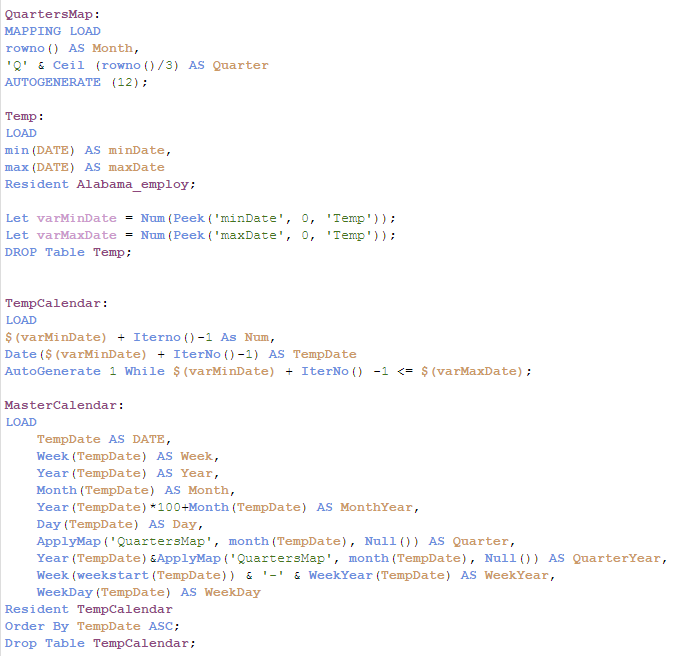
Here is the table I'm referencing:


 sunny_talwar
- Mark as New
- Bookmark
- Subscribe
- Mute
- Subscribe to RSS Feed
- Permalink
- Report Inappropriate Content
I don't think there is any issue with your Master Calendar. Can you share the screenshot of the two new fields that we created? DATE1 and DATE2?
jleefjcapital
- Mark as New
- Bookmark
- Subscribe
- Mute
- Subscribe to RSS Feed
- Permalink
- Report Inappropriate Content
I get the same error message.
jleefjcapital
- Mark as New
- Bookmark
- Subscribe
- Mute
- Subscribe to RSS Feed
- Permalink
- Report Inappropriate Content
How do I view the data once I load?
sunny_talwar
- Mark as New
- Bookmark
- Subscribe
- Mute
- Subscribe to RSS Feed
- Permalink
- Report Inappropriate Content
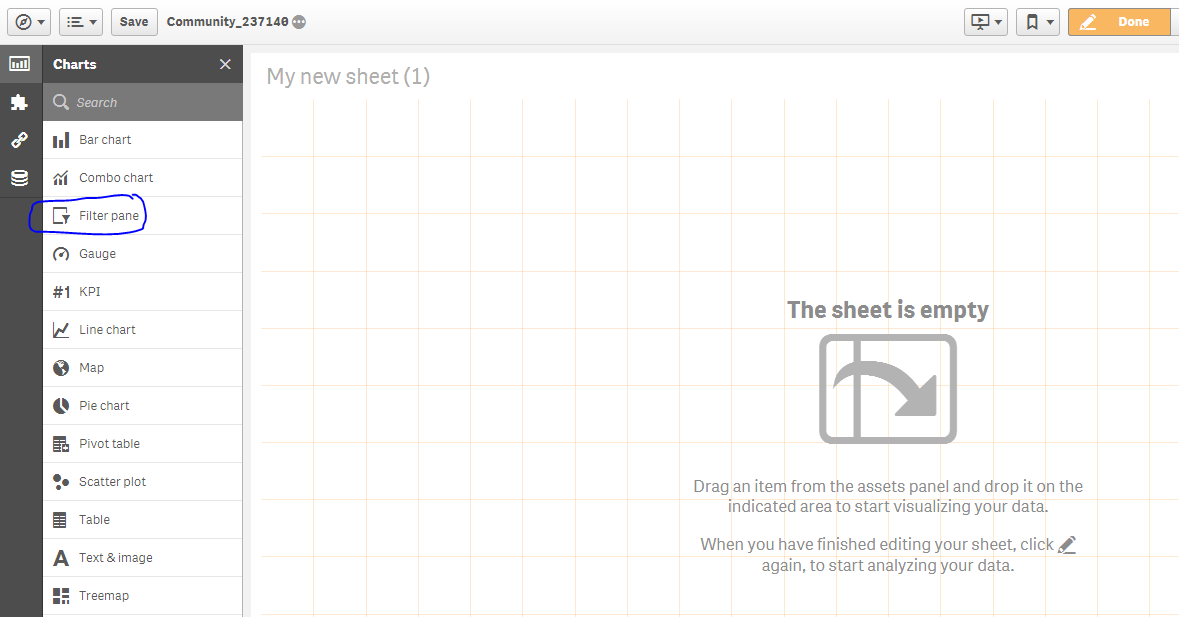
Go to the front end of the app and create filters for the fields
jleefjcapital
- Mark as New
- Bookmark
- Subscribe
- Mute
- Subscribe to RSS Feed
- Permalink
- Report Inappropriate Content
I'm not sure I understand.
sunny_talwar
- Mark as New
- Bookmark
- Subscribe
- Mute
- Subscribe to RSS Feed
- Permalink
- Report Inappropriate Content
I just want you to load the application with Alabama_employee table and then once reloaded create a filter on DATE1 and DATE2 fields on the front end of the application just like you would create for any other field.
Make sure you have added DATE1 and DATE2 in Alabama_employee table
Num(MakeDate(year, (Right(period, 2) * 1))) as DATE1,
Num(MakeDate(year, Num#(Right(period, 2), '##'))) as DATE2
jleefjcapital
- Mark as New
- Bookmark
- Subscribe
- Mute
- Subscribe to RSS Feed
- Permalink
- Report Inappropriate Content
I'm really new to Qlik. I'm not sure what you mean by "creating a filter".
sunny_talwar
- Mark as New
- Bookmark
- Subscribe
- Mute
- Subscribe to RSS Feed
- Permalink
- Report Inappropriate Content
Do you know how to get to this screen?
jleefjcapital
- Mark as New
- Bookmark
- Subscribe
- Mute
- Subscribe to RSS Feed
- Permalink
- Report Inappropriate Content
Yes.
jleefjcapital
- Mark as New
- Bookmark
- Subscribe
- Mute
- Subscribe to RSS Feed
- Permalink
- Report Inappropriate Content
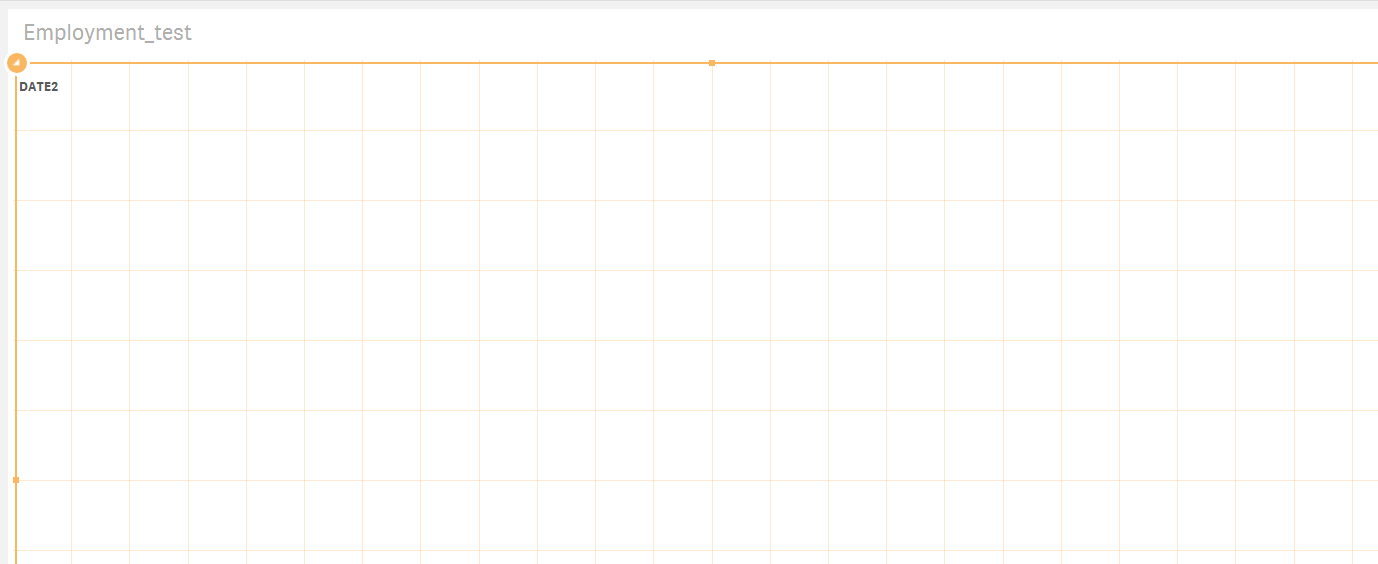
After I click on Filter, I added Date1 and Date2 one at a time as a dimension. It displays nothing. Just the field name.