Unlock a world of possibilities! Login now and discover the exclusive benefits awaiting you.

- Qlik Community
- :
- All Forums
- :
- QlikView App Dev
- :
- Re: Pie Chart '%' symbol not displaying when decre...
- Subscribe to RSS Feed
- Mark Topic as New
- Mark Topic as Read
- Float this Topic for Current User
- Bookmark
- Subscribe
- Mute
- Printer Friendly Page

- Mark as New
- Bookmark
- Subscribe
- Mute
- Subscribe to RSS Feed
- Permalink
- Report Inappropriate Content
Pie Chart '%' symbol not displaying when decrease legend font
Hi all,
I noticed that when I have a Pie Chart that displays the relative percentages (Chart Properties > Expressions > Relative checkbox and Values on Data Points checkbox), and I decrease the legend font size (Chart Properties > Presentation > Settings > Font), the '%' symbol disappears. Sometimes, the numbers and the '%' symbol disappear all together.
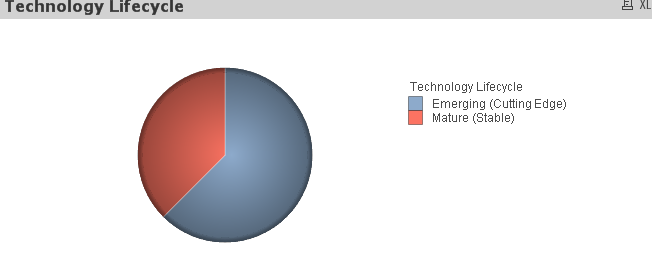
I have found a temporary work-around in which I set the font to 'Tahoma' and one font size smaller than I actually want, then increase the font size, and I will have the right display and legend font size. However, this doesn't work for say, Arial.
Is there a direct fix?
Thanks!
- Tags:
- new_to_qlikview
- « Previous Replies
-
- 1
- 2
- Next Replies »

 rustyfishbones
- Mark as New
- Bookmark
- Subscribe
- Mute
- Subscribe to RSS Feed
- Permalink
- Report Inappropriate Content
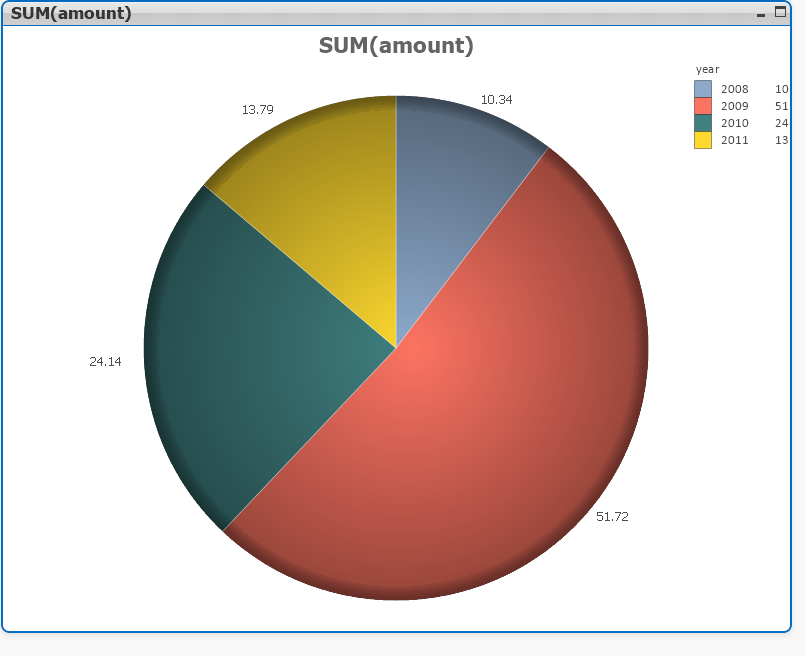
Does it happen like this?
- Mark as New
- Bookmark
- Subscribe
- Mute
- Subscribe to RSS Feed
- Permalink
- Report Inappropriate Content
Hi Alan,
Yes, the default display when selecting the 'Relative' and 'Values on Data Points' checkboxes are the relative percentages to the 2 decimal places. But it should show the '%' sign. When you decrease the legend font, it looks exactly like your above screenshot, where the '%' symbol disappears.
rustyfishbones
- Mark as New
- Bookmark
- Subscribe
- Mute
- Subscribe to RSS Feed
- Permalink
- Report Inappropriate Content
Have you tried holding down CTRL + SHIFT
You will see some red around the objects on the chart
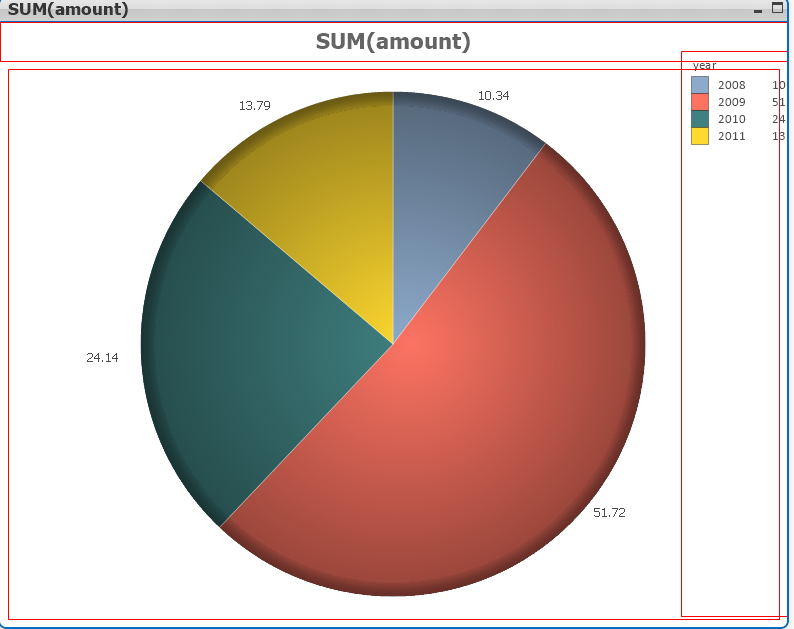
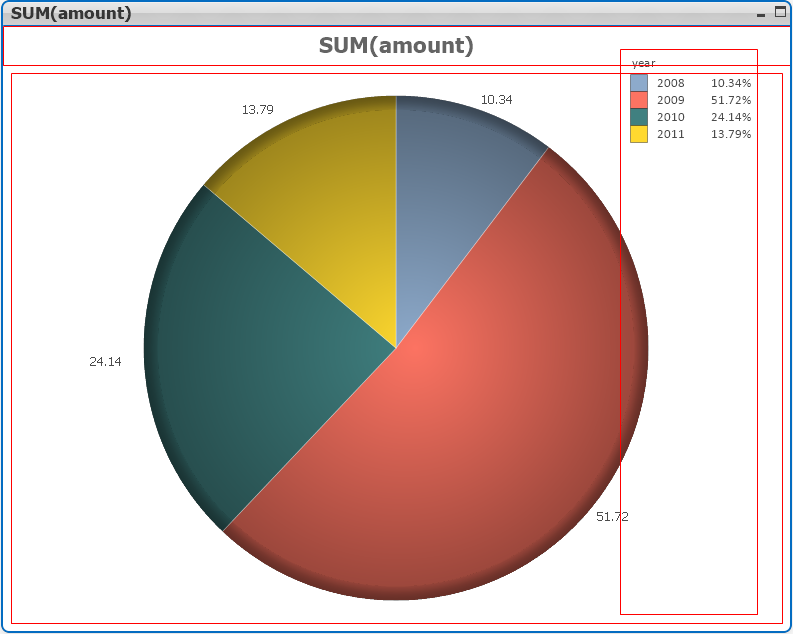
While holding CTRL +SHIFT drag the legend across so it fits on the chart
You should then get
- Mark as New
- Bookmark
- Subscribe
- Mute
- Subscribe to RSS Feed
- Permalink
- Report Inappropriate Content
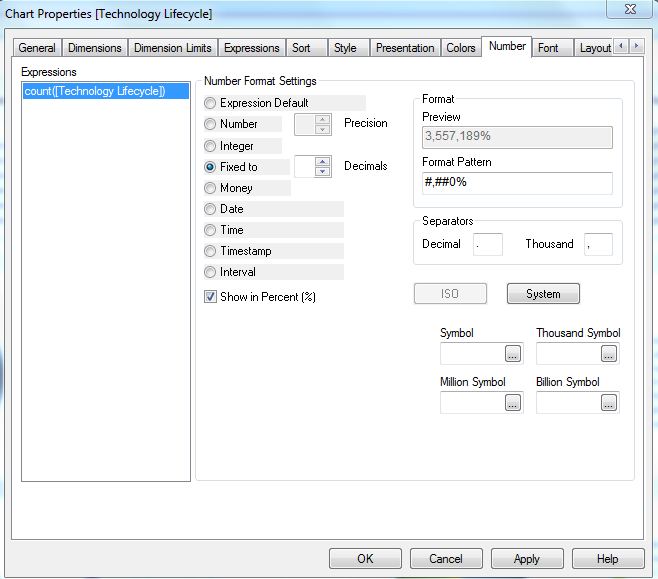
Yes, I've tried that, but the '%' symbol still does not display. The 'Show in Percent' checkbox is checked as well..
rustyfishbones
- Mark as New
- Bookmark
- Subscribe
- Mute
- Subscribe to RSS Feed
- Permalink
- Report Inappropriate Content
Can you add the file
rustyfishbones
- Mark as New
- Bookmark
- Subscribe
- Mute
- Subscribe to RSS Feed
- Permalink
- Report Inappropriate Content
Irene,
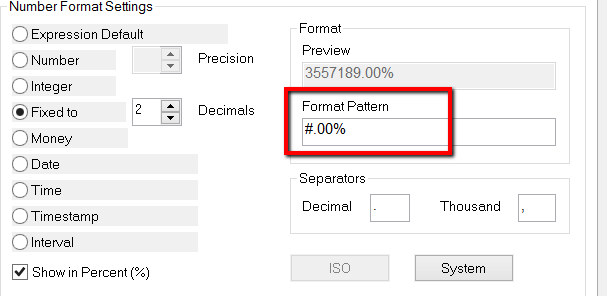
Look at the format pattern you have #,##0% try #.00%
- Mark as New
- Bookmark
- Subscribe
- Mute
- Subscribe to RSS Feed
- Permalink
- Report Inappropriate Content
I changed the format but it still did not show the '%' symbol.
The file is attached.
Thanks!
- Mark as New
- Bookmark
- Subscribe
- Mute
- Subscribe to RSS Feed
- Permalink
- Report Inappropriate Content
I opened your qvw file. It shows % to me. Just try to recreate new pie chart and see that show up.
- Mark as New
- Bookmark
- Subscribe
- Mute
- Subscribe to RSS Feed
- Permalink
- Report Inappropriate Content
Hi Devang,
When creating a new pie chart, the default legend font size is size 9. If I decrease to size 8, the '%' will disappear again. It's a matter of fixing the issue of the disappearing '%' when I decrease the legend font size.
Thanks!
Irene
- « Previous Replies
-
- 1
- 2
- Next Replies »