Unlock a world of possibilities! Login now and discover the exclusive benefits awaiting you.

- Qlik Community
- :
- All Forums
- :
- QlikView
- :
- Re: Creating a QVD
- Subscribe to RSS Feed
- Mark Topic as New
- Mark Topic as Read
- Float this Topic for Current User
- Bookmark
- Subscribe
- Mute
- Printer Friendly Page

- Mark as New
- Bookmark
- Subscribe
- Mute
- Subscribe to RSS Feed
- Permalink
- Report Inappropriate Content
Creating a QVD
Hello,
I have created a table in a QVW with numerous dimensions and expressions. I would like to use this table in another QVW and was wondering how I would be able to do this. I believe I have to create a QVD and then load the QVD into the second QVW but I am not certain.
Any help would be greatly appreciated.
Thanks,
Isabel
- Tags:
- new_to_qlikview

 ecolomer
- Mark as New
- Bookmark
- Subscribe
- Mute
- Subscribe to RSS Feed
- Permalink
- Report Inappropriate Content
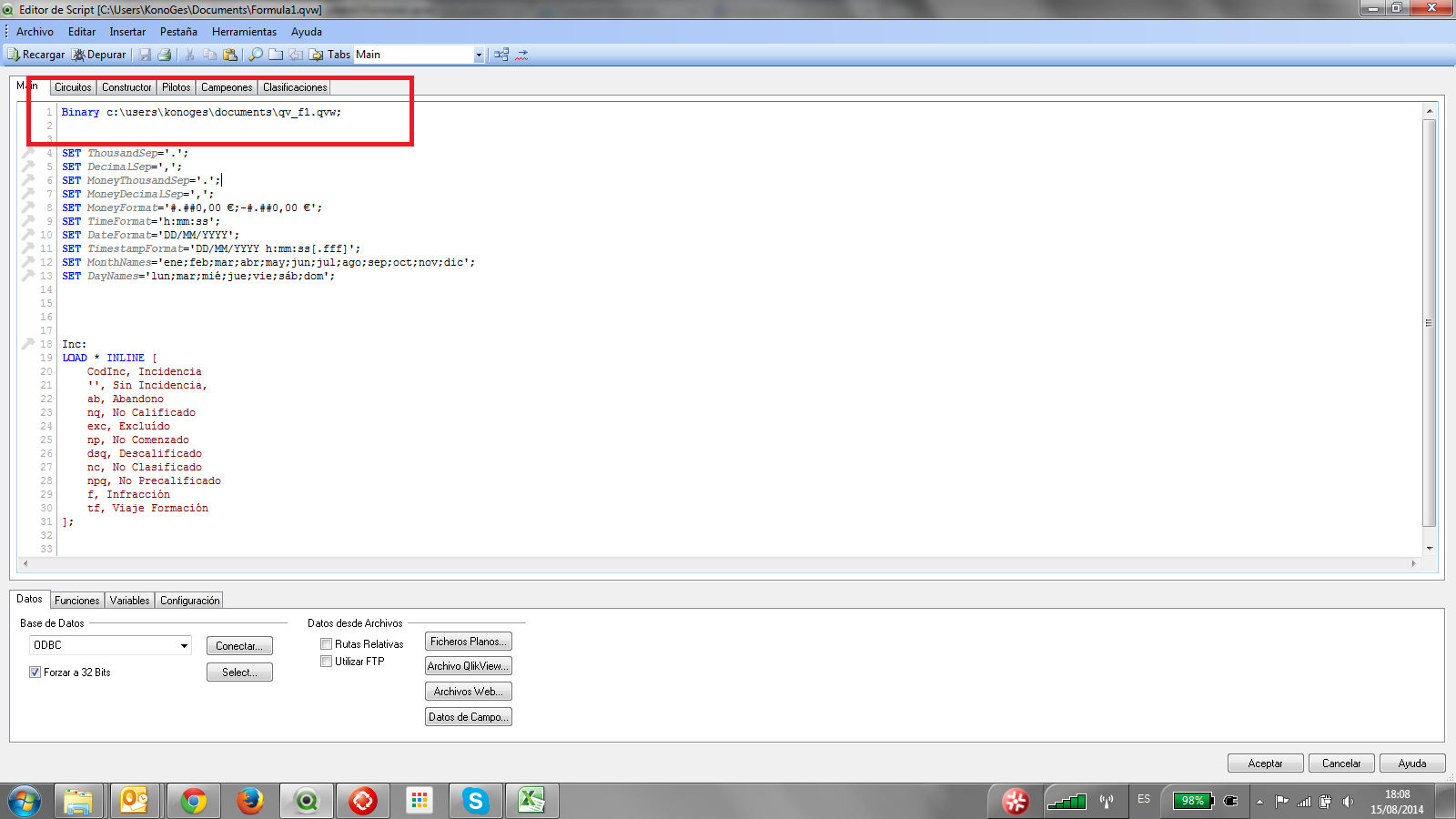
Yes you can use a QVD file or also the same QVW file

 maxgro
- Mark as New
- Bookmark
- Subscribe
- Mute
- Subscribe to RSS Feed
- Permalink
- Report Inappropriate Content
// store the table (I suppose t is the table) in a qvd in the first QVW
store t into t.qvd (qvd);
// read the qvd with the table in second QVW
t:
load * from t.qvd (qvd);
- Mark as New
- Bookmark
- Subscribe
- Mute
- Subscribe to RSS Feed
- Permalink
- Report Inappropriate Content
Hi,
Yes you can use this table from QVW 1 into QVW 2, you need create QVD file and this is an exmaple:
FactTable:
LOAD
Dimension1,
Dimension2,
Dimension3,
Metric1,
Metric2,
MatricN
From myfile.xlsx;
Store FactTable into FactTable.qvd; // With this you can create the QVD.
or if you create a Straigth Table (chart) in Desing Area and you need this chart in QVD file you need a macro using export function.
Best regards.