Unlock a world of possibilities! Login now and discover the exclusive benefits awaiting you.

- Qlik Community
- :
- All Forums
- :
- QlikView
- :
- Re: Define Quarter?
- Subscribe to RSS Feed
- Mark Topic as New
- Mark Topic as Read
- Float this Topic for Current User
- Bookmark
- Subscribe
- Mute
- Printer Friendly Page

- Mark as New
- Bookmark
- Subscribe
- Mute
- Subscribe to RSS Feed
- Permalink
- Report Inappropriate Content
Define Quarter?
I have the Date field by using this field how can I Define the Quarter , yearQrtr ?
Thanks
Madhu
- Tags:
- new_to_qlikview
Accepted Solutions

 sunny_talwar
- Mark as New
- Bookmark
- Subscribe
- Mute
- Subscribe to RSS Feed
- Permalink
- Report Inappropriate Content
sunny_talwar
- Mark as New
- Bookmark
- Subscribe
- Mute
- Subscribe to RSS Feed
- Permalink
- Report Inappropriate Content
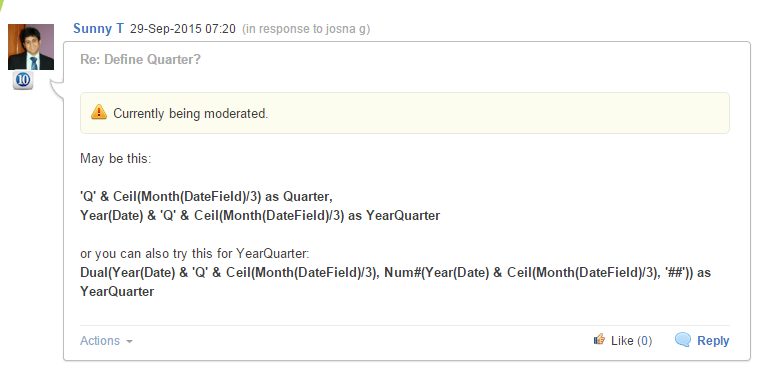
May be this:
'Q' & Ceil(Month(DateField)/3) as Quarter,
Year(Date) & 'Q' & Ceil(Month(DateField)/3) as YearQuarter
or you can also try this for YearQuarter:
Dual(Year(Date) & 'Q' & Ceil(Month(DateField)/3), Num#(Year(Date) & Ceil(Month(DateField)/3), '##')) as YearQuarter
sunny_talwar
- Mark as New
- Bookmark
- Subscribe
- Mute
- Subscribe to RSS Feed
- Permalink
- Report Inappropriate Content
 SreeniJD
- Mark as New
- Bookmark
- Subscribe
- Mute
- Subscribe to RSS Feed
- Permalink
- Report Inappropriate Content
You have to explicitly convert the date into quarters..
see below expression..
'Q' & ceil(Num(month([$(_datefield)]))/3) as [$(_prefix)Qtr]
- Mark as New
- Bookmark
- Subscribe
- Mute
- Subscribe to RSS Feed
- Permalink
- Report Inappropriate Content
Q means naming convention right.
What is the use of Ceil and why u r using the Ceil beforedate function.
- Mark as New
- Bookmark
- Subscribe
- Mute
- Subscribe to RSS Feed
- Permalink
- Report Inappropriate Content
Try
'Q' & ceil(month(Date_field)/3) as yearQrtr
Pallav
- Mark as New
- Bookmark
- Subscribe
- Mute
- Subscribe to RSS Feed
- Permalink
- Report Inappropriate Content
josna g,
In your script add the folowing line for your date field:
Year(<datefield>) & Ceil(Month(<datefield>)/3) As YearQuarter
to show YearQuarter as 20151, 20152, etc..
Or with some formatting:
Year(<datefield>) & NUM(Ceil(Month(<datefield>)/3), '00') As YearQuarter
to show YearQuarter as 201501, 201502, etc..
Marc
sunny_talwar
- Mark as New
- Bookmark
- Subscribe
- Mute
- Subscribe to RSS Feed
- Permalink
- Report Inappropriate Content
Ceil is just used for rounding up the Month/3. So if you have January (which is also month number 1), you will have Ceil(1/3) = Ceil(0.33333) = 1
Feb -> Ceil(2/3) = Ceil(0.66666) = 1 and so on
HTH
Best,
Sunny