Unlock a world of possibilities! Login now and discover the exclusive benefits awaiting you.

- Qlik Community
- :
- All Forums
- :
- QlikView
- :
- Re: Grouping Date
- Subscribe to RSS Feed
- Mark Topic as New
- Mark Topic as Read
- Float this Topic for Current User
- Bookmark
- Subscribe
- Mute
- Printer Friendly Page

 jyothish8807
- Mark as New
- Bookmark
- Subscribe
- Mute
- Subscribe to RSS Feed
- Permalink
- Report Inappropriate Content
Grouping Date
Hi All,
I need your help in finding an approach to achieve my requirement.
I have 3 flat file, one gets updated on monthly basis, one weekly and one file daily.
So i am capturing the fileupdate date using monthstart for monthly file, weekstart for weekly file and as a normal date for daily file.
My idea is to group this date to month for selection. Suppose if i select Sep all the max dates which falls in sep should be selected.
Now my challenge is when i try to find the max date, i always get the fileupdate date of daily file, since it is getting updated daily and have max date.
So now if write a expression like:
sum(Date={'$(=max(Date))"},Flag={'Monthly File'}>}Salary)
In this case in max(Date) i am getting the date of daily file and not the monthly file so the output is wrong.
Is there any way to achieve my requirement?
For max date can we create a variable which will change according to the flag i am using?
Any suggestion will be really helpful.
Only solution i have is to load all the sources daily to keep the date consistent but it will increase the data size which i am trying to avoid as of now.
Regards
Jyothish KC
KC
- Tags:
- new_to_qlikview
- « Previous Replies
-
- 1
- 2
- Next Replies »
jyothish8807
- Mark as New
- Bookmark
- Subscribe
- Mute
- Subscribe to RSS Feed
- Permalink
- Report Inappropriate Content
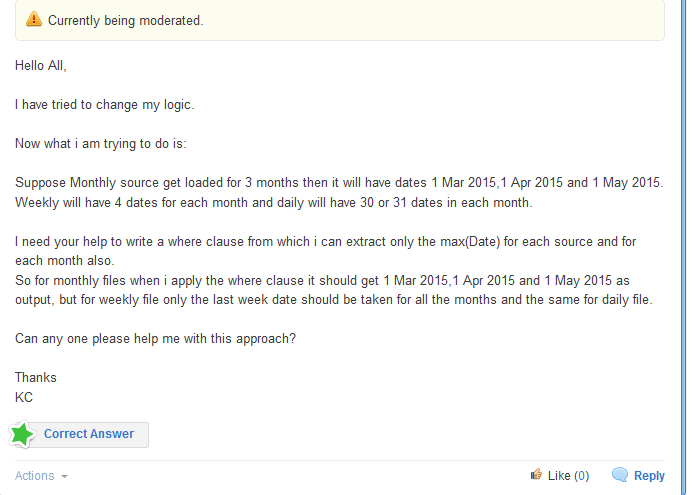
Hello All,
I have tried to change my logic.
Now what i am trying to do is:
Suppose Monthly source get loaded for 3 months then it will have dates 1 Mar 2015,1 Apr 2015 and 1 May 2015.
Weekly will have 4 dates for each month and daily will have 30 or 31 dates in each month.
I need your help to write a where clause from which i can extract only the max(Date) for each source and for each month also.
So for monthly files when i apply the where clause it should get 1 Mar 2015,1 Apr 2015 and 1 May 2015 as output, but for weekly file only the last week date should be taken for all the months and the same for daily file.
Can any one please help me with this approach?
Thanks
KC
KC
jyothish8807
- Mark as New
- Bookmark
- Subscribe
- Mute
- Subscribe to RSS Feed
- Permalink
- Report Inappropriate Content
KC

 SreeniJD
- Mark as New
- Bookmark
- Subscribe
- Mute
- Subscribe to RSS Feed
- Permalink
- Report Inappropriate Content
Hi Jyothish,
Try this..
Have a data source number Monthly =1, Weekly=2, Daily =3 and in your expression,
sum(Date={'$(=max(Date,<datasource=3>))"},Flag={'Monthly File'}>}Salary)??????
HTH
Sreeni
jyothish8807
- Mark as New
- Bookmark
- Subscribe
- Mute
- Subscribe to RSS Feed
- Permalink
- Report Inappropriate Content
The jd, again this approach i have to mention to group <datasource=3> and have to create multiple variables for different data source which i don't want to.
Now i am trying a now logic and need your help again for this  hope you don't mind.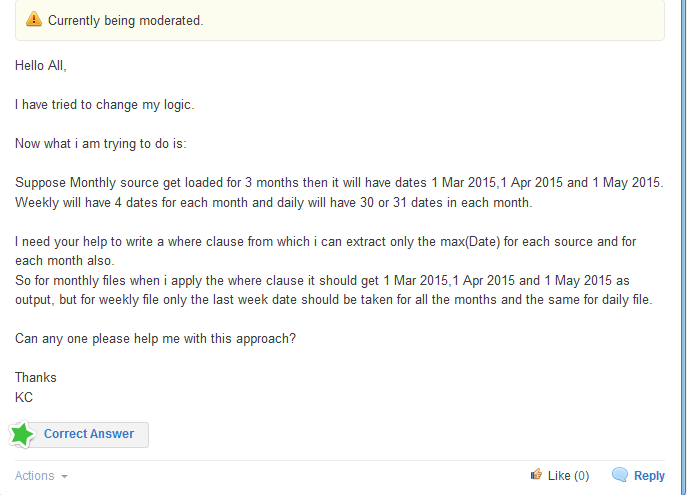
KC

- « Previous Replies
-
- 1
- 2
- Next Replies »