Unlock a world of possibilities! Login now and discover the exclusive benefits awaiting you.

- Qlik Community
- :
- All Forums
- :
- QlikView
- :
- Re: Problem with loading Data From SQL
- Subscribe to RSS Feed
- Mark Topic as New
- Mark Topic as Read
- Float this Topic for Current User
- Bookmark
- Subscribe
- Mute
- Printer Friendly Page

- Mark as New
- Bookmark
- Subscribe
- Mute
- Subscribe to RSS Feed
- Permalink
- Report Inappropriate Content
Problem with loading Data From SQL
Hi All,
I m new in QlikView 
I'm traying to load data from MySql ,my problem that I couldn't connect and I get this error :
Fehler bei der Verbindug : SQLSTate :'01000'
SQL Server-Fehler:11001()).
Fehler bei Verbindung:
SQLState :'08001'
SQL Server-Fehler:6
[Microsoft][ODBC SQL Server Driver][TCP/IP]Der angegebene SQL Server Konnte nicht gefunden werden.
Help please
- « Previous Replies
-
- 1
- 2
- Next Replies »
Accepted Solutions
- Mark as New
- Bookmark
- Subscribe
- Mute
- Subscribe to RSS Feed
- Permalink
- Report Inappropriate Content
yes yes you have right it is a problem of user access permissions.
Thanks alot for your help .

 Clever_Anjos
- Mark as New
- Bookmark
- Subscribe
- Mute
- Subscribe to RSS Feed
- Permalink
- Report Inappropriate Content
Which database you want to connect?
I'm traying to load data from MySql ,my problem that I couldn't connect and I get this error :
[Microsoft][ODBC SQL Server Driver][TCP/IP]Der angegebene SQL Server Konnte nicht gefunden werden.

 swuehl
- Mark as New
- Bookmark
- Subscribe
- Mute
- Subscribe to RSS Feed
- Permalink
- Report Inappropriate Content
Have a look at
Have you tried the recent Qlik ODBC drivers as indicated in the referenced thread by Peter? I think you can download them also from QlikMarket.
- Mark as New
- Bookmark
- Subscribe
- Mute
- Subscribe to RSS Feed
- Permalink
- Report Inappropriate Content
Thank you .
I'm traying to connect to MySQL .I will list you what I have done .
1-I loaded 'mysql-connector-odbc-5.1.8-win32'
2-I created a DNS .by selecting :dBASE Files ->MySQL ODBC 5.1 Driver-> I puted the defference paraöeters of my base and in this stage and in the field 'Database' from where should I select my database the system display only the fisrt databases thai is ''information_schema'' I so I didn#t select it and I saved without specify any Database.
3-Then from QlikView after selecting ODBC and testing the connection ##Connection Test Succeded## but allways without displaying my desired database.(this time it didn#t generated the same last problem ).
- Mark as New
- Bookmark
- Subscribe
- Mute
- Subscribe to RSS Feed
- Permalink
- Report Inappropriate Content
Thank you .
Yes I did the same steps.
Clever_Anjos
- Mark as New
- Bookmark
- Subscribe
- Mute
- Subscribe to RSS Feed
- Permalink
- Report Inappropriate Content
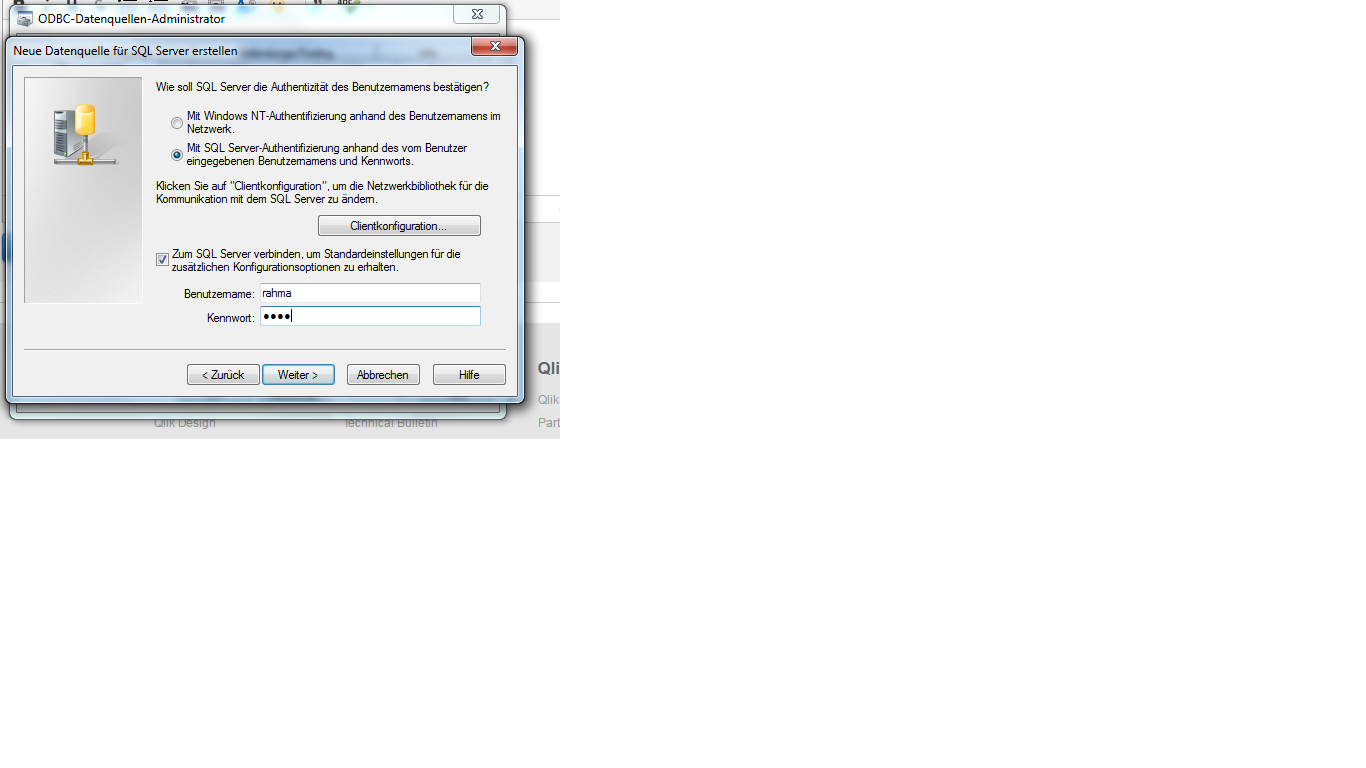
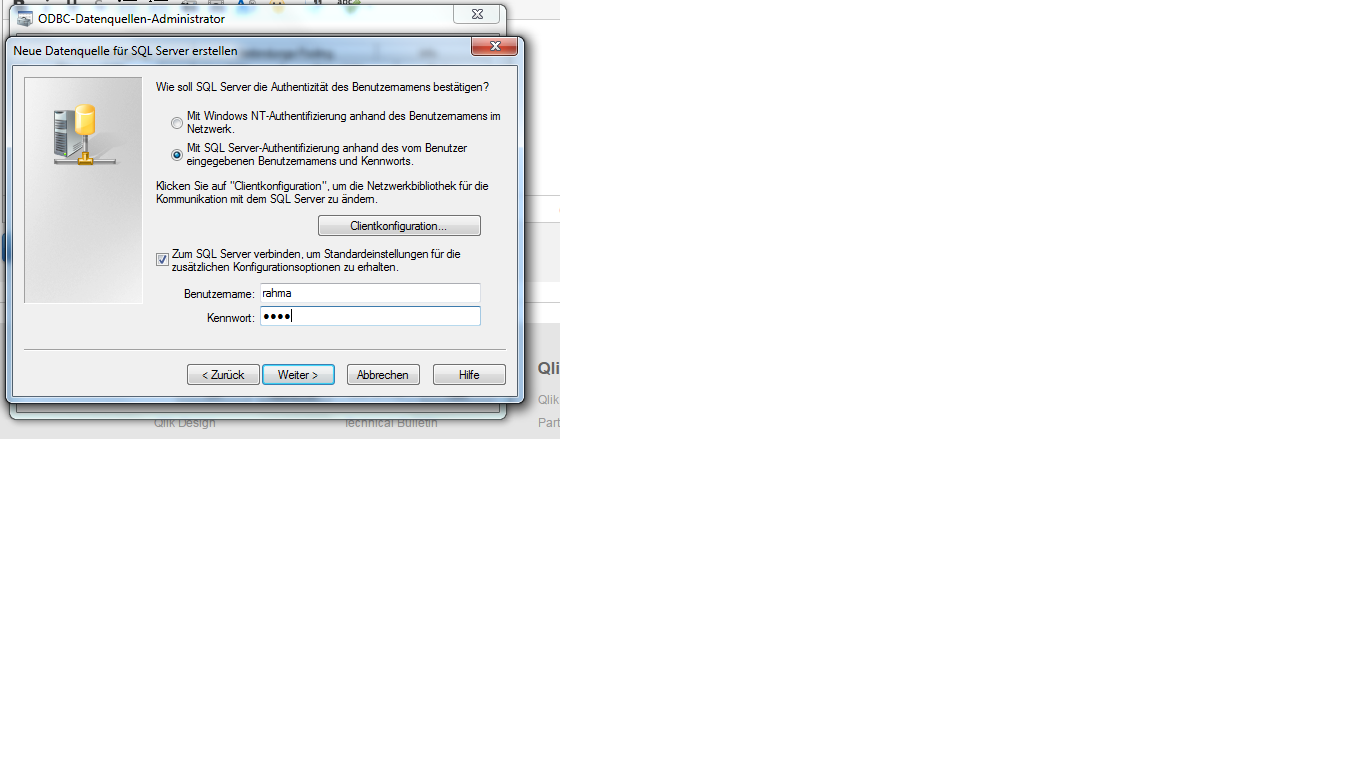
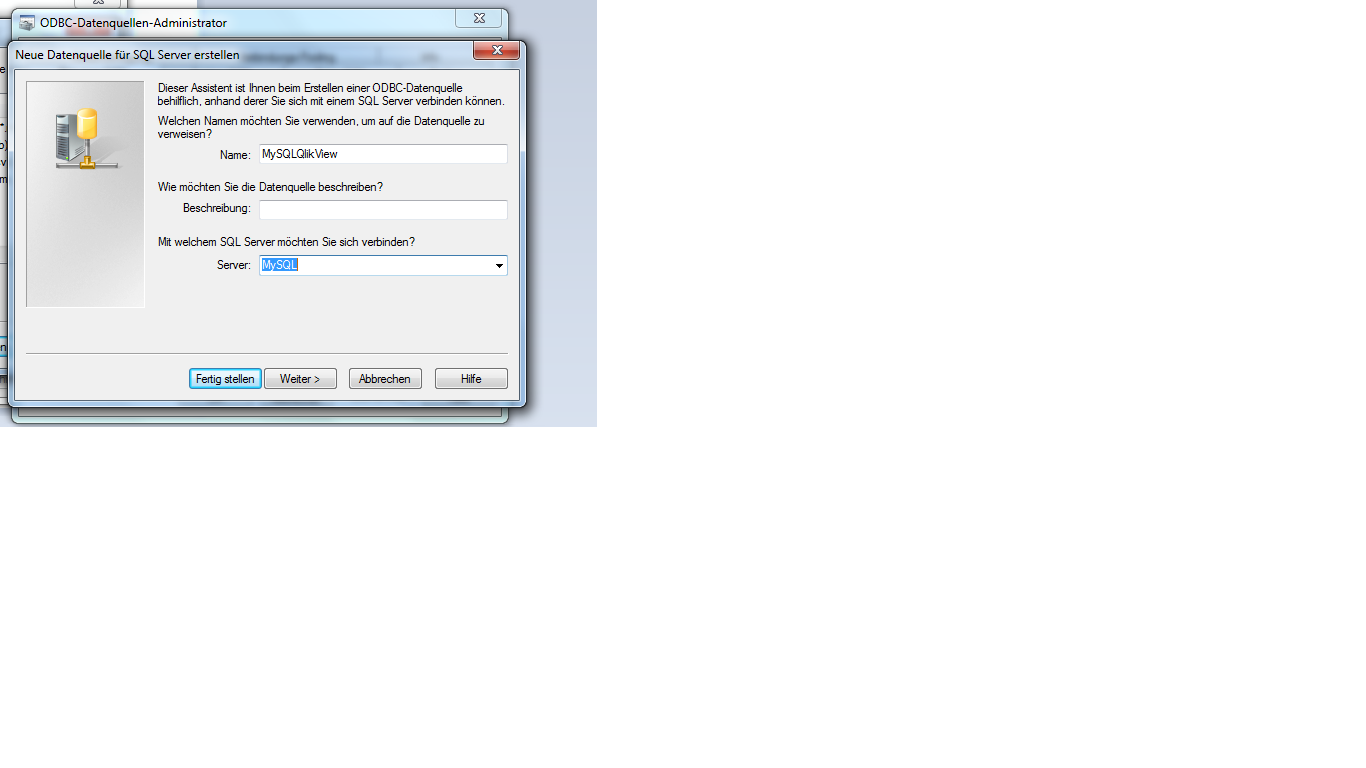
Could you post here, your script (with your connect) and a screenshot of your ODBC connection?
- Mark as New
- Bookmark
- Subscribe
- Mute
- Subscribe to RSS Feed
- Permalink
- Report Inappropriate Content
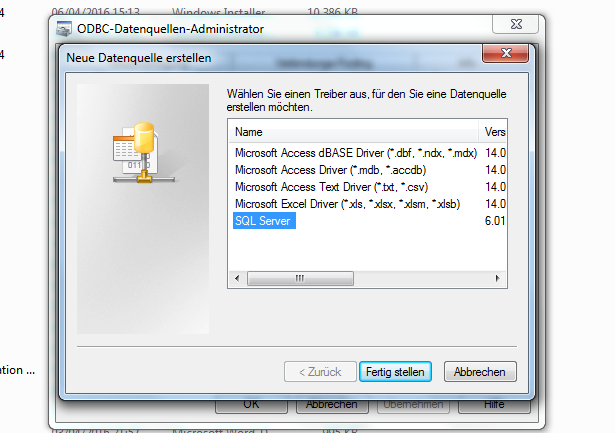
and now it genertate the first problem :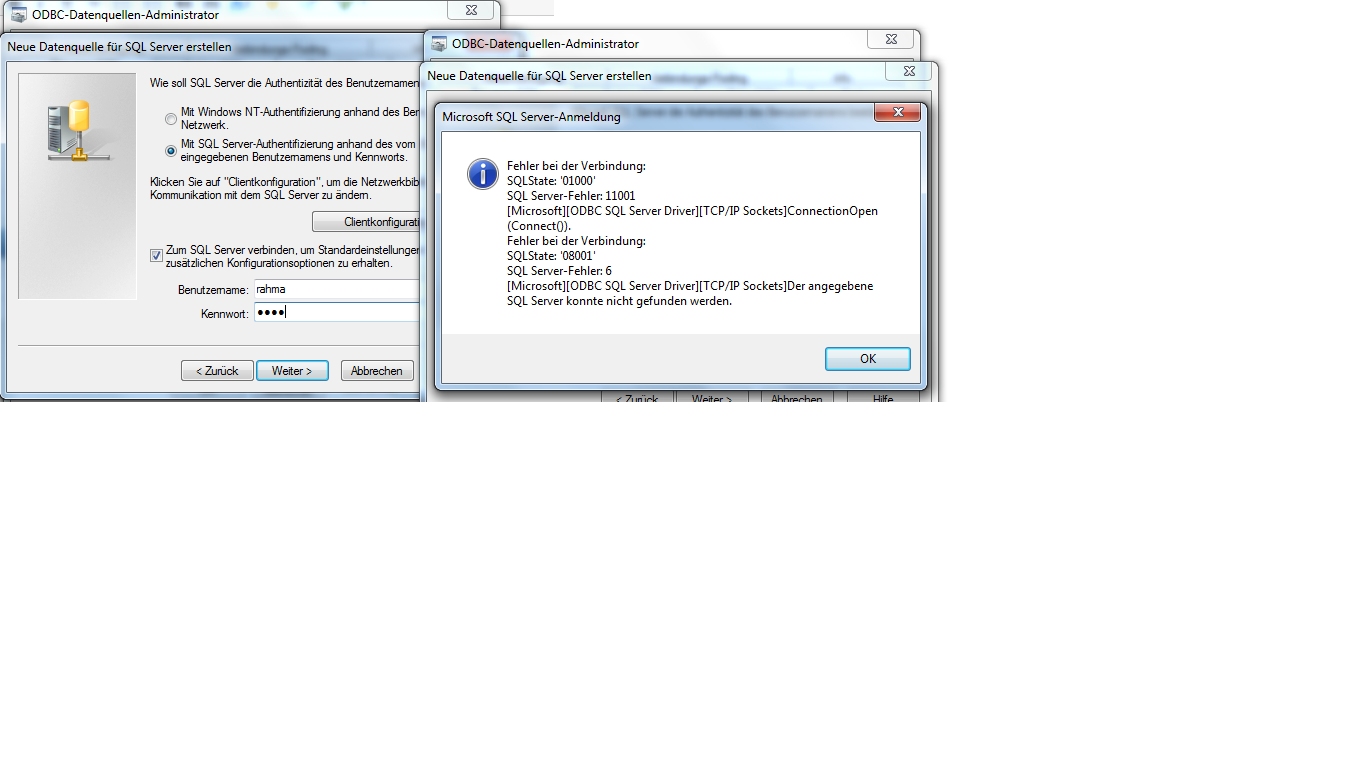

 andrespa
- Mark as New
- Bookmark
- Subscribe
- Mute
- Subscribe to RSS Feed
- Permalink
- Report Inappropriate Content
Hi, could it be something about the architecture of both the connector and the DB?? (Trying to connect from a 64bits DB eith a connector of 32 bits)
Hope it helps,
Andrés
swuehl
- Mark as New
- Bookmark
- Subscribe
- Mute
- Subscribe to RSS Feed
- Permalink
- Report Inappropriate Content
Is MySQL a qualified server name? Have you tried using an IP address instead?
And are you sure you are using the correct MySQL ODBC driver (looks more like a MS SQL Server driver)?
Clever_Anjos
- Mark as New
- Bookmark
- Subscribe
- Mute
- Subscribe to RSS Feed
- Permalink
- Report Inappropriate Content
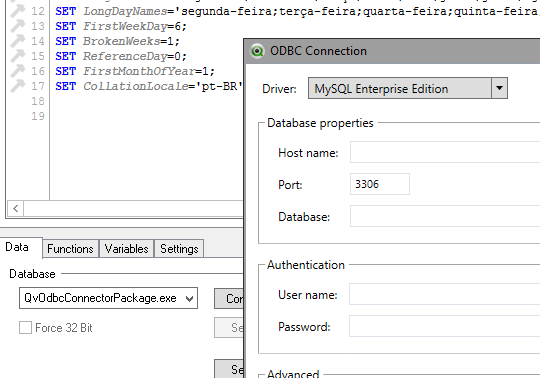
Are you using a SQL Server driver to connect to a MySQL server?
I don´t think it´s supposed to work.
Maybe if try the QvOdbcConnectoPackage selecting the MySQL driver, you can have sucess:
- « Previous Replies
-
- 1
- 2
- Next Replies »