Unlock a world of possibilities! Login now and discover the exclusive benefits awaiting you.

- Qlik Community
- :
- All Forums
- :
- QlikView
- :
- QVWS@... is down
- Subscribe to RSS Feed
- Mark Topic as New
- Mark Topic as Read
- Float this Topic for Current User
- Bookmark
- Subscribe
- Mute
- Printer Friendly Page

- Mark as New
- Bookmark
- Subscribe
- Mute
- Subscribe to RSS Feed
- Permalink
- Report Inappropriate Content
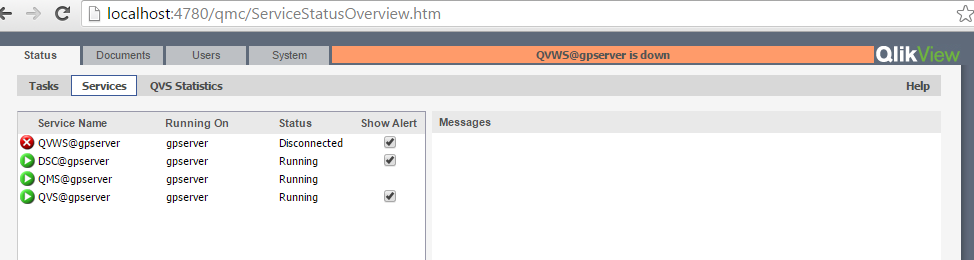
QVWS@... is down
how can i fix this problem

- « Previous Replies
-
- 1
- 2
- Next Replies »
Accepted Solutions

 simospa
- Mark as New
- Bookmark
- Subscribe
- Mute
- Subscribe to RSS Feed
- Permalink
- Report Inappropriate Content
What did you mean?
You can setup qlikview even where license is assigned...
Try to go in System --> Setup --> Directory Service Connector and check all data specified there... verify that the service is accessible and so on.
Is AD Service account a member of the Local Administrator group on the server? I mean: not only a member of
"QlikView Administrators"?
S.

 krishna20
- Mark as New
- Bookmark
- Subscribe
- Mute
- Subscribe to RSS Feed
- Permalink
- Report Inappropriate Content
Hi,
Try, stop all services and restart it.
- Mark as New
- Bookmark
- Subscribe
- Mute
- Subscribe to RSS Feed
- Permalink
- Report Inappropriate Content
Dear Krishna,
I'm new to qlik can you show me how to stop all services and restart it in document or video or image or anything please.
Regard
krishna20
- Mark as New
- Bookmark
- Subscribe
- Mute
- Subscribe to RSS Feed
- Permalink
- Report Inappropriate Content
Hi,
I have not installed QMC in my system.
Just follow these steps to find the services.
open mycomputer-> at above right hand side search for Services -> you will find the below image
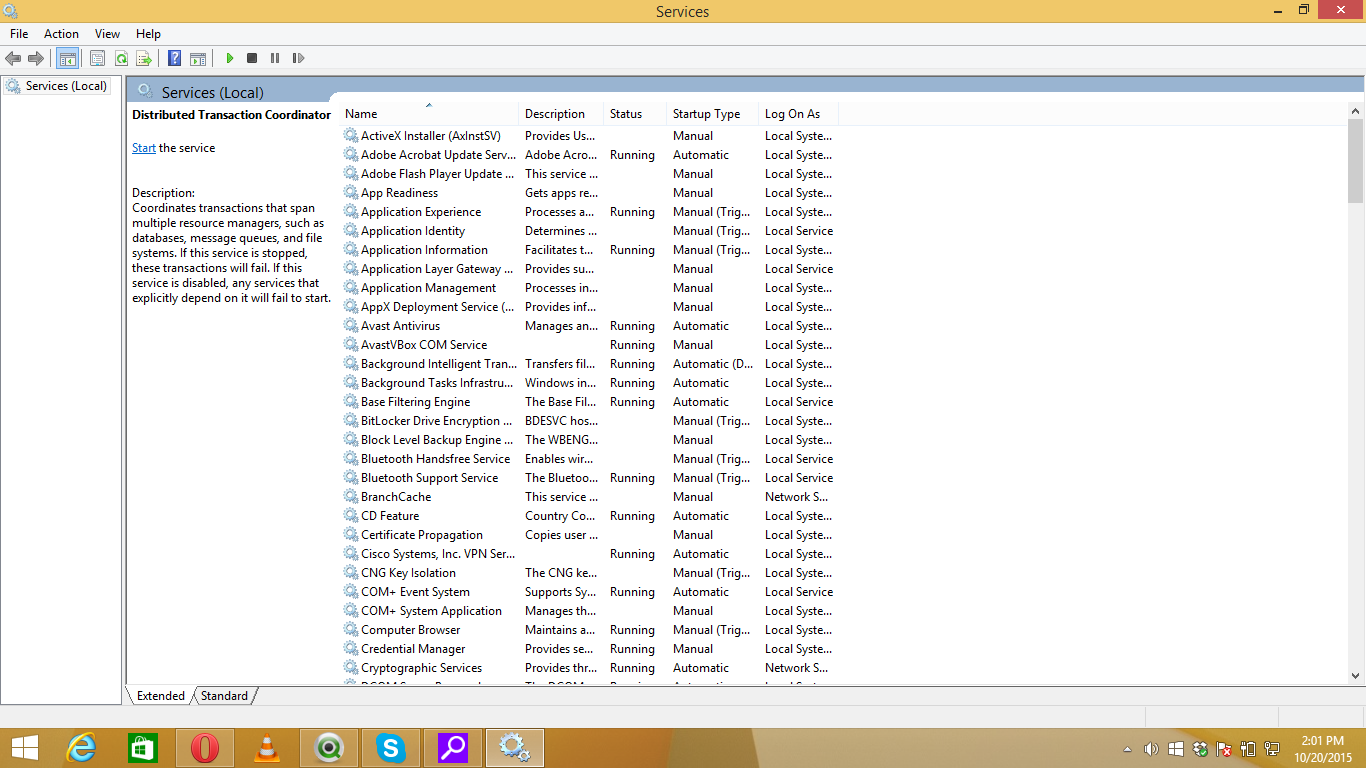
Find the services in QMC at this window. Right click on particular service and stop it then restart it.
Find Directory Service Connector
Qlikmangement Service
Qilview server service
Qlikview Webserver service
Hipe this helps.
krishna20
- Mark as New
- Bookmark
- Subscribe
- Mute
- Subscribe to RSS Feed
- Permalink
- Report Inappropriate Content
simospa
- Mark as New
- Bookmark
- Subscribe
- Mute
- Subscribe to RSS Feed
- Permalink
- Report Inappropriate Content
Hi,
take a look at the logs in QlikViewServer Folder (C:\ProgramData\QlikTech\QlikViewServer), in particular
- Events*.log
- Performance*.log
- Sessions*.log
if you find some errors post them here.
Which release of QV server are you using? Which OS?
Let us know
S.
- Mark as New
- Bookmark
- Subscribe
- Mute
- Subscribe to RSS Feed
- Permalink
- Report Inappropriate Content
I'm using QlikViewServer_Win2012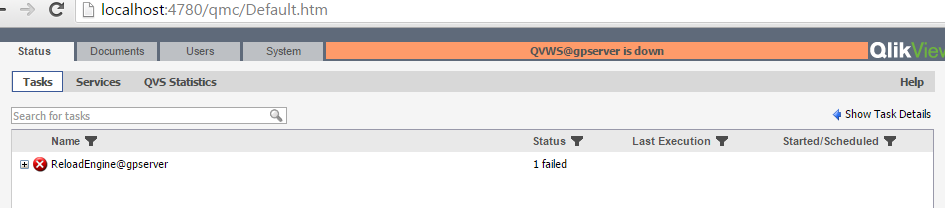
- Mark as New
- Bookmark
- Subscribe
- Mute
- Subscribe to RSS Feed
- Permalink
- Report Inappropriate Content
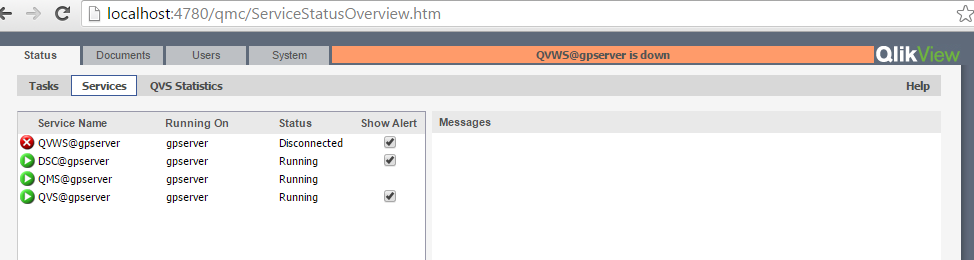
check my last comment please
- Mark as New
- Bookmark
- Subscribe
- Mute
- Subscribe to RSS Feed
- Permalink
- Report Inappropriate Content
i make stop then start for all services but it doesn't working !!
simospa
- Mark as New
- Bookmark
- Subscribe
- Mute
- Subscribe to RSS Feed
- Permalink
- Report Inappropriate Content
Which SR is?
S.
- « Previous Replies
-
- 1
- 2
- Next Replies »