Unlock a world of possibilities! Login now and discover the exclusive benefits awaiting you.

- Qlik Community
- :
- All Forums
- :
- QlikView
- :
- Straight Table Custome Style
- Subscribe to RSS Feed
- Mark Topic as New
- Mark Topic as Read
- Float this Topic for Current User
- Bookmark
- Subscribe
- Mute
- Printer Friendly Page

 vinod2086
- Mark as New
- Bookmark
- Subscribe
- Mute
- Subscribe to RSS Feed
- Permalink
- Report Inappropriate Content
Straight Table Custome Style
Hi Friends,
how to change column header color in straight table please find below image for reference.

Thanks In advance.
- Tags:
- new_to_qlikview
- « Previous Replies
-
- 1
- 2
- Next Replies »
Accepted Solutions

 vikasmahajan
- Mark as New
- Bookmark
- Subscribe
- Mute
- Subscribe to RSS Feed
- Permalink
- Report Inappropriate Content
1. Click on Document properties -> Select Advanced Mode See Untitled 1.png
2. Right click striaght table -> See PNG2
3 Format you want.
Hope this help you
Vikas
If the issue is solved please mark the answer with Accept as Solution & like it.
If you want to go quickly, go alone. If you want to go far, go together.


 vikasmahajan
- Mark as New
- Bookmark
- Subscribe
- Mute
- Subscribe to RSS Feed
- Permalink
- Report Inappropriate Content
1. Click on Document properties -> Select Advanced Mode See Untitled 1.png
2. Right click striaght table -> See PNG2
3 Format you want.
Hope this help you
Vikas
If the issue is solved please mark the answer with Accept as Solution & like it.
If you want to go quickly, go alone. If you want to go far, go together.
vinod2086
- Mark as New
- Bookmark
- Subscribe
- Mute
- Subscribe to RSS Feed
- Permalink
- Report Inappropriate Content
Hi Vikas thanks for yr reply but i have tried this way but unable to change header color.
i have selected color but its reflection on table not headers.

 mahesh_m1029488
- Mark as New
- Bookmark
- Subscribe
- Mute
- Subscribe to RSS Feed
- Permalink
- Report Inappropriate Content
Hi Vinod,
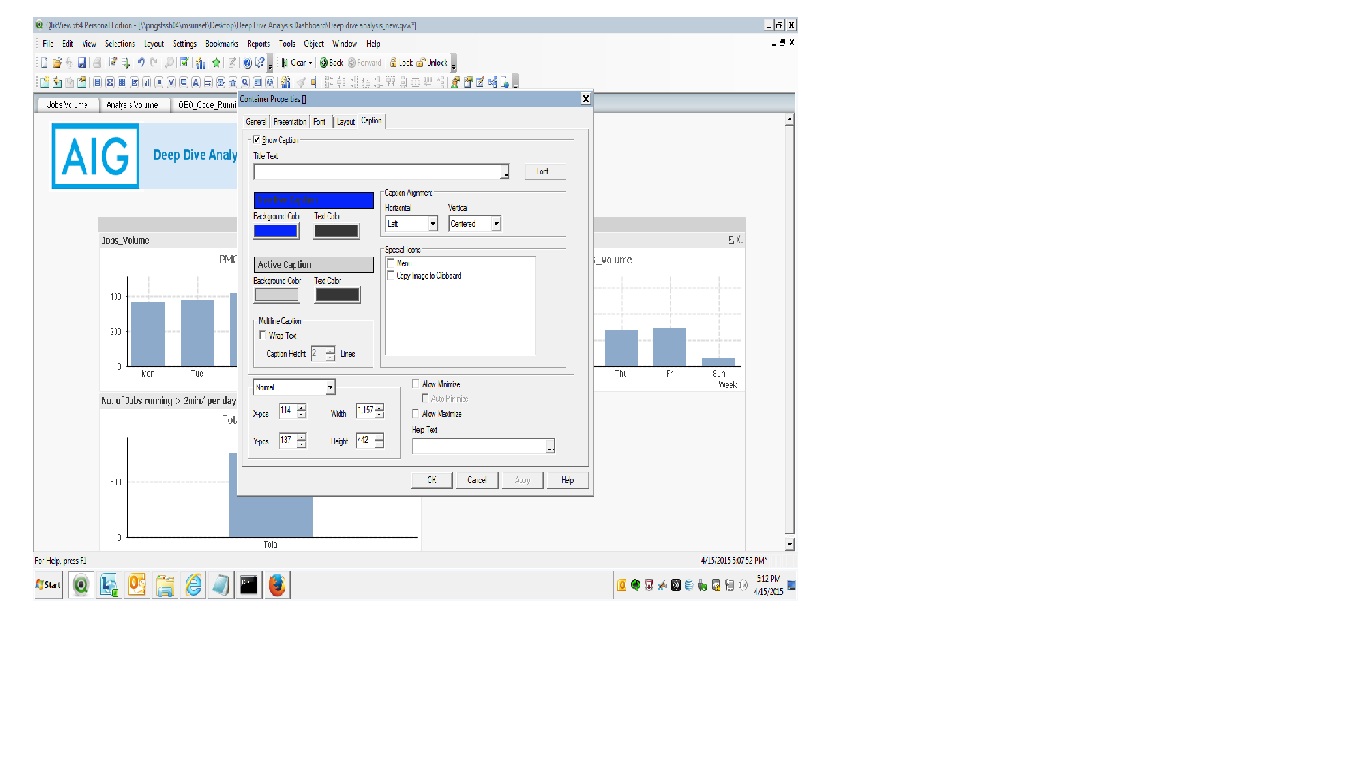
You can got to properties->caption->set the color you want and also u can remove
vinod2086
- Mark as New
- Bookmark
- Subscribe
- Mute
- Subscribe to RSS Feed
- Permalink
- Report Inappropriate Content
hey Mahesh,
that is applicable to Title header not column header.
vikasmahajan
- Mark as New
- Bookmark
- Subscribe
- Mute
- Subscribe to RSS Feed
- Permalink
- Report Inappropriate Content
Hii
Click on header and format colour as you want it is possible using same.
Please find png file
Vikas
If the issue is solved please mark the answer with Accept as Solution & like it.
If you want to go quickly, go alone. If you want to go far, go together.
vikasmahajan
- Mark as New
- Bookmark
- Subscribe
- Mute
- Subscribe to RSS Feed
- Permalink
- Report Inappropriate Content
pfa resolved
If the issue is solved please mark the answer with Accept as Solution & like it.
If you want to go quickly, go alone. If you want to go far, go together.


 NareshGuntur
- Mark as New
- Bookmark
- Subscribe
- Mute
- Subscribe to RSS Feed
- Permalink
- Report Inappropriate Content
Hi Vinod,
1) Go to Grid Mode. Ctrl+G
2) Right click on the header which you want to change and Click on Custom Format Cell
3) Change the back ground color.
Cheers,
Naresh

 buzzy996
- Mark as New
- Bookmark
- Subscribe
- Mute
- Subscribe to RSS Feed
- Permalink
- Report Inappropriate Content
u can follow Naresh steps,tht will gives ur expecting result.
vikasmahajan
- Mark as New
- Bookmark
- Subscribe
- Mute
- Subscribe to RSS Feed
- Permalink
- Report Inappropriate Content
IF you applied successfully please mark ans as correct or helpful.
Vikas 
If the issue is solved please mark the answer with Accept as Solution & like it.
If you want to go quickly, go alone. If you want to go far, go together.

- « Previous Replies
-
- 1
- 2
- Next Replies »