Unlock a world of possibilities! Login now and discover the exclusive benefits awaiting you.

- Qlik Community
- :
- Forums
- :
- Analytics & AI
- :
- Products & Topics
- :
- Visualization and Usability
- :
- Create nested if statements in color by expression
- Subscribe to RSS Feed
- Mark Topic as New
- Mark Topic as Read
- Float this Topic for Current User
- Bookmark
- Subscribe
- Mute
- Printer Friendly Page

- Mark as New
- Bookmark
- Subscribe
- Mute
- Subscribe to RSS Feed
- Permalink
- Report Inappropriate Content
Create nested if statements in color by expression
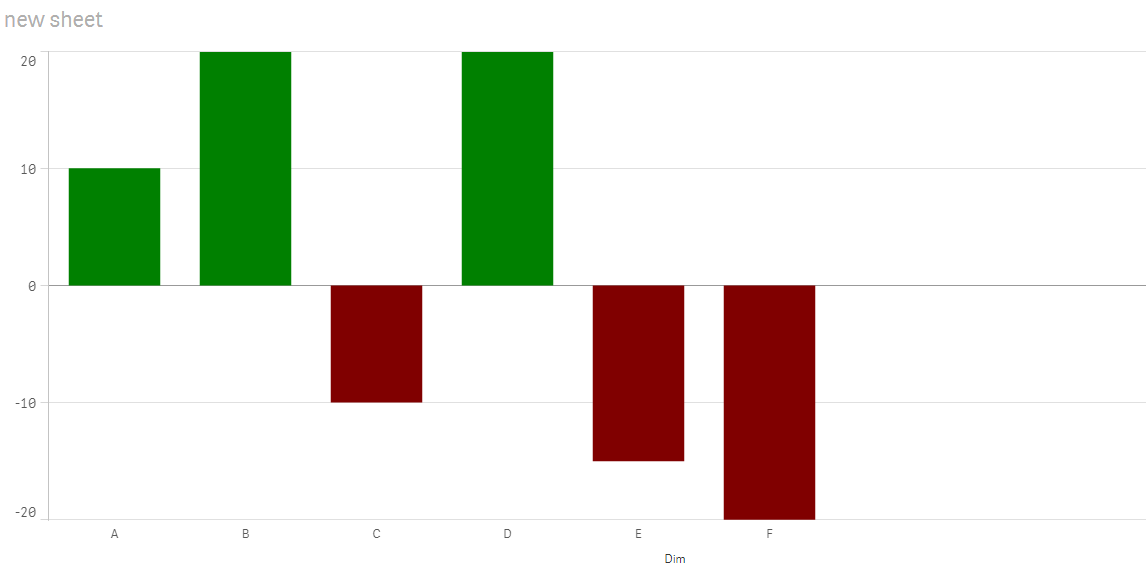
I created a positive-negative bar chart and I would like to implement 2 colors: green for positive values and red for negative values for example.
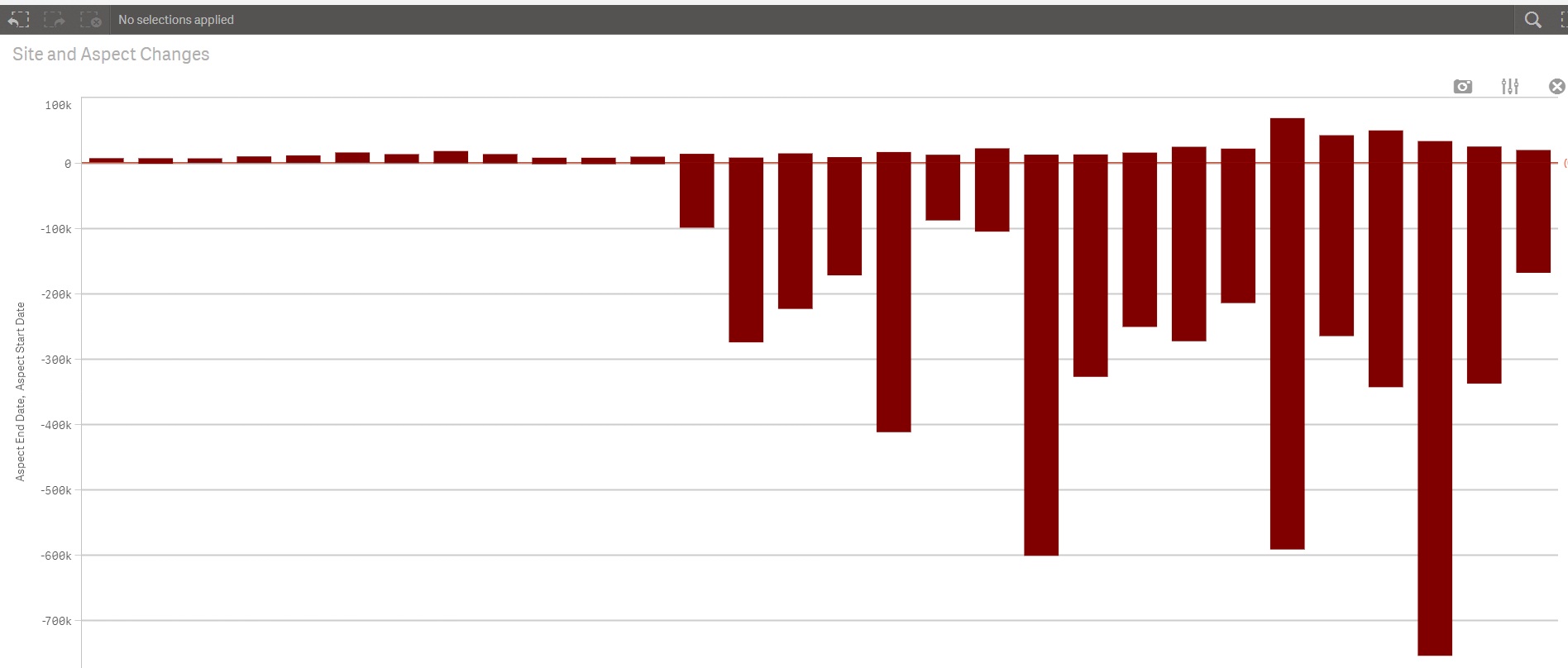
I have used two measures to obtain this chart a Min(value) and a Max(value), so when I insert a color expression I have something like this:
=If(Min(Value) < 0, Green(), Red()) but I would like to create a nested if statement something like:
=If(Min(Value) < 0, Green(), Red(),
If(Max(Value) > 0, Green(), Red())
But I'm not sure if I can use this approach in this case cause is not working. Any ideas how to create something like this?Thanks,
- « Previous Replies
-
- 1
- 2
- Next Replies »
- Mark as New
- Bookmark
- Subscribe
- Mute
- Subscribe to RSS Feed
- Permalink
- Report Inappropriate Content
I think you are right  Ok I will set a color for each value and see how it goes.
- « Previous Replies
-
- 1
- 2
- Next Replies »