Unlock a world of possibilities! Login now and discover the exclusive benefits awaiting you.

- Qlik Community
- :
- All Forums
- :
- QlikView
- :
- Any problems of display/resolution with the new Ql...
- Subscribe to RSS Feed
- Mark Topic as New
- Mark Topic as Read
- Float this Topic for Current User
- Bookmark
- Subscribe
- Mute
- Printer Friendly Page

 seb-custics
- Mark as New
- Bookmark
- Subscribe
- Mute
- Subscribe to RSS Feed
- Permalink
- Report Inappropriate Content
Any problems of display/resolution with the new Qlik Sense 3.1 ?
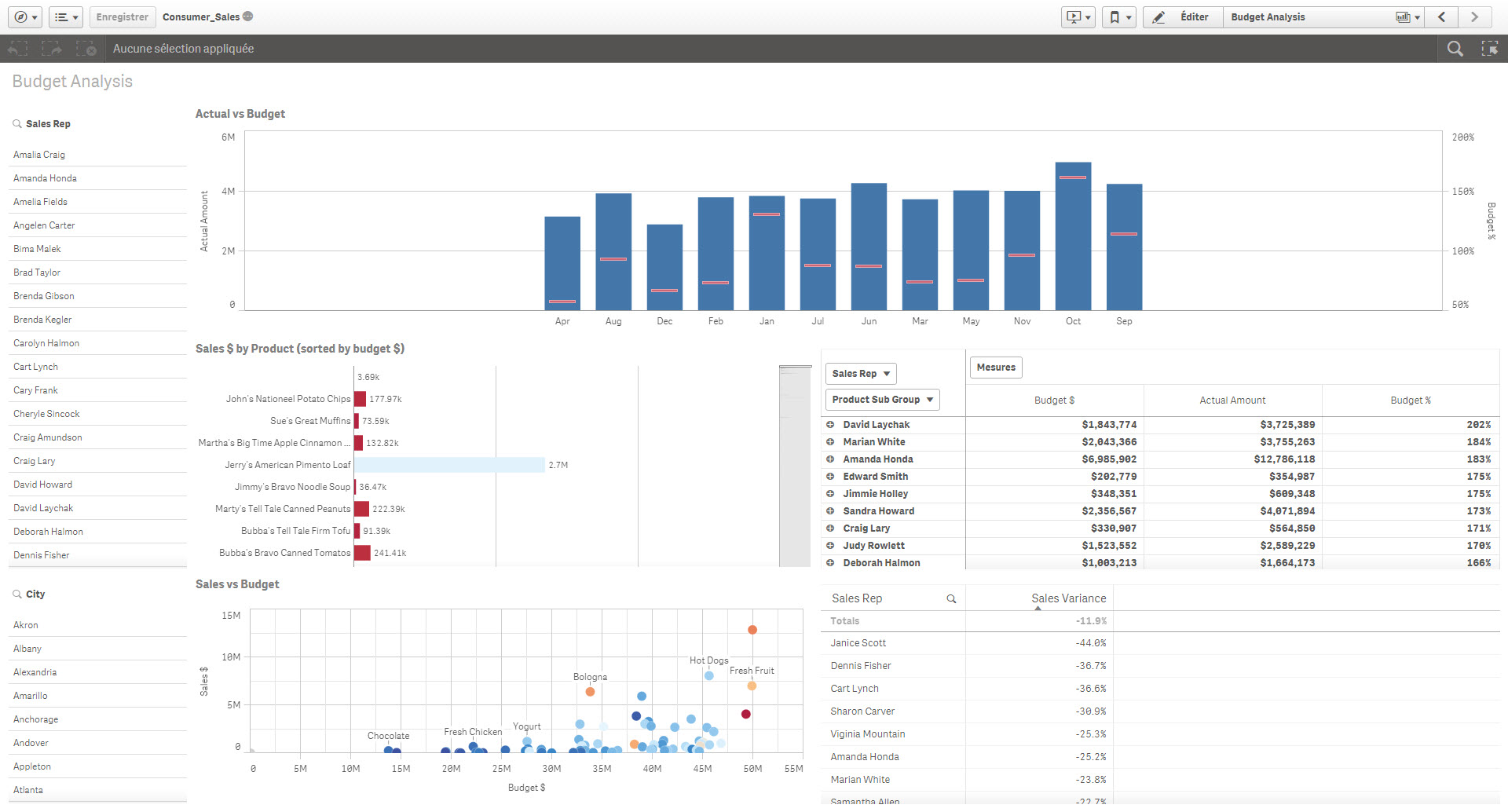
I have updated the desktop version with the new release but the interface of past applications is badly displayed...
Do you meet this kind of bad surprise ?
Accepted Solutions
seb-custics
- Mark as New
- Bookmark
- Subscribe
- Mute
- Subscribe to RSS Feed
- Permalink
- Report Inappropriate Content
Ricci has found the solution :
Go at \Users\(your folder)\AppData\Local\Programs\Qlik\Sense
Open the file services.conf and under the [browser.parameters] section
Add the following parameters:
--high-dpi-support=1
--force-device-scale-factor=1
seb-custics
- Mark as New
- Bookmark
- Subscribe
- Mute
- Subscribe to RSS Feed
- Permalink
- Report Inappropriate Content
Ricci has found the solution :
Go at \Users\(your folder)\AppData\Local\Programs\Qlik\Sense
Open the file services.conf and under the [browser.parameters] section
Add the following parameters:
--high-dpi-support=1
--force-device-scale-factor=1

 reivax31
- Mark as New
- Bookmark
- Subscribe
- Mute
- Subscribe to RSS Feed
- Permalink
- Report Inappropriate Content
Hi,
I used your solution in order to have a better screen resolution, but it is better but not yet perfect. On my computer I have screen 22" 1920x1080. But now I have also a 44" tactile screen 1920x1080. But I don't have the same rendering for my qlik sense apps. On the 44" screen I will see less information.
Is there a way to change the scale factor?
Best regards
with 44" screen
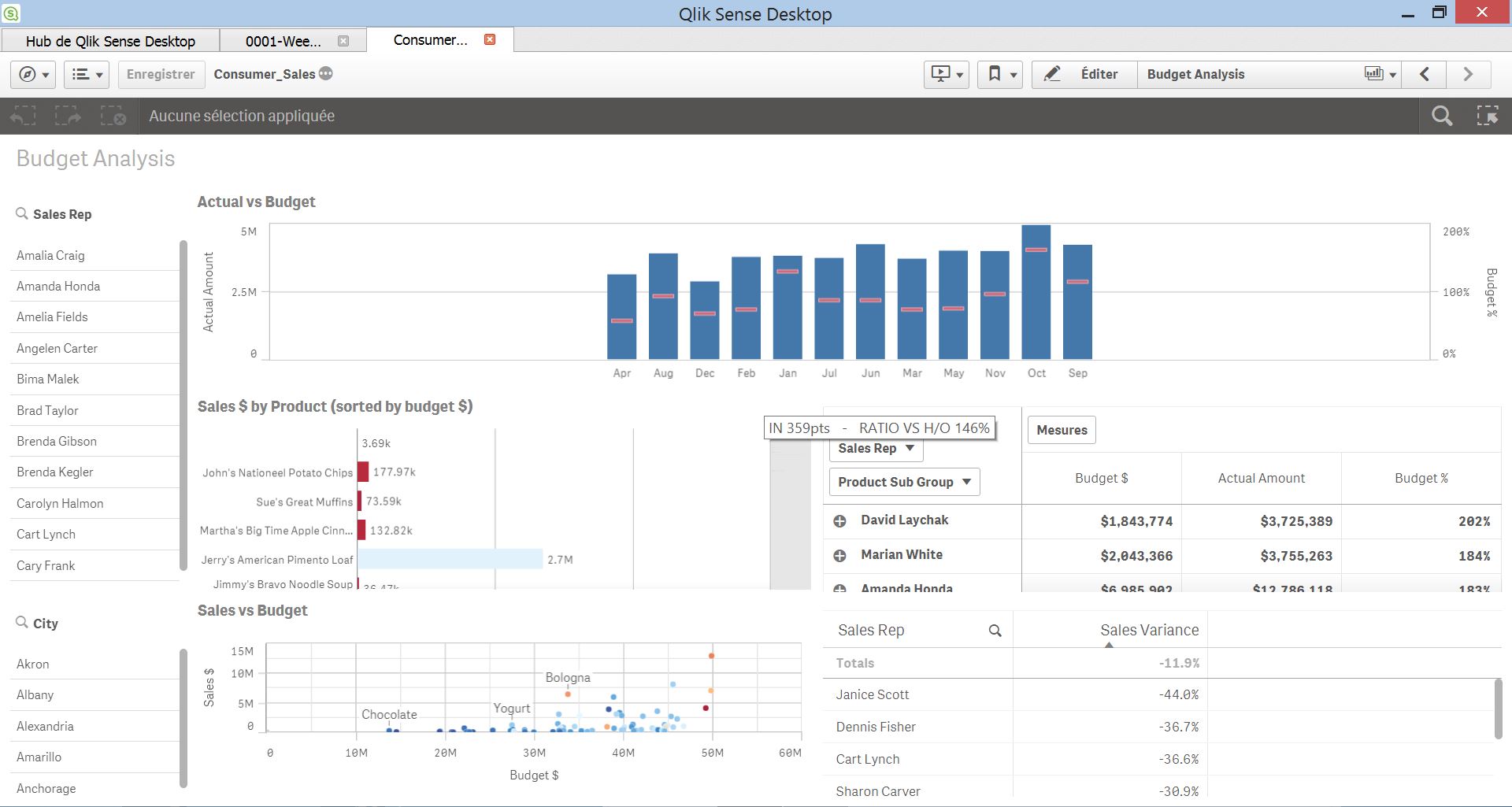
with 22" screen