Unlock a world of possibilities! Login now and discover the exclusive benefits awaiting you.

- Qlik Community
- :
- Forums
- :
- Analytics & AI
- :
- Products & Topics
- :
- App Development
- :
- Help exclude the selection
- Subscribe to RSS Feed
- Mark Topic as New
- Mark Topic as Read
- Float this Topic for Current User
- Bookmark
- Subscribe
- Mute
- Printer Friendly Page

 OmarBenSalem
- Mark as New
- Bookmark
- Subscribe
- Mute
- Subscribe to RSS Feed
- Permalink
- Report Inappropriate Content
Help exclude the selection
Hi,
I want to exclude this selection feature from the fitler ponel for just one application:

If yes; how to do so please?
Thanks !
Omar BEN SALEM
Accepted Solutions
OmarBenSalem
- Mark as New
- Bookmark
- Subscribe
- Mute
- Subscribe to RSS Feed
- Permalink
- Report Inappropriate Content
Nevermind
I found a way to do:
In the script:
SET HidePrefix='%';
Then every field u don't want to appear in the selection tool; u rename it with the % as a prefix:*
field as %field
result:
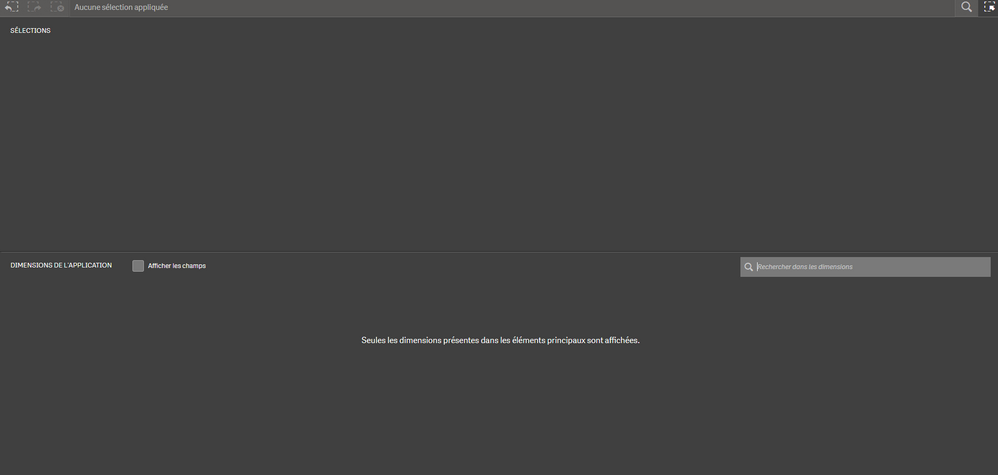 OmarBenSalem
- Mark as New
- Bookmark
- Subscribe
- Mute
- Subscribe to RSS Feed
- Permalink
- Report Inappropriate Content
Nevermind
I found a way to do:
In the script:
SET HidePrefix='%';
Then every field u don't want to appear in the selection tool; u rename it with the % as a prefix:*
field as %field
result:

 Patrik_Lundblad
- Mark as New
- Bookmark
- Subscribe
- Mute
- Subscribe to RSS Feed
- Permalink
- Report Inappropriate Content
Hi Omar,
What set hideprefix/hidesuffix will do is to add the tag $hidden to all fields that match the prefix or suffix.
If you don't want to rename the field you can also manually add the tag $hidden to each field or a list of fields.
Such as
tag field Dim1 with '$hidden'
Patrik.
