Unlock a world of possibilities! Login now and discover the exclusive benefits awaiting you.

- Qlik Community
- :
- Forums
- :
- Analytics & AI
- :
- Products & Topics
- :
- App Development
- :
- Hide Trend line in combo chart when no selections ...
- Subscribe to RSS Feed
- Mark Topic as New
- Mark Topic as Read
- Float this Topic for Current User
- Bookmark
- Subscribe
- Mute
- Printer Friendly Page

- Mark as New
- Bookmark
- Subscribe
- Mute
- Subscribe to RSS Feed
- Permalink
- Report Inappropriate Content
Hide Trend line in combo chart when no selections are made?
Hi all,
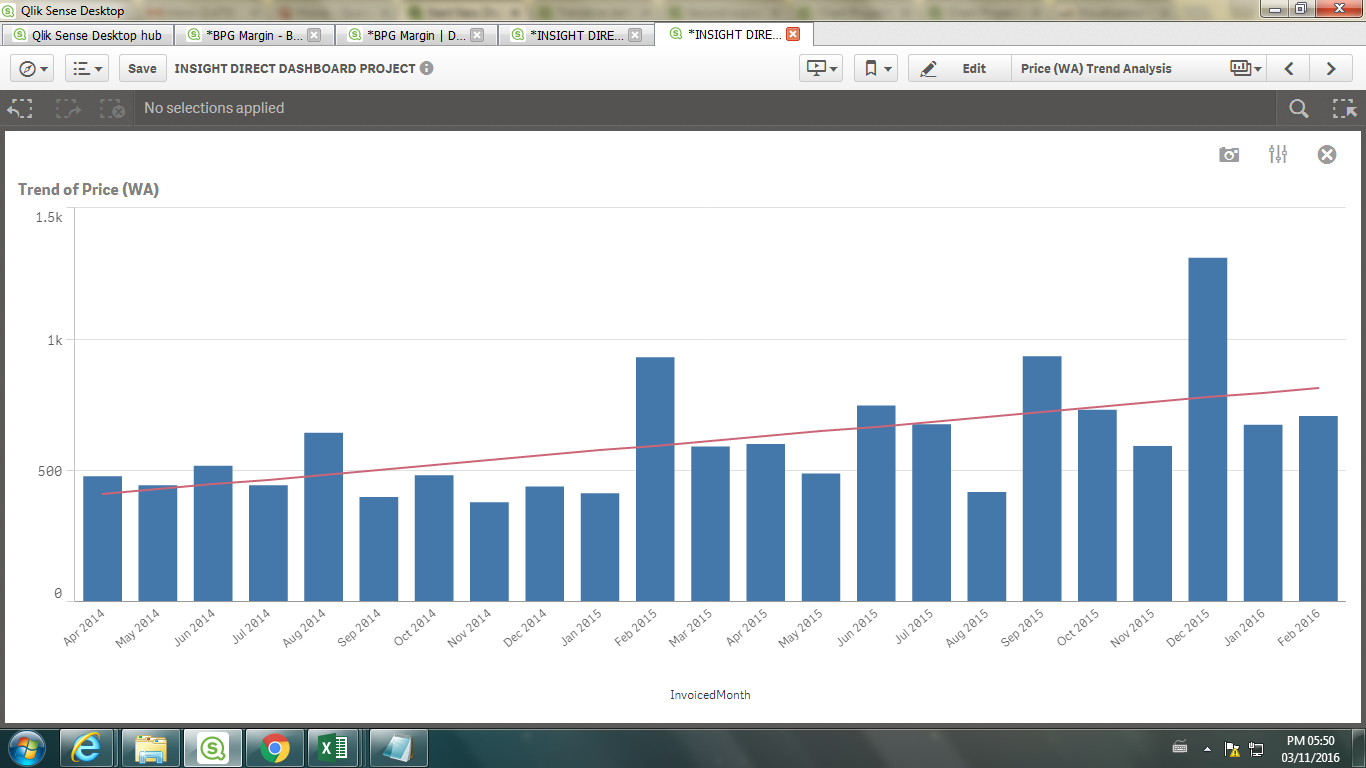
I need to hide the trend line that was created using linest functions when no selections are made. For example i have a combo chart with Month as it's dimension, and sum(Purchase) as one measure and Avg(Unit price) as other measure. When selections are made in Product column I need to show the trend line other wise just hide that line .
How to do this ?
any help will be appreaciated?
Note: I am able to show the trend line without any selections. Now i need to hide that and show it when I made some selections in product column.
Thank you
- « Previous Replies
-
- 1
- 2
- Next Replies »

 Gysbert_Wassena
- Mark as New
- Bookmark
- Subscribe
- Mute
- Subscribe to RSS Feed
- Permalink
- Report Inappropriate Content
No, you're absolutely right. So you're out of luck. Can't be done in Qlik Sense without a custom extension.
talk is cheap, supply exceeds demand
- Mark as New
- Bookmark
- Subscribe
- Mute
- Subscribe to RSS Feed
- Permalink
- Report Inappropriate Content
It will be helpful if you can send any extension links to meet this requirement.
Thanks.
- « Previous Replies
-
- 1
- 2
- Next Replies »