Unlock a world of possibilities! Login now and discover the exclusive benefits awaiting you.

- Qlik Community
- :
- Forums
- :
- Analytics & AI
- :
- Products & Topics
- :
- App Development
- :
- How to avoid error msg " Cound not Reach Http://oc...
Options
- Subscribe to RSS Feed
- Mark Topic as New
- Mark Topic as Read
- Float this Topic for Current User
- Bookmark
- Subscribe
- Mute
- Printer Friendly Page
Turn on suggestions
Auto-suggest helps you quickly narrow down your search results by suggesting possible matches as you type.
Showing results for

 paulyeo11
Master
2016-12-10
09:42 PM
- Mark as New
- Bookmark
- Subscribe
- Mute
- Subscribe to RSS Feed
- Permalink
- Report Inappropriate Content
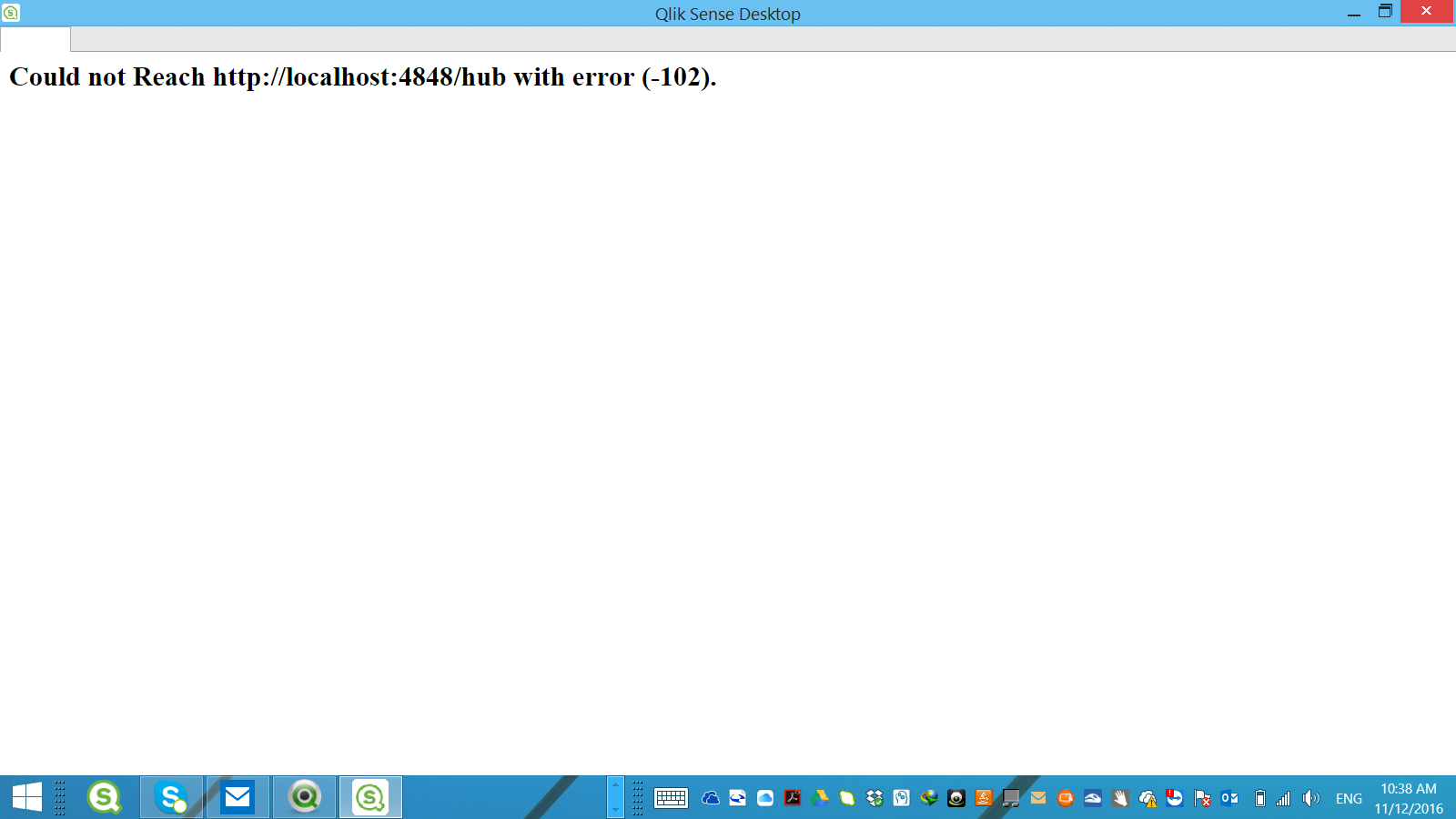
How to avoid error msg " Cound not Reach Http://ocalhost:4848/Hub"
Hi All
Each time when i open Qlik Sense , i will get this msg. i need to close the App and re-open again. May i know how to avoid ? This only happen on ver 3.1
774 Views
1 Solution
Accepted Solutions

Anonymous
Not applicable
2016-12-11
05:57 AM
- Mark as New
- Bookmark
- Subscribe
- Mute
- Subscribe to RSS Feed
- Permalink
- Report Inappropriate Content
Just refreshing with <F5> should suffice - no need to to close & re-open.
I suspect something is not initializing quick enough.
735 Views
1 Reply
Anonymous
Not applicable
2016-12-11
05:57 AM
- Mark as New
- Bookmark
- Subscribe
- Mute
- Subscribe to RSS Feed
- Permalink
- Report Inappropriate Content
Just refreshing with <F5> should suffice - no need to to close & re-open.
I suspect something is not initializing quick enough.
736 Views