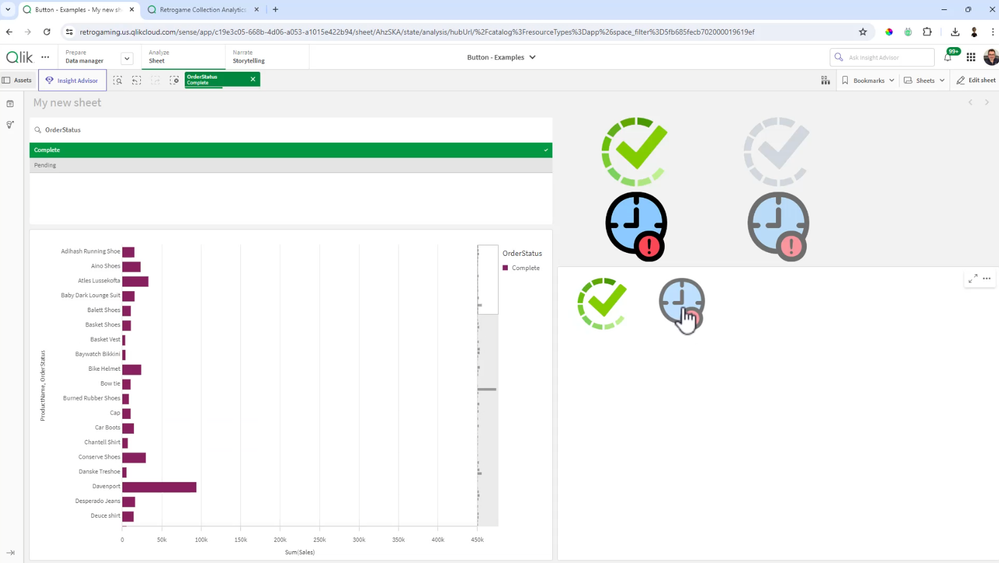
Ever wonder how those Qlik experts make those awesome interactive dashboards? It is easier than you think. Check out this video that quickly shows you how to create custom beautiful buttons to apply selections and visually represent an active or non-active selection state. Allowing users just another way to analyze data in a way that is easy and familiar.
You can almost achieve same funtionality if You are like me and can't draw even with PhotoShop.
Use if-function to coloring button title and backgroud acording it's selection state (like: selected - white title and green background; not-selected - DarkGray title and white backgroud). Inside if-function use GetFieldSelections to check if selected. In Button actions there is "Toggle selected", use that.
In this 'lite' version there is no need for LayoutContainer.
Just to give some feedback, when I go to select an object background image at first glance it looks like I have need to put argb(0,0,0) in background colour of ‘General’ tab, but instead I have to go to ‘Chart’ and set the transparent value in backgroud color of this category of Chart. This has caused me some confusion. Everything else is very usefu, thanks.