Unlock a world of possibilities! Login now and discover the exclusive benefits awaiting you.

- Qlik Community
- :
- Blogs
- :
- Technical
- :
- Design
- :
- Font Styling Enhancements

 Jennell_Yorkman
- Subscribe to RSS Feed
- Mark as New
- Mark as Read
- Bookmark
- Subscribe
- Printer Friendly Page
- Report Inappropriate Content
Since my previous blog titled Additional Styling Options for the Bar Chart, there have been more font styling enhancements worth mentioning. The General styling tab is now available for the pie chart, table, and pivot table, allowing users to customize the heading, subtitle, and footnotes in their visualizations. The emphasis for the text can also be set to bold, italic or underlined. Here is another quick look at the General tab options in case you missed it in my previous blog.

Here is what a table looks like with these settings:

A similar enhancement was made to the map. App developers have more flexibility in styling the labels on a map, as well as the title, subtitle, and footnote. In the layer properties of the map in the Options section, labels can be toggled on. If labels are on, developer can set the label font family, label font size, and the label font color.

Sometimes maps can be busy, so being able to customize the labels is very helpful. In the map below, I was able to adjust the color and size of the labels to compliment the color scheme I was using, maximizing the clarity of the labels on a map with so many labels.

Here is another example of custom labels from the What’s New App – November 2022. This is a totally different look and shows how different the labels can be styled.
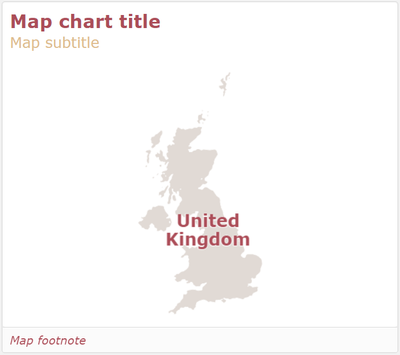
While these changes may seem small, they greatly impact the look and feel of an app. Developers have more options to easily customize visualizations to match their style or company brand.
Thanks,
Jennell
You must be a registered user to add a comment. If you've already registered, sign in. Otherwise, register and sign in.