Unlock a world of possibilities! Login now and discover the exclusive benefits awaiting you.


 Yianni_Ververis
- Subscribe to RSS Feed
- Mark as New
- Mark as Read
- Bookmark
- Subscribe
- Printer Friendly Page
- Report Inappropriate Content
Happy Friday everyone. If you have a Wordpress website and you want to incorporate visualizations from our Qlik Cloud, then you are at the right place. Below are the steps needed to install, configure and use the plugin by iframing an entire app sheet or creating a page with nebula.js and pulling just by ids.
Installation into WordPress
- Login to your WordPress Admin Portal.
- On the left navigation panel, select "Plugins".
- Towards the top of the plugins list, click the "Add New" button.
- In the search box towards the right-hand side, type "Qlik" and hit enter to search.
- The Qlik Saas plugin is currently one of only two results returned. Click the "Install Now" button next to it.
- WordPress will then download and install the plugin for you. Once complete, "Install Now" button will change to "Activate". Click the "Activate" button to complete the installation.
Configure Qlik Cloud
- Create a public / private key pair for signing JWTs
- Configure JWT identity provider
- Add the public key to the configuration
- Input Issuer & Key ID
https://qlik.dev/tutorials/create-signed-tokens-for-jwt-authorization#input-issuer-and-key-id-values
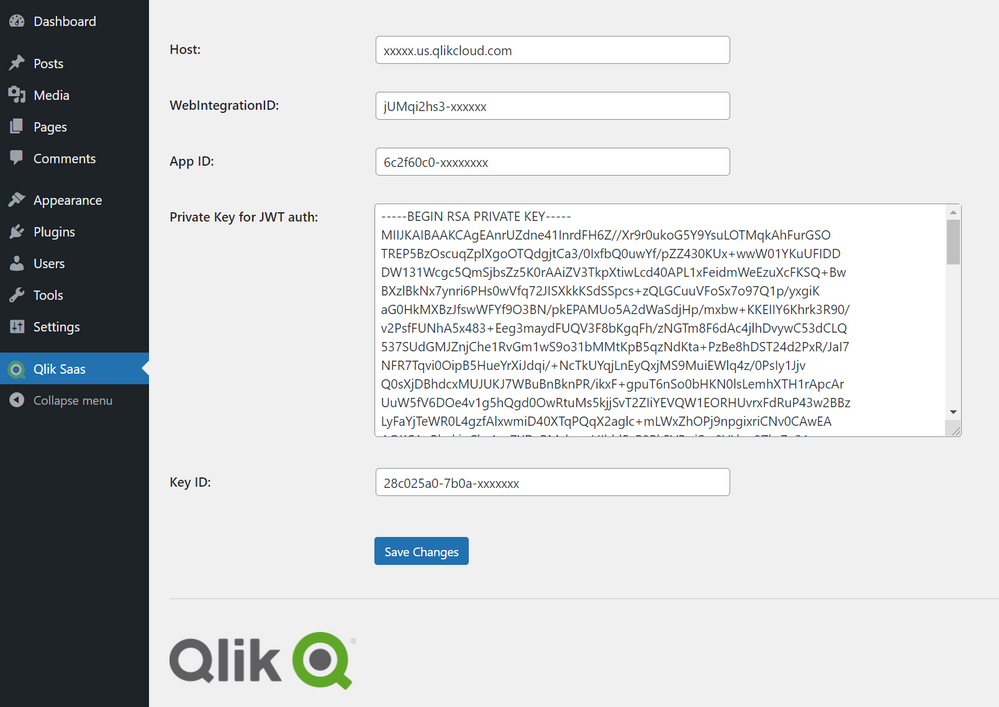
Configure plugin
- Add Host of Qlik Saas as <tenant>.<region>.qlikcloud.com
- Add your WebIntegrationID
https://qlik.dev/tutorials/implement-jwt-authorization#configure-a-web-integration-id
- Add you AppID
- Add your Private key from previous step “Create a public / private key pair for signing JWTs”
- Add the Key ID created from previous step
https://qlik.dev/tutorials/create-signed-tokens-for-jwt-authorization#input-issuer-and-key-id-values
Using the plugin
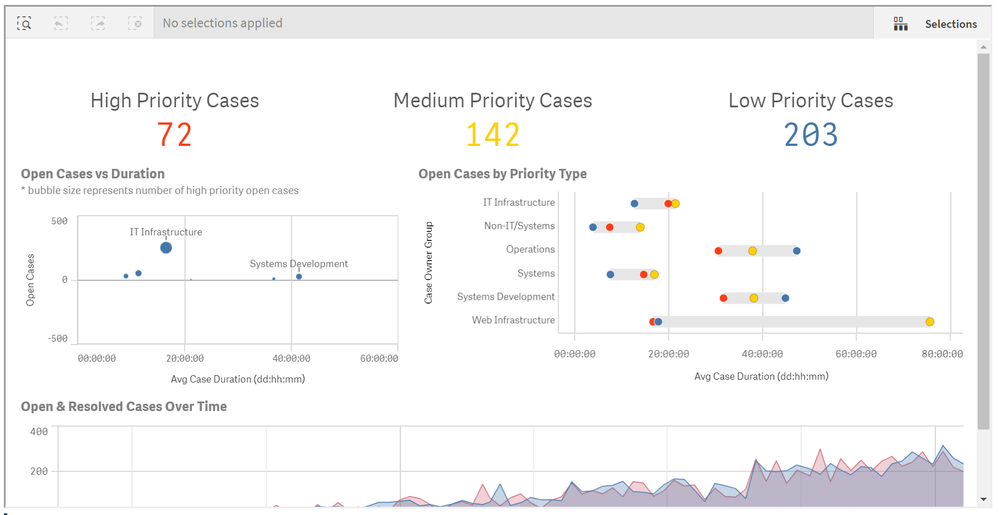
- iFrame an entire sheet by adding the shortcode into your page
[qlik-saas-single-sheet id="1ff88551-9c4d-41e0-b790-37f4c11d3df8" height="400" width="500"]
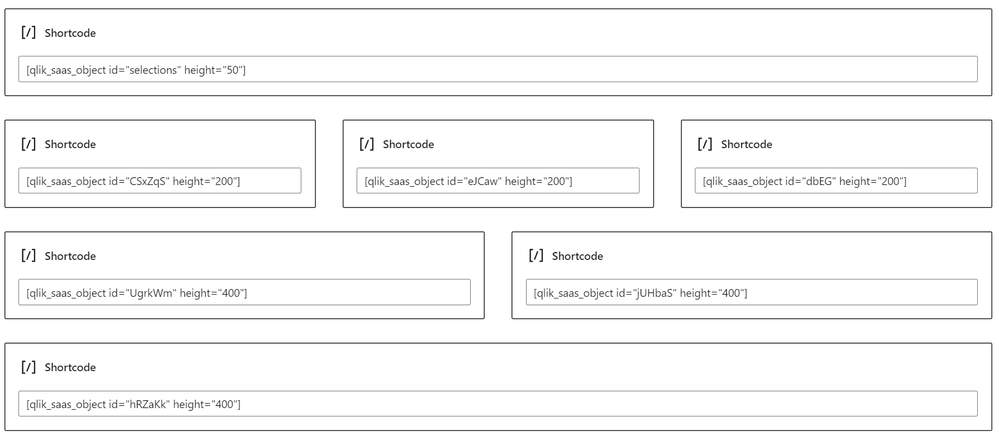
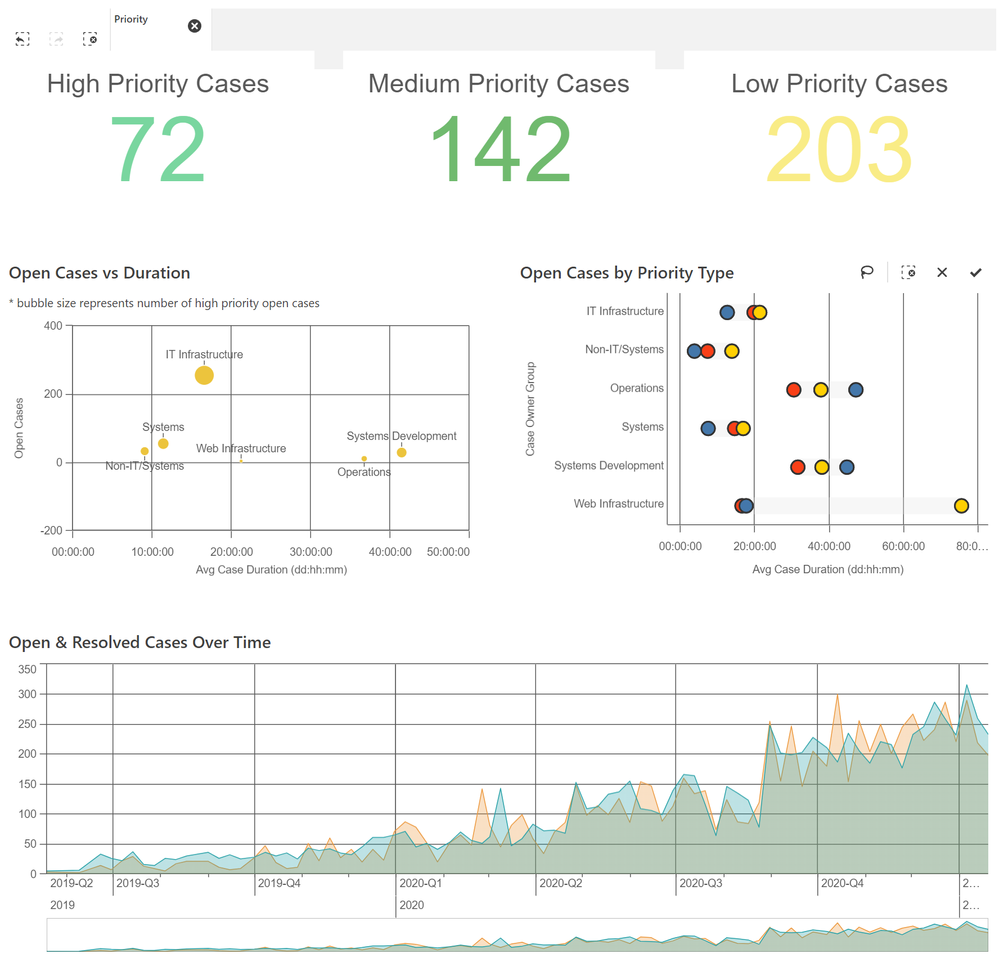
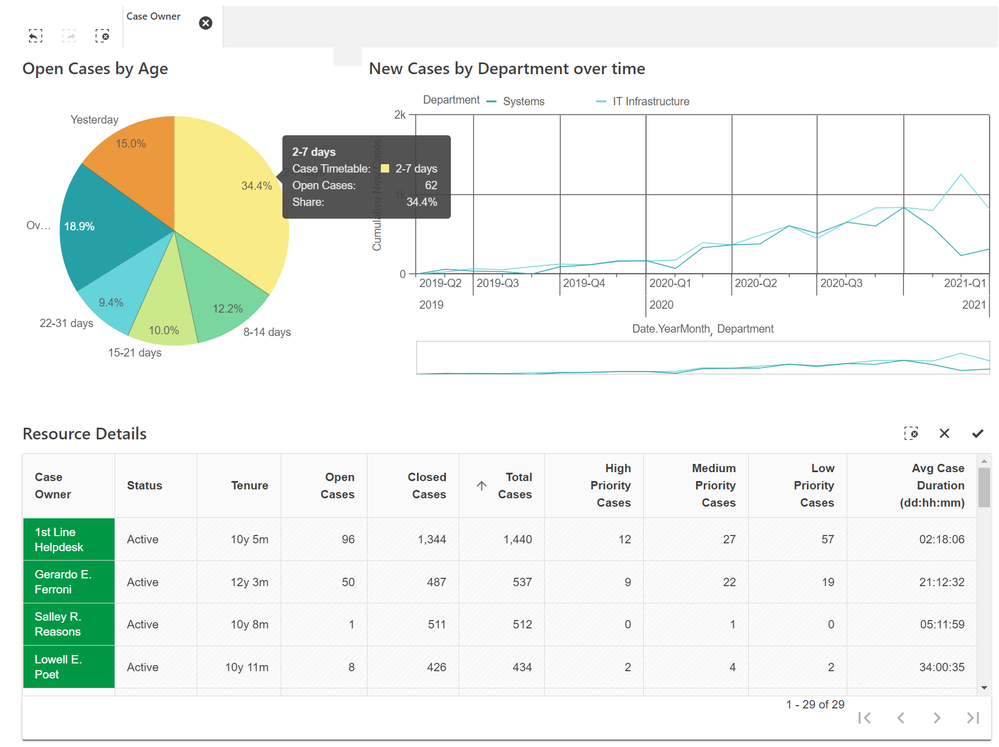
- Add object by adding the object id or "selections" for the current selections toolbar, with a shortcode into your page
[qlik_saas_object id="selections" height="50"][qlik_saas_object id="CSxZqS" height="400"]

You must be a registered user to add a comment. If you've already registered, sign in. Otherwise, register and sign in.