Unlock a world of possibilities! Login now and discover the exclusive benefits awaiting you.

- Qlik Community
- :
- Forums
- :
- Analytics & AI
- :
- Products & Topics
- :
- Integration, Extension & APIs
- :
- Action Button not working in Chrome or Edge in Qli...
- Subscribe to RSS Feed
- Mark Topic as New
- Mark Topic as Read
- Float this Topic for Current User
- Bookmark
- Subscribe
- Mute
- Printer Friendly Page

 CSmith
- Mark as New
- Bookmark
- Subscribe
- Mute
- Subscribe to RSS Feed
- Permalink
- Report Inappropriate Content
Action Button not working in Chrome or Edge in Qlikview
Hello,
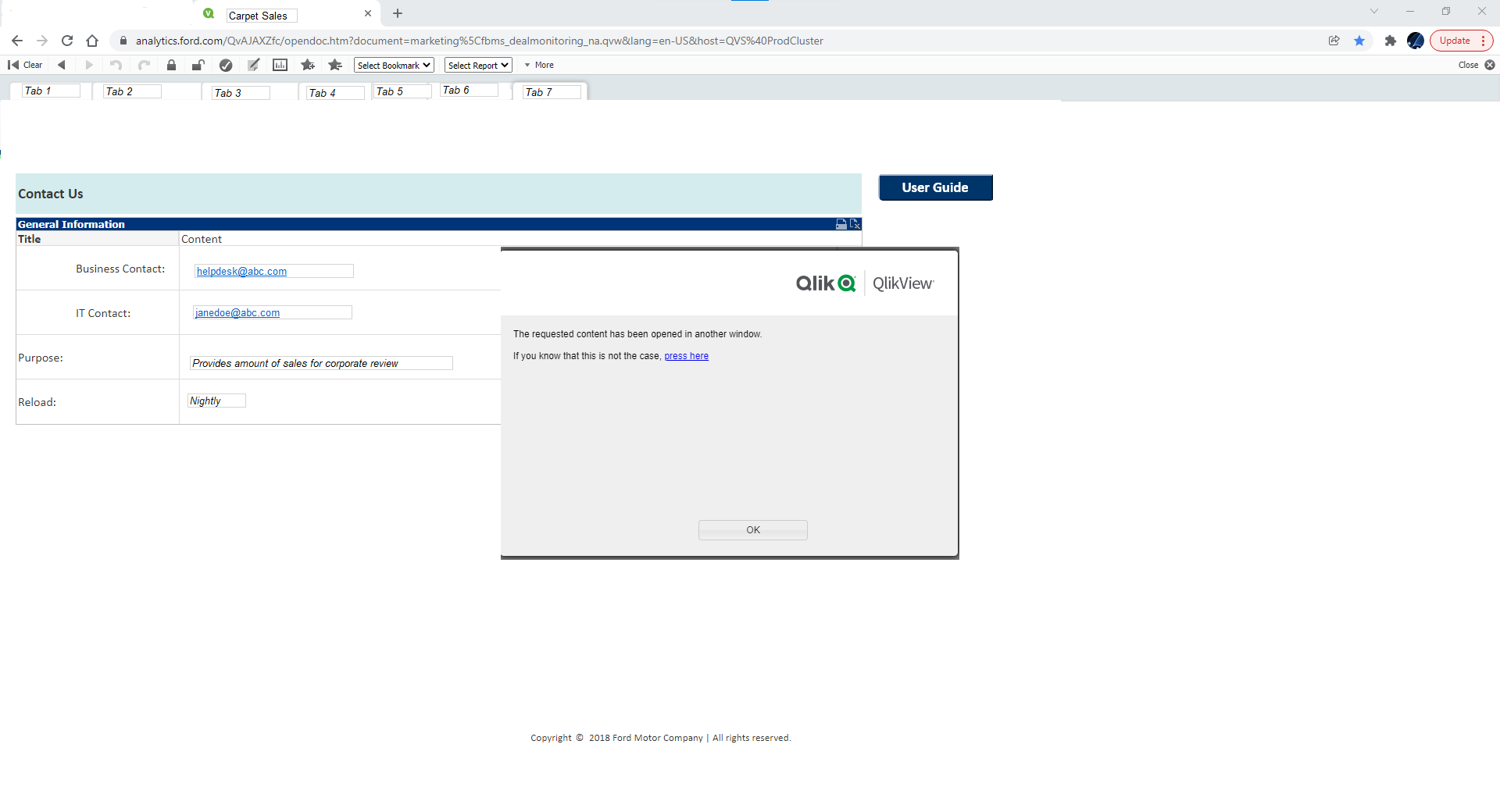
I am trying to add a button to an existing tab in Qlikview. I am using Qlikview 12.5 SR2. I am adding the button that should open up a PDF document outside of Qlikview. The Action that I selected is Open URL and I have the location and name of the document. The 'open in new window' option is unchecked. This action works fine on my local and it also works in IE. It does not work in either Chrome or Edge. I have attached a screen shot showing the message that I am receiving when I click the button. A box appears saying that the 'requested content has been opened in another window' but that never happens.
Any suggestions as to how to get around this???

 Maria_Halley
- Mark as New
- Bookmark
- Subscribe
- Mute
- Subscribe to RSS Feed
- Permalink
- Report Inappropriate Content
When you are using IE are you using the IE-Plugin?
There are differences in using Ajax and the plug-in. Action Button does not work in Ajax mode
Here is a link to an article discussing this
https://community.qlik.com/t5/Knowledge/Differences-between-IE-Plugin-and-Ajax/ta-p/1714621
Starting from 12.50 SR3 there is also support for Edge
https://community.qlik.com/t5/Knowledge/Is-there-an-IE-Plugin-for-Edge-Google-Chrome/ta-p/1712131
