Add the following flag in the "C:\Program Files\Qlik\Sense\Repository\Repository.exe.conf" file,
<!-- Flag will enable to scan for script tags in the uploaded XML files through the ContentLibrary or AppContent-->
<add key="ScanXmlFileForScripts" value="true" />
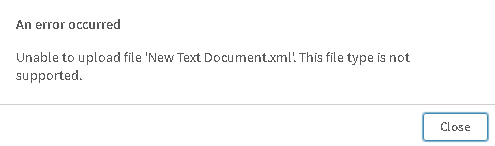
Upon detecting the script within the XML file, the User will be warned that the file can not be uploaded.
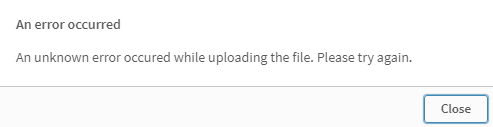
Or the below error based on the Qlik Sense version,
Fix Version:
Qlik Sense Enterprise on Windows May 2022.
From Qlik Sense May 2022 and onwards, The Qlik Sense Repository Service scans for script tags in XML files uploaded to AppContent or Content Library.