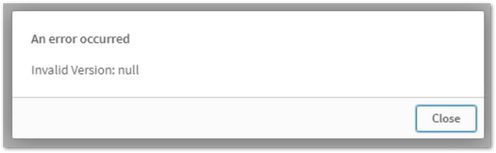
Importing a Qlik Sense app (.qvf file) in the Qlik Sense Enterprise on Windows hub or Management Console results in:
Note: If you receive this error with different versions of Qlik Sense or in our Cloud offering, additional investigation will be necessary. This particular article only covers a specific root cause.
Environment
Qlik Sense May 21 IR
Qlik Sense Aug 21 IR
Qlik Sense Nov 21 IR
Resolution
This is a defect found in Qlik Sense 21. The fix is included in the relevant patches.
Workaround:
Open the QVF in Qlik Sense Desktop
Make changes in the Data Load Editor (what changes are irrelevant)
Save the Changes
Import the App through the Qlik Sense Management Console