It is possible to filter records based on range values set in the 'Filter' Window. This article is an example of setting this up as opposed to setting a Record Level or a Full Load Pass thru filter. We are filtering user_id values 25 and less.
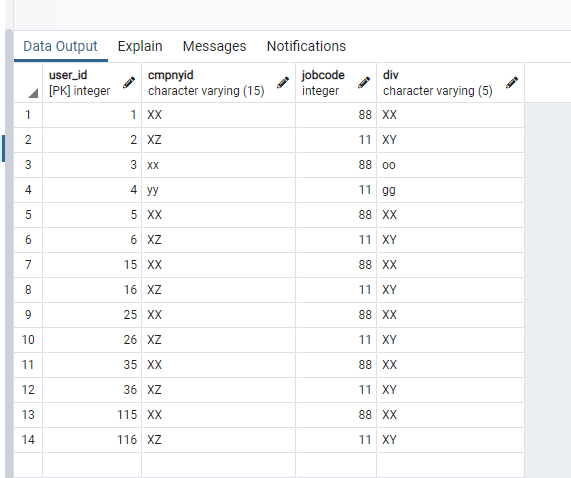
Source table:
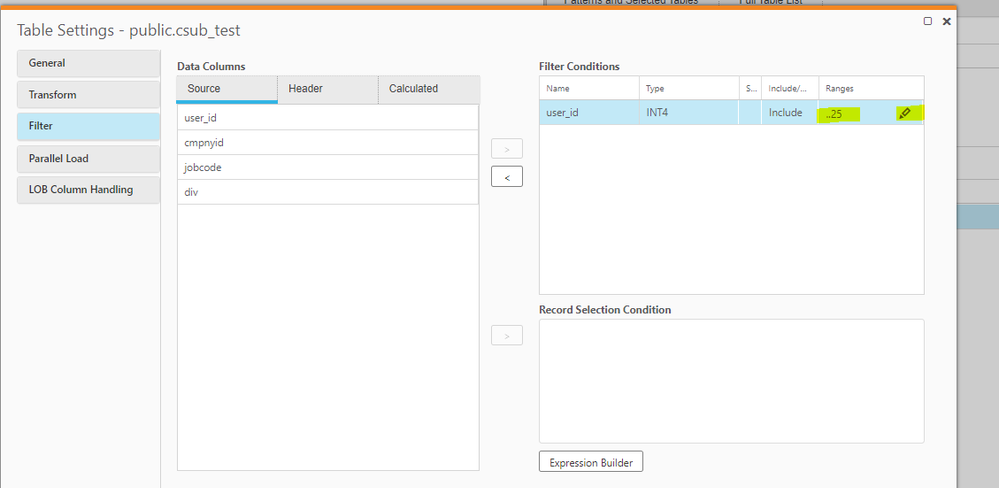
Within Task Designer -> Table Settings -> Filter
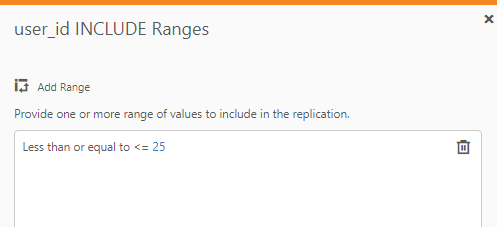
By clicking on the edit button:
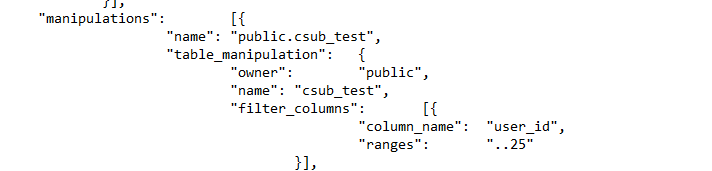
If you export your task to see how it looks in .json format:
The information in this article is provided as-is and to be used at own discretion. Depending on tool(s) used, customization(s), and/or other factors ongoing support on the solution below may not be provided by Qlik Support.
What is the syntax (i.e. what does it look like in the Qlik Replicate UI) when filtering on a string or character value? Are single quotes, double quotes, etc. required?


.png "Former Employee")