Unlock a world of possibilities! Login now and discover the exclusive benefits awaiting you.

- Qlik Community
- :
- Forums
- :
- Analytics & AI
- :
- Products & Topics
- :
- Visualization and Usability
- :
- Re: Continuous Line Chart
- Subscribe to RSS Feed
- Mark Topic as New
- Mark Topic as Read
- Float this Topic for Current User
- Bookmark
- Subscribe
- Mute
- Printer Friendly Page

- Mark as New
- Bookmark
- Subscribe
- Mute
- Subscribe to RSS Feed
- Permalink
- Report Inappropriate Content
Continuous Line Chart
Good Morning,
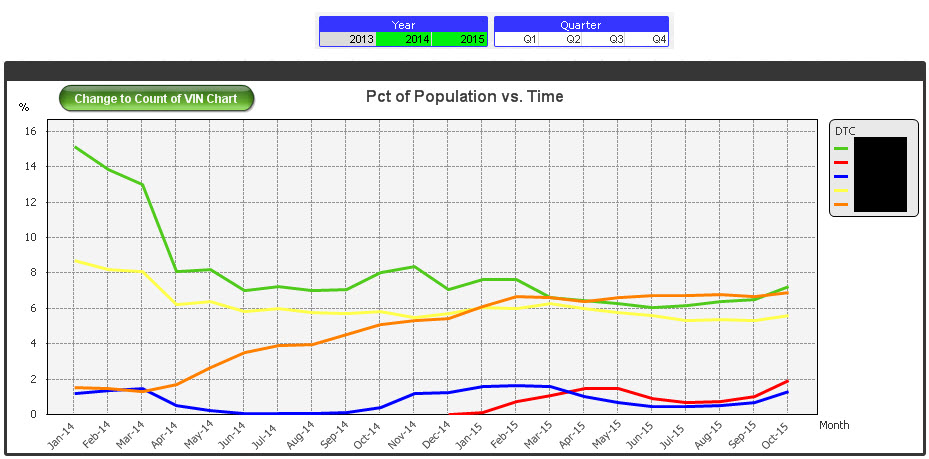
How do I create a line chart that will show months and years on the x-axis?
I want it to run Jan - Dec 2014 and the same for 2015, but I can only seem to make a graph that has the Jan - Dec axis, but then 2 lines for the year.
Thanks
Dan
Accepted Solutions

 sunny_talwar
- Mark as New
- Bookmark
- Subscribe
- Mute
- Subscribe to RSS Feed
- Permalink
- Report Inappropriate Content
I am guessing that you have two dimensions in your chart- > Month and Year? Try using this as your dimension -> Month & ' ' & Year
sunny_talwar
- Mark as New
- Bookmark
- Subscribe
- Mute
- Subscribe to RSS Feed
- Permalink
- Report Inappropriate Content
I am guessing that you have two dimensions in your chart- > Month and Year? Try using this as your dimension -> Month & ' ' & Year
- Mark as New
- Bookmark
- Subscribe
- Mute
- Subscribe to RSS Feed
- Permalink
- Report Inappropriate Content
I would do it via a Month_Year field. So if you have a master calendar with individual dates you could create a field like this using the MonthName function:
MasterCalendar:
...
Date,
MonthName(Date) as MonthYear,
Year(Date) as Year...
Then you could have a line chart with MonthYear as the dimension and it would still respond to selections in the Year, Month, Date fields. Something like this:
EDIT: in my App the MonthYear field is just named Month (x-axis in the picture). MonthName() by default will have this format: 'MMM YYYY'. I changed mine to 'MMM-YY' format.
- Mark as New
- Bookmark
- Subscribe
- Mute
- Subscribe to RSS Feed
- Permalink
- Report Inappropriate Content
Si Quieres que te Quede Como en El Gráfico solitario deberías dejan en Dimensiones mes y año por Separado.

- Mark as New
- Bookmark
- Subscribe
- Mute
- Subscribe to RSS Feed
- Permalink
- Report Inappropriate Content
Hi Sunny,
Thanks that worked apart from the chart is now running in an incorrect order.
I have Jan - Dec 2015, Jan - Dec 2014
I want to have it the opposite so that Dec 14 joins to Jan 15.
I have tried to use the sort, but nothing seems to work.
Any ideas?
sunny_talwar
- Mark as New
- Bookmark
- Subscribe
- Mute
- Subscribe to RSS Feed
- Permalink
- Report Inappropriate Content
Change the dimension to this:
Date#(Month & ' ' & Year, 'MMM YYYY')
- Mark as New
- Bookmark
- Subscribe
- Mute
- Subscribe to RSS Feed
- Permalink
- Report Inappropriate Content
That's because this Month & ' ' & Year is interpreted as text, not a dual date. You could try the suggestion from Sunny T using the Date#() function but I think you might get errors because you will be trying to assign a date value and only specifying a month and a year (with no day). If you are going to use that approach (instead of MonthStart() or MonthName()) then I would suggest this:
Date( Date#(1&' '&Month&' '&Year,'D MMM YYYY'), 'MMM YYYY')