Unlock a world of possibilities! Login now and discover the exclusive benefits awaiting you.

- Qlik Community
- :
- Forums
- :
- Analytics & AI
- :
- Products & Topics
- :
- Visualization and Usability
- :
- Re: Displaying specific data in Table
- Subscribe to RSS Feed
- Mark Topic as New
- Mark Topic as Read
- Float this Topic for Current User
- Bookmark
- Subscribe
- Mute
- Printer Friendly Page

 berryandcherry6
- Mark as New
- Bookmark
- Subscribe
- Mute
- Subscribe to RSS Feed
- Permalink
- Report Inappropriate Content
Displaying specific data in Table
Hi all,
I am putting a table of columns quick_tips_question_id and question_text. I want it to show only for question_type "Multiple Choice" .
I have used below expression for quick_tips_question_id and question_text dimension.
if(GetSelectedCount(subject_header)>0,quick_tips_question_id)
if(GetSelectedCount(subject_header)>0,question_text)
How could i do this. Please help me in this.
Regards,
Supriya
- Tags:
- simple table

 arulsettu
- Mark as New
- Bookmark
- Subscribe
- Mute
- Subscribe to RSS Feed
- Permalink
- Report Inappropriate Content
hi
may be like this
if(quick_tips_question_type='Multiple Choice',quick_tips_question_type)
berryandcherry6
- Mark as New
- Bookmark
- Subscribe
- Mute
- Subscribe to RSS Feed
- Permalink
- Report Inappropriate Content
Hi ,
Thanks for reply.
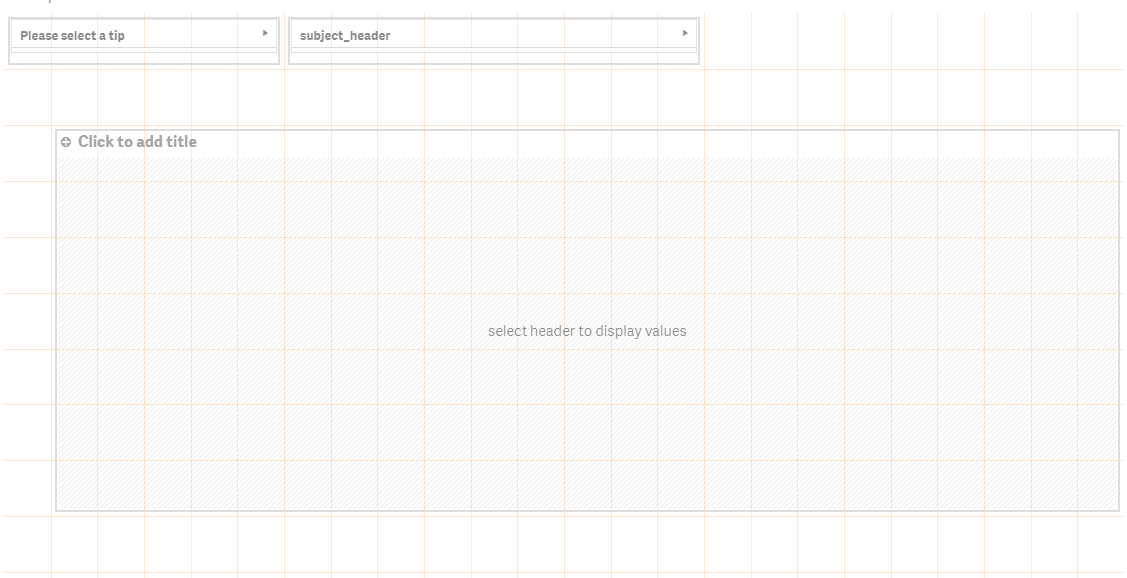
I am using filter,if row in filter is selected then only i am making to display datas or chart.
To make happen like this i am using 'GetSelectedCount(subject_header)>0'. How could i put the condition so that it take this condition also.
Regards,
Supriya
 sasiparupudi1
- Mark as New
- Bookmark
- Subscribe
- Mute
- Subscribe to RSS Feed
- Permalink
- Report Inappropriate Content
In the straight table
use a calculation condition :GetSelectedCount(subject_header)>0 to show the details in the table or in the layout to use a conditional display.
create
dimension: quick_tips_question_id
expression Only({<quick_tips_question_type={'Multiple Choice'}>}question_text
hth
Sasi
arulsettu
- Mark as New
- Bookmark
- Subscribe
- Mute
- Subscribe to RSS Feed
- Permalink
- Report Inappropriate Content
like this?