Unlock a world of possibilities! Login now and discover the exclusive benefits awaiting you.

Announcements
Want to see what's currently in public preview? We've pulled it all together in one place. Check it out here
- Qlik Community
- :
- Forums
- :
- Analytics & AI
- :
- Products & Topics
- :
- Visualization and Usability
- :
- Operations Monitor - No activity is associated wit...
Options
- Subscribe to RSS Feed
- Mark Topic as New
- Mark Topic as Read
- Float this Topic for Current User
- Bookmark
- Subscribe
- Mute
- Printer Friendly Page
Turn on suggestions
Auto-suggest helps you quickly narrow down your search results by suggesting possible matches as you type.
Showing results for

 JustinDallas
Specialist III
2020-09-15
11:15 AM
- Mark as New
- Bookmark
- Subscribe
- Mute
- Subscribe to RSS Feed
- Permalink
- Report Inappropriate Content
Operations Monitor - No activity is associated with your current selections
Hello Folks,
I'm on QS Apr 2020 Patch #2. When I go to my Operations Monitor dashboard, for some of the sheets, they are filled with the text "No activity is associated with your current selections"
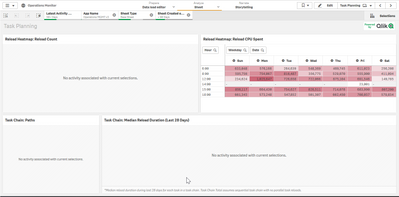
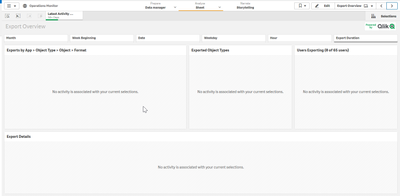
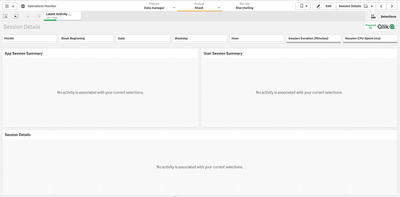
I know people are using the application, so their should be data.
What I've tried.
1. I've tried restoring the Operations Monitor from "C:\ProgramData\Qlik\Sense\Repository\DefaultApps" to no avail.
I'm unsure of what to do next. I use this particular dashboard to judge usage and hardware capacity limits.
889 Views
0 Replies
