Unlock a world of possibilities! Login now and discover the exclusive benefits awaiting you.

- Qlik Community
- :
- Forums
- :
- Analytics & AI
- :
- Products & Topics
- :
- Visualization and Usability
- :
- Re: Qlik Sense Num Format for Calculated Dimension
- Subscribe to RSS Feed
- Mark Topic as New
- Mark Topic as Read
- Float this Topic for Current User
- Bookmark
- Subscribe
- Mute
- Printer Friendly Page

 h_prakash
- Mark as New
- Bookmark
- Subscribe
- Mute
- Subscribe to RSS Feed
- Permalink
- Report Inappropriate Content
Qlik Sense Num Format for Calculated Dimension
Hi All,
This is In Qlik Sense
I am trying to convert one dimension in to Number format.
Dimension Called Project Number and I need to show the all the Active project numbers. so I have written like this
Dimension:
if(Status='Active', [Project Number]) in the front end.
But in the out put of this dimension I am getting in string format. I have tried both Num() and Num#()
Num(if(Status='Active', [Project Number])),
if(Status='Active', Num([Project Number]) ),
Num#(if(Status='Active', [Project Number])),
if(Status='Active', Num#([Project Number]) )
But still I am getting in the string format.
Please help.
Thanks
Prakash
- Tags:
- num expressions
 sibusiso90
- Mark as New
- Bookmark
- Subscribe
- Mute
- Subscribe to RSS Feed
- Permalink
- Report Inappropriate Content
In qlik Sense you need to fully define it
for example num(sales, '# ##0.##','.',' ') were the first one shows the format the second one shows the decimal delimiter and the third one shows the thousand delimiter.
sibusiso90
- Mark as New
- Bookmark
- Subscribe
- Mute
- Subscribe to RSS Feed
- Permalink
- Report Inappropriate Content
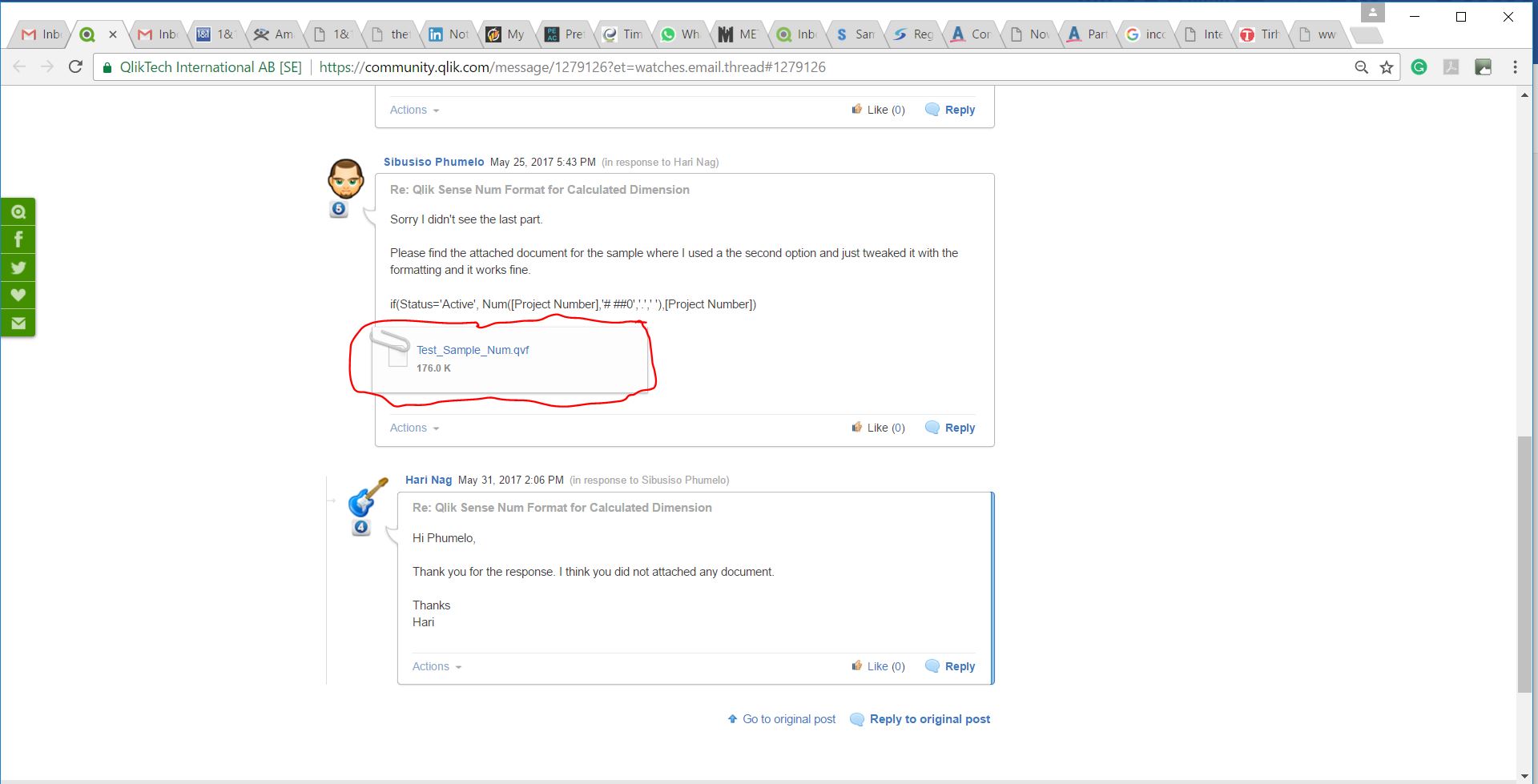
Sorry I didn't see the last part.
Please find the attached document for the sample where I used a the second option and just tweaked it with the formatting and it works fine.
if(Status='Active', Num([Project Number],'# ##0','.',' '),[Project Number])
h_prakash
- Mark as New
- Bookmark
- Subscribe
- Mute
- Subscribe to RSS Feed
- Permalink
- Report Inappropriate Content
Hi Phumelo,
Thank you for the response. I think you did not attached any document.
Thanks
Hari
sibusiso90
- Mark as New
- Bookmark
- Subscribe
- Mute
- Subscribe to RSS Feed
- Permalink
- Report Inappropriate Content
This is the attachment I added. It is my second response, you may be looking at it from your inbox. maybe if you can go to the original response you will see the attachment.