Unlock a world of possibilities! Login now and discover the exclusive benefits awaiting you.

- Qlik Community
- :
- Forums
- :
- Analytics & AI
- :
- Products & Topics
- :
- Visualization and Usability
- :
- Re: Qlik Sense iFrame - Not visible
- Subscribe to RSS Feed
- Mark Topic as New
- Mark Topic as Read
- Float this Topic for Current User
- Bookmark
- Subscribe
- Mute
- Printer Friendly Page

 guruprem
- Mark as New
- Bookmark
- Subscribe
- Mute
- Subscribe to RSS Feed
- Permalink
- Report Inappropriate Content
Qlik Sense iFrame - Not visible
Hi,
I am trying use Qlik Sense sheet in an iFrame. Following is my simple HTML with the iFrame generated by single configurator
<HTML>
<H1>This is an example of a Qlik Sense in a simple iFrame</H1>
<iframe style="height:400;width:800" src="https://192.168.0.75/single/?appid=946baf40-0b38-4ccb-8a86-e518051bf0e8&sheet=pLkkBj&opt=nointeracti...' style='border:none;"></iframe>
</HTML>
When I open this HTML is Chrome rest of the page is appearing fine expect iFrame. Here is the screenshot

guruprem
- Mark as New
- Bookmark
- Subscribe
- Mute
- Subscribe to RSS Feed
- Permalink
- Report Inappropriate Content
Additional Information is when I inputted URL from sense-demo.qlik.com The ouput is as expected
Code looks like this when I refer demo website iFrame
<html>
<head>
<title>Test</title>
</head>
<body>
<p>This is an example of a Qlik Sense in a simple iFrame</p>
<iframe
style='position: absolute; height: 100%; width: 100%;border:none; scroll: no'
></iframe>
</body>
</html>
The Output is:
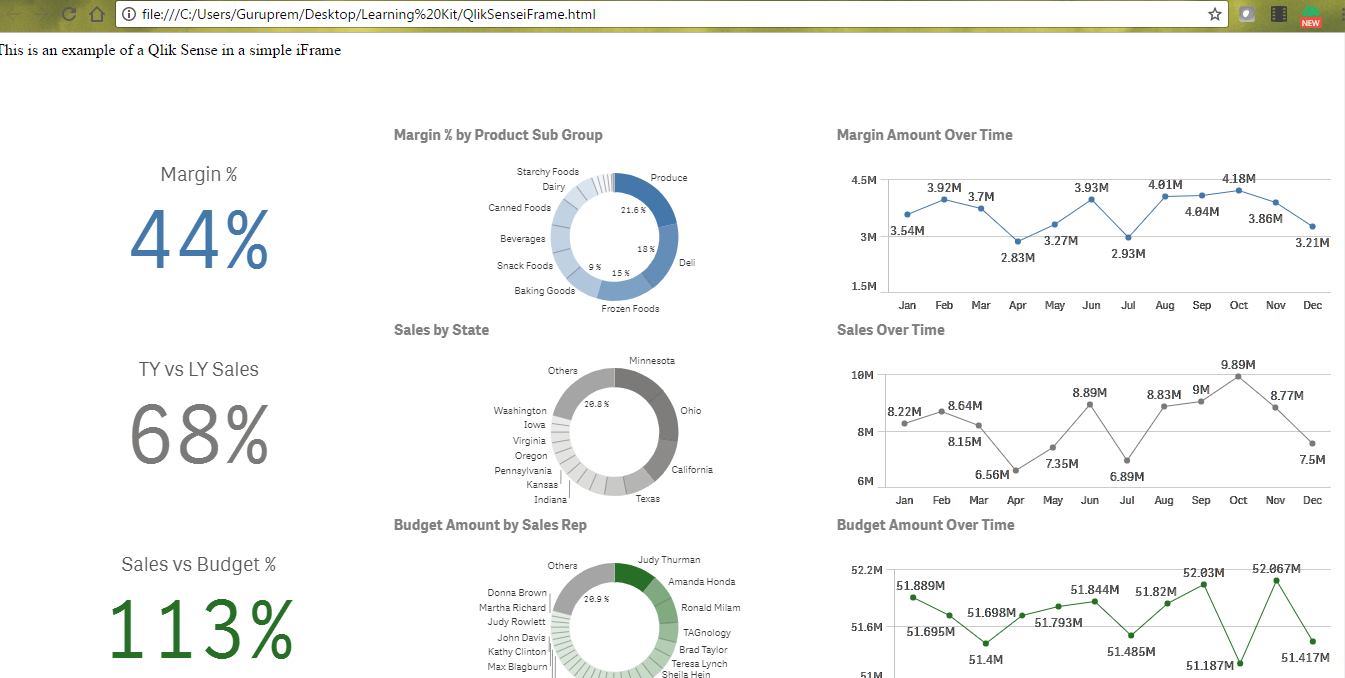
Can any expert suggest me why the iFrame is not visible with my server url?
guruprem
- Mark as New
- Bookmark
- Subscribe
- Mute
- Subscribe to RSS Feed
- Permalink
- Report Inappropriate Content
Hi,
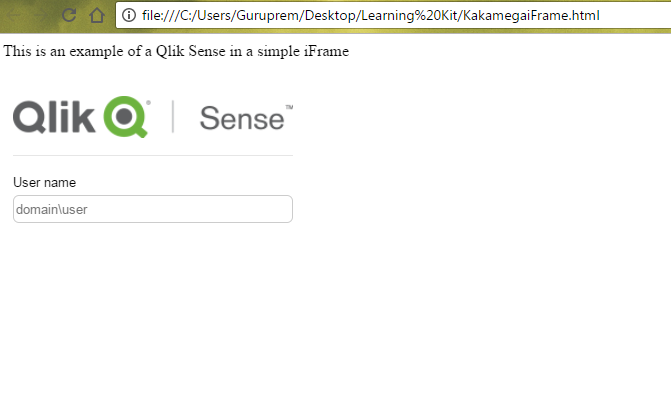
I found that in a http page it is not advisable to showcase https iframe so now I tried http iframe.
Things are slightly positive but. Now one more issue raised that is authentication. currently, the page is appearing like below with only username field not showing any password field. Another thing since it iFrame chrome is not doing single sign on.