Unlock a world of possibilities! Login now and discover the exclusive benefits awaiting you.

- Qlik Community
- :
- Forums
- :
- Analytics & AI
- :
- Products & Topics
- :
- Connectivity & Data Prep
- :
- Re: Qlik Sense Cannot Initialize Add Data
- Subscribe to RSS Feed
- Mark Topic as New
- Mark Topic as Read
- Float this Topic for Current User
- Bookmark
- Subscribe
- Mute
- Printer Friendly Page

- Mark as New
- Bookmark
- Subscribe
- Mute
- Subscribe to RSS Feed
- Permalink
- Report Inappropriate Content
Qlik Sense Cannot Initialize Add Data
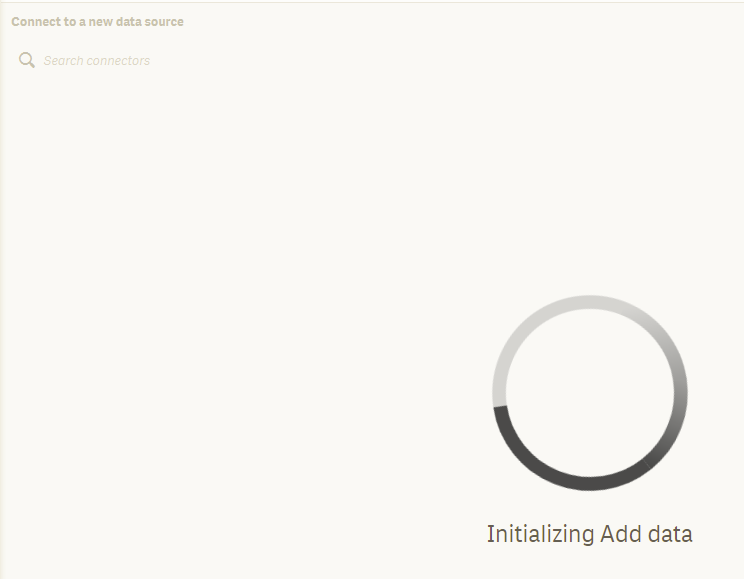
I installed Qlik Sense Desktop SR 3.16 on my work PC to try it out for my company. However, I cannot get past the "Initialize Add Data" screen when trying to load data. I've searched for solutions on this site but none works for me. Can anyone provide help?


 ToniKautto
- Mark as New
- Bookmark
- Subscribe
- Mute
- Subscribe to RSS Feed
- Permalink
- Report Inappropriate Content
Hi,
Qlik Sense Desktop 3.1 expired on May 30, 2017. This is not a major problem, it just means that you need to download the latest Qlik Sense Desktop version for your evaluation, to include all the currently available functions and features.
The current release is June 2017 and can be found on the Qlik website.
- Mark as New
- Bookmark
- Subscribe
- Mute
- Subscribe to RSS Feed
- Permalink
- Report Inappropriate Content
Hi,
I am having the same issue, while having the latest version (June 2017)...
ToniKautto
- Mark as New
- Bookmark
- Subscribe
- Mute
- Subscribe to RSS Feed
- Permalink
- Report Inappropriate Content
Please try the following two options;
- Make sure the user running Qlik Sense Desktop has full control to folder C:\Users\<username>\AppData\Local\Programs\Qlik\Sense\DataPrepService
- Run installation file with admin privilege and do a repair installation. Right click on installer file and select "Run as Administrator"
- Mark as New
- Bookmark
- Subscribe
- Mute
- Subscribe to RSS Feed
- Permalink
- Report Inappropriate Content
I have the same issue in Qlik Cloud. Is this a known issue? I get this screen and it keeps spinning indefinitely.