Thank you for your feedback on ways to improve our product. While this is something we understand would be useful, it's not on the short-term roadmap. Please continue to show your support for this idea.
Please note that the network chart is still open source:
Feel free to fork and suggest pull requests for improvements and bug fixes. Changes will be moderated and reviewed before inclusion in future bundle versions. Please note that emphasis is on backward compatibility, i.e. breaking changes will most likely not be approved.
Fyi, the map chart has a nice line layer with arrows which can be used for graphs. Check out
Sadly, I don't have the skills in javascript to fork the network chart or design my own extension (I can understand the lines and edit a few but it's more a copy-pasta thing). Acquiring this would take weeks or months.
About the map chart : I already use the line layer with arrow for a chart for a process study : a node for a step and a line for the quantity of product between the two steps. It was very well welcomed by the users, especially because you can see the fork of the bypassed steps. It was the first time they saw the stream of products this way.
But here, it's not the same use case : I have more than hundreds of nodes that I have to place and the calculation of where I have to put it is a real nightmare.
@simonaubert FWIT, I've used the network chart in vis.js together with Sense data, but it took some significant Javascript and web development to make that happen.
The feature set of vis.js is pretty good though, so I'd be super happy if something similar could be added to the Qlik Sense network chart. Just not enough time to work on it..
As mentioned in previous post I've used this new version in a few projects - it's pretty slick. The best approach would be to port the extension to make it use the newer vis.js. Again - time... Anyone interested/with time to spare?
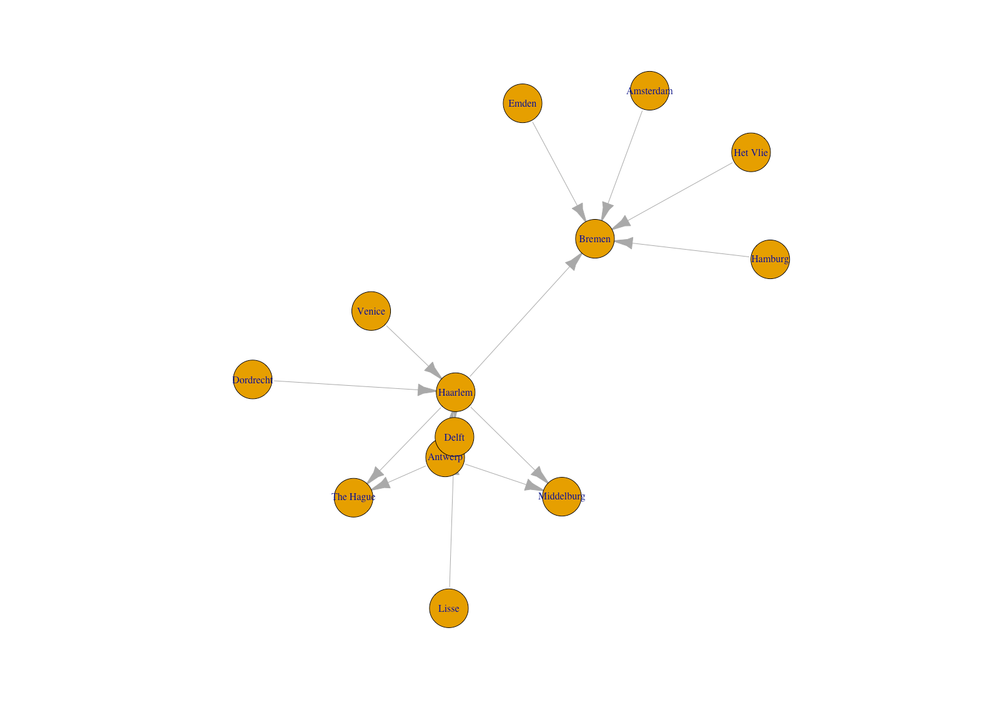
I have updated the extension to include arrows, se examples below.
Questions for you/others:
1. As there are lots of options that could be potentially exposed to the developer, I've added sections (Nodes, Edges, General) in the property pane. Does this make sense?
2. Anything else beyond edge arrows that should be prioritised at this point? To give you an idea of what can be done, here are some examples.
My current plan is to release a new version of the extension with edge arrows, then let Qlik review it and hopefully include it in future Sense versions. But there are lots of things that could be added in future versions - let's discuss what could be useful.
Ah there were some other suggestions in the forum, cool. I don’t think they can be implemented simply by exposing some properties of the underlying vis library, i.e. some (or a lot) of coding required.
The thing I am debating myself is whether to implement per-node properties or not. Right now you can specify that ALL nodes should be dot-shaped or diamond-shaped or … My experience from working with network charts in the past indicate that you usually want to control the property of individual nodes. E.g. some nodes should be rectangular, some triangular, some diamonds etc.
Same for node colors, line types (dashed/dotted/solid) etc.
This is supported by the underlying vis library, the question is how we can be expose it via the extension. This will require some thought, I am thus inclined to release current version (where edge arrows have been added) for now.
@mountaindudeHello. I'm very sorry but I don't manage to use what you develop. Usually, we got a .qext and a few .js but there ? Can you share on github how you use it ?