Unlock a world of possibilities! Login now and discover the exclusive benefits awaiting you.

Recent Documents
-
Talend Job execution using Apache Airflow
Apache Airflow is a platform to programmatically author, schedule, and monitor workflows. Airflow uses Directed Acyclic Graph (DAG) to create workflow... Show MoreApache Airflow is a platform to programmatically author, schedule, and monitor workflows. Airflow uses Directed Acyclic Graph (DAG) to create workflows or tasks. For more information, see the Apache Airflow Documentation page.
This article shows you how to leverage Apache Airflow to orchestrate, schedule, and execute Talend Data Integration (DI) Jobs.
Environment
- Apache Airflow 1.10.2
- Nexus 3.9
- WinSCP 5.15
- PuTTY
Prerequisites
- Apache Airflow installed on a server (follow the Installing Apache Airflow on Ubuntu/AWS installation instructions).
- Python 2.7 installed on the Airflow server.
- Java 1.8 installed on the Airflow server.
- Access to the Nexus server from the Airflow server (in this example, both Nexus and Airflow are installed on the same server).
- Talend 7.x Jobs published to the Nexus repository. (For more information on how to set up a CI/CD pipeline to publish Talend Jobs to Nexus, see Configuring Jenkins to build and deploy project items in the Talend Help Center.)
- Access to the setup_files.zip file (attached to this article).
Process flow
- Develop Talend DI Jobs using Talend Studio.
- Publish the DI Jobs to the Nexus repository using Talend CI/CD module.
- Execute the Directed Acyclic Graph (DAG) in Apache Airflow:
- The first step in DAG is to download the Job executable from Nexus using the customized script.
- The second step is to execute the downloaded Job.
Configuration and execution
- Login to the Airflow server through SSH using WinSCP or PuTTY.
-
Create two folders named jobs and scripts under the AIRFLOW_HOME folder.
-
Extract the setup_files.zip, then copy the shell scripts (download_job.sh and delete_job.sh) to the scripts folder.
-
Copy the talend_job_dag_template.py file from the setup_files.zip to your local machine and update the following:
- nexus_host
- nexus_port
- airflow_home
- nexus_repo
- job_group_id
- job_name
- job_version
Also, update the default_args dictionary based on your requirements.
For more information, see the Apache Airflow documentation: Default Arguments.
-
The DAG template provided is programmed to trigger the task externally. If you plan to schedule the task, update the schedule_interval parameter under the DAG for airflow task with values based on your scheduling requirements.
For more information on values, see the Apache Airflow documentation: DAG Runs.
- Rename the updated template file and place it in the dags folder under the AIRFLOW_HOME folder.
-
After the Airflow scheduler picks up the DAG file, a compiled file with the same name and with a .pyc extension is created.
-
Refresh the Airflow UI screen to see the DAG.
Note: If the DAG is not visible on the User Interface under the DAGs tab, restart the Airflow webserver and the Airflow scheduler.
- To schedule the task, toggle the button to On. You can also run the task manually.
- Monitor the run status on the Airflow UI.
Conclusion
In this article, you learned how to author, schedule, and monitor workflows from the Airflow UI, and how to download and trigger Talend Jobs for execution.
-
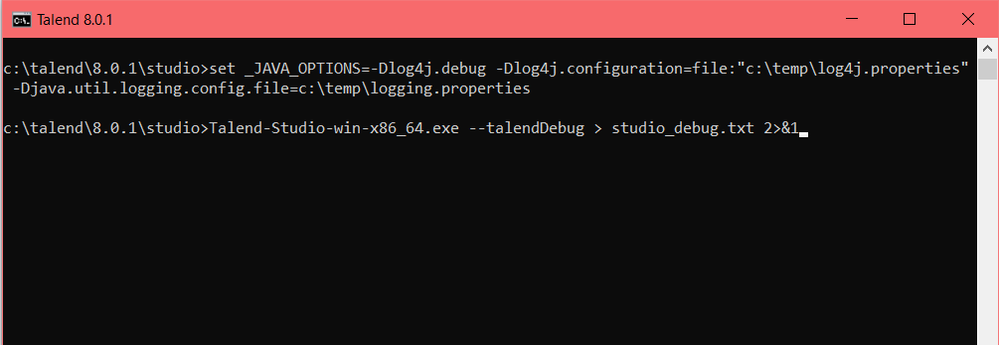
How to generate a trace for the HTTP requests executed by Studio
Question How do you generate a trace of the HTTP requests executed by the Talend Studio without using a third-party tool? Answer 1. Create a lo... Show More -
Configuring SVN when proxy is involved
Talend Version 6.1.1 Summary Configuring SVN when proxy is involved.Additional Versions6.2.1Key wordssvn proxy tacProductTalend Data Integr... Show More -
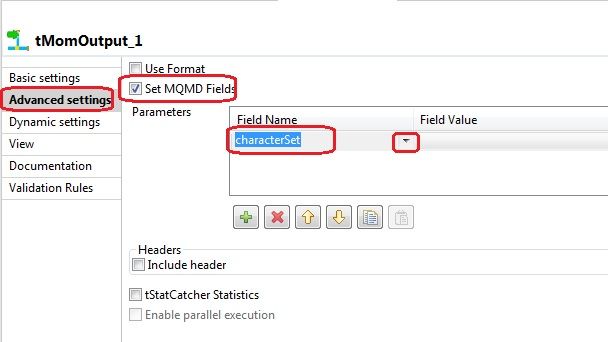
Which encoding does tMomOutput use?
Question If not specified, which encoding/code-page does tMomOutput use? Answer tMomOutput will use the default encoding of the machin... Show More -
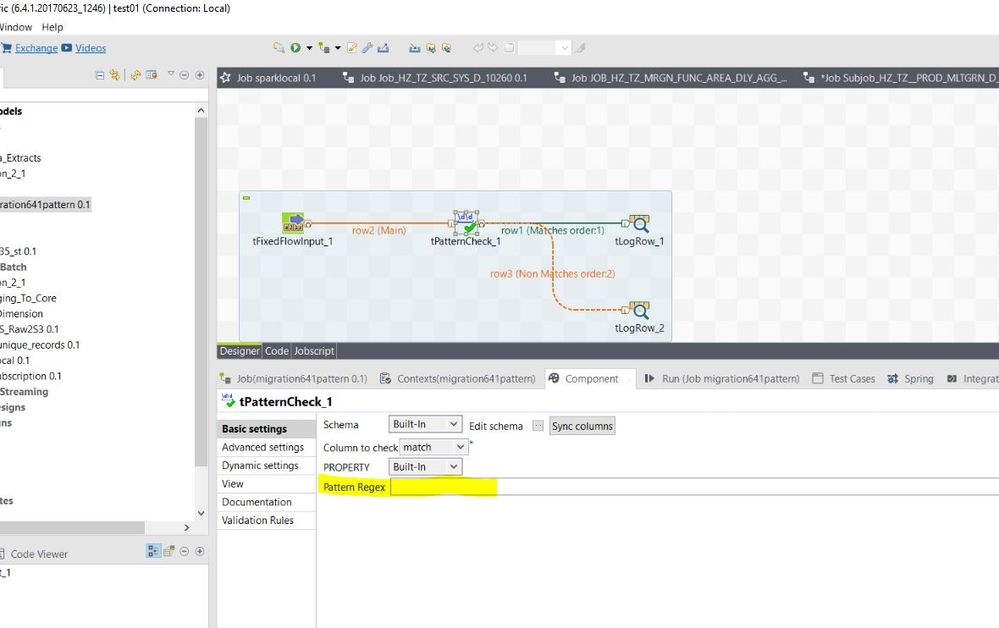
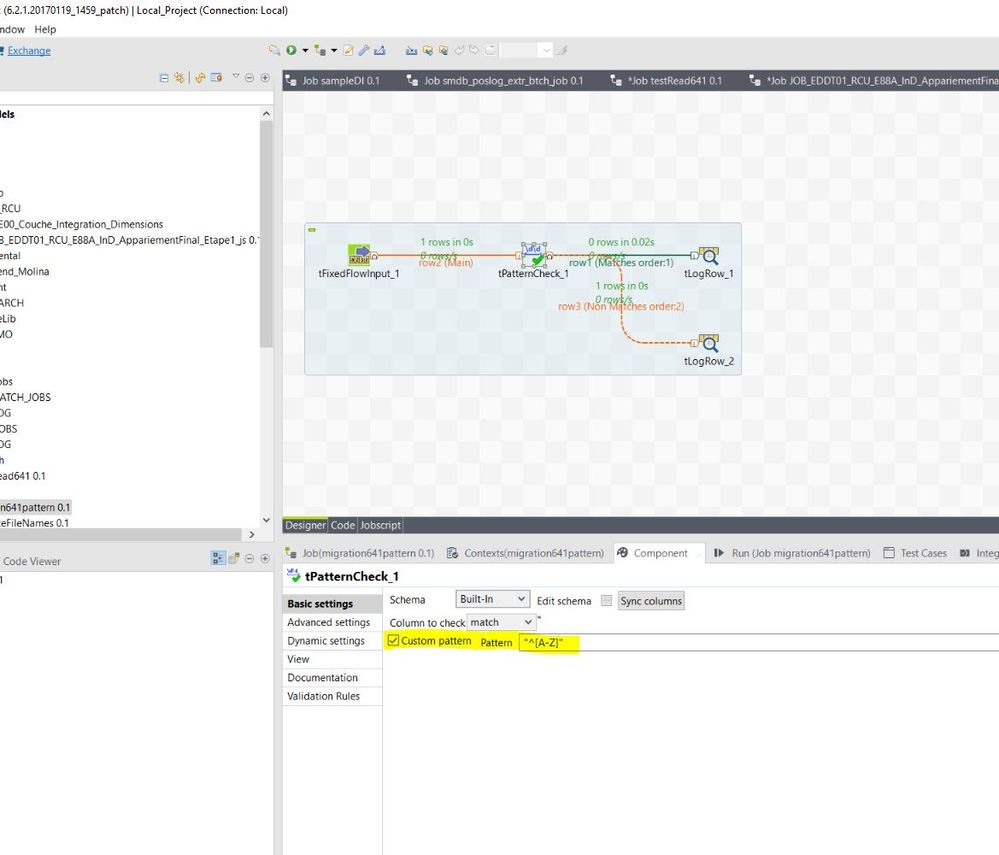
tPatternCheck component loses custom pattern after migrating from 6.2.1 to 6.4.1
Talend Version v6.4.1 Summary The tPatternCheck component loses a custom pattern after migrating from 6.2.1 to 6.4.1.Additional Versions Produ... Show More -
Is there a way to use the log4j Talend instance to log in the Jobs?
Question Which log4j logger instance should be used to log inside a Job? Answer The tJava component allows you to use the existing log instance o... Show More -
Performance decrease when using the tMSSqlOutput component in Talend 6.3.1
Problem Description After migrating from Talend 6.1.1 to Talend 6.3.1, a decrease in performance is observed when Jobs are writing data into a MS... Show More -
How to get the OracleLastInsertId?
Question Is there a component to get Oracle Last Insert ID similar to tMysqlLastInsertId component? Answer There is no component in Oracl... Show More -
'FeatureNotFoundException: Feature 'bigData' not found' error when open SVN proj...
Problem Description Opening an existing SVN project in Talend Studio, results in the following error message: The Studio error log displays ... Show More -
AMC nothing is displayed when connecting using TAC
Talend Version6.4 and 7.0 Summary Unable to display AMC records in TACAdditional Versions ProductDIComponentTACProblem DescriptionNothing is displa... Show More -
Talend Administration Center with an AWS RDS database over SSL
Problem description Set up Talend Administration Center and SSL enabled on AWS RDS MySQL to transmit their data over SSL on a network from the DB... Show More -
Running a job from TAC, you get a "tGEGreenplumGPLoad_1 gpload failed" error
Talend Version 6.3.1 Summary While running a job from TAC, you get the following error in the Job Server logs: [FATAL]: coe_s.emp_ff_to_ge... Show More -
Hive Connection to Kerberized cluster
Talend Version 6.3.1 Summary Whenever you try to establish a connection to Hive using Talend Studio, the connection fails with the followi... Show More -
Installer hangs when validating the license file
Talend Version6.4.1 Summary The installer freezes while validating the license file.Additional Versions ProductTalend Data IntegrationComponent Pro... Show More -
Is it possible to maintain a shared TAC DB for multiple environments?
Problem Description You may have multiple instances of Talend Administration Center (TAC) representing a development layer, for example dev, test... Show More -
Compilation errors when tXSDValidator is set with 'Flow Mode'
Talend Version (Required) All versions Summary Additional Versions Product (Required)Data IntegrationComponent (Required)ComponentProblem Des... Show More -
How can you protect production passwords?
Question How can you protect production passwords, which can easily be seen by tContextDump? Talend Studio is primarily a development and t... Show More -
How to access AMC outside the TAC
Talend Version 6.2.1Key wordsAMCProductTalend Data IntegrationComponentActivity Monitoring Console (AMC)Article TypeUsageProblem Descriptio... Show More -
tWaitForFile component triggers too soon when handling large files
Problem Description A Job using a tWaitForFile component waits for the files to arrive in its input/scan directory. However, sometimes when a fil... Show More -
Qlik Talend Data Integration: Conversion of Oracle SCD to Oracle ELT SCD does no...
Conversion of Oracle SCD to Oracle ELT SCD isn't working. The tables previously loaded using the tOracleSCD component are not updating when using the ... Show MoreConversion of Oracle SCD to Oracle ELT SCD isn't working. The tables previously loaded using the tOracleSCD component are not updating when using the tOracleSCDELT component.
Resolution
Before using the tOracleSCDELT component on a table using a tOracleSCD component, modify the END_DATE column using the TRUNC function.
Update the END_DATE column in the table being implemented for SCD in the database, where Table_name is the target table that needs to be updated, as shown in the following SQL query:
UPDATE table_name set END_DATE=trunc(END_DATE)
This allows the updates to occur as expected.
Cause
This issue is due to the change in the default date formats. The change is not picked up by tOracleELTSCD component, and the table update doesn’t occur.
Format of Oracle SCD: DD-MM-YYYY 12:00:00
Format of Oracle ELT SCD: DD-MM-YYYY 00:00:00
Environment